All content © 2020, cmotion GmbH. All specications are subject to change without further notice.
http://www.cmotion.eu
page 55 of 120
6.2.3.3. LENS
The lens menu contains all settings related to lens les and lens le handling and consists
of:
Load
Unload
Save
Create
Edit
Duplicate
Delete
Import from USB
Import ARRI lens
Export to USB
Export ARRI lens
Lens View
Set iris
Set zoom
Circle of confusion
Sync cam data (status)
Note: A lens le must be loaded on the hand unit to view and use cPRO’s advanced features.
These include, lens data, pre-marked rings and sliders, and autofocus. Lens data can be
created on the cPRO / cPRO PLUS or cPRO ONE hand unit using the internal create lens
wizard or cworld. It is also possible to download and upload archive lens les (.cml) via the
USB port.
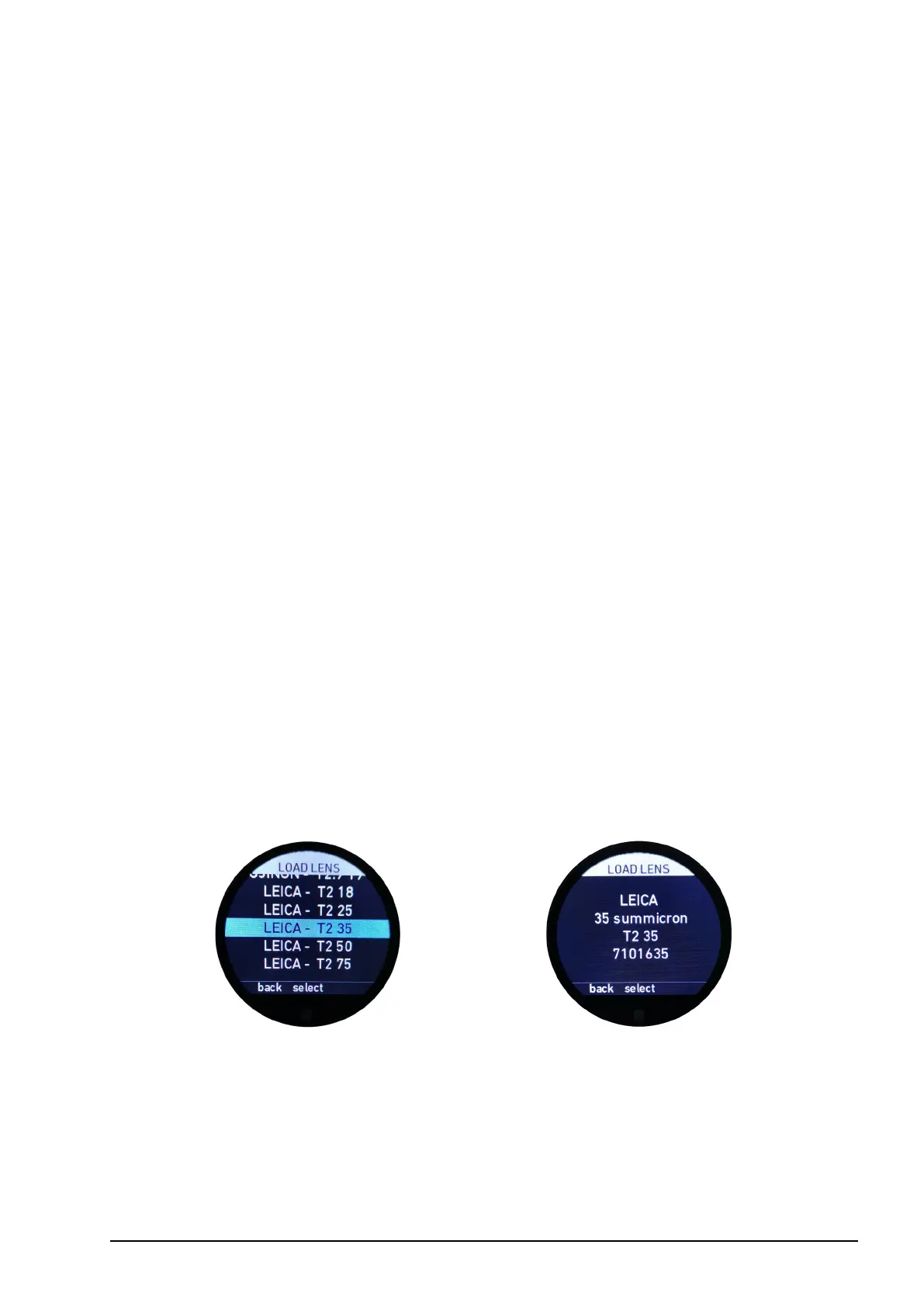
6.2.3.3.1. Load
The load menu allows you to load a lens le from the list of lens les stored in the cPRO /
cPRO PLUS or cPRO ONE hand unit’s internal memory. Up to 30 lens les can be stored
internally.
If you select a lens le form the dynamic list by pressing select (MB2) or by taping short
on the touch screen, the lens le will be loaded without further conrmation required.
MB3 allows you to select or deselect your favorite lens les. Favorite lens les will be
highlighted in yellow.
UB1 allows you to switch between your “favorites” list and the full list of lenses saved
on your hand unit. If you leave the menu from the favorites list using the “back” function



 To Next Page