All content © 2020, cmotion GmbH. All specications are subject to change without further notice.
http://www.cmotion.eu
page 92 of 120
In contrast to the time and speed ramps, the manual ramp can be reversed by simply
moving the assigned controller (e.g.slider) in the opposite direction back to its starting
position.
Pressing another target user button will change the target*. But, the ramp will still be
controlled manually by the assigned controller.
You can exit the manual ramp mode by turning the autofocus o (e.g. AF toggle). A
manual ramp towards the focus controller (Target M) allows full manual focus control at
any time.
The manual ramp feature allows you to creatively control the time and speed of the
focus shift between 2 targets without having to concentrate on the actual distance
of each subject. A manual ramp between an autofocus target and the manual focus
controller can provide a creative and seemless transition from autofocus to manual
focus.
Note: A manual ramp should always be completed by moving the ramp controller to its end
position.
* available with compatible rangenders oering more than one target
6.2.3.7.5.5. Multiple rangender targets*
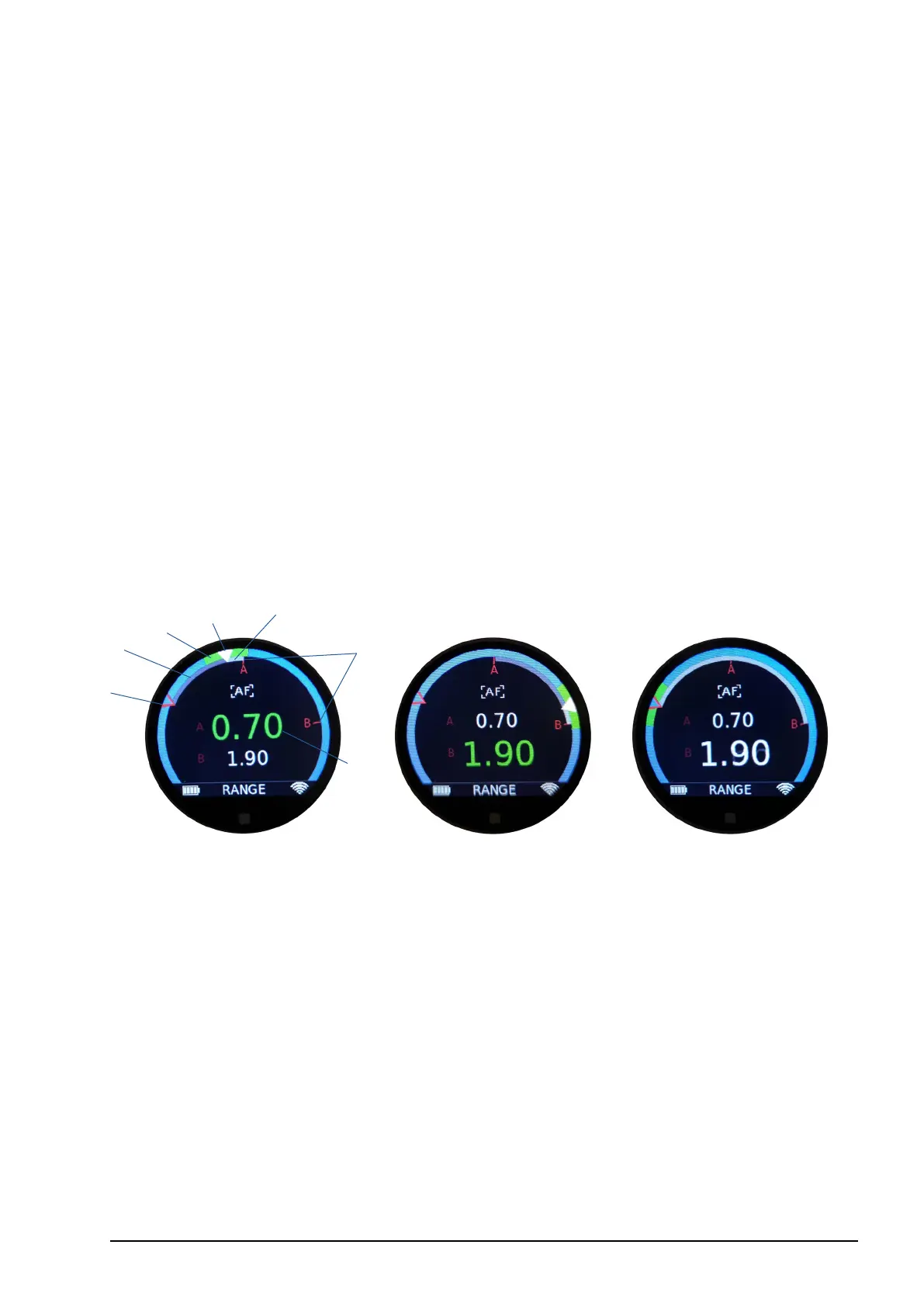
The cPRO lens control system supports AF ramp modes and visualization of up to 3
rangender targets and the manual focus controller.
1 Measured rangender distance (value)
2 Measured rangender distance (position)
3 Actual focus position (white)
4 Actual knob position (red)
5 Target direction indicator
6 Ramp progress bar
7 DOF range
For AF time and AF speed ramps, autofocus will be activated and the focus ramp will
start automatically as soon as a user button assigned to Target A, B, C or M has been
pressed. On the rangender main screen, the selected target will be highlighted using
the target direction indicator and the automatic ramp will be visualized. After nishing
the automatic ramp, the target will continue to be tracked.
Pressing another target user button function will start another automatic ramp to the
next target automatically. An automatic ramp mode can be quit directly by turning
the autofocus o (e.g. AF toggle) or by pressing Target M, which allows manual focus
control as soon as the automatic ramp is completed. Please also refer to section
“6.2.3.7.5.2. Time mode” on page 90 and section “6.2.3.7.5.3. Speed mode” on page
91 in this manual.
2
7
3
1
6
4
5



 To Next Page