All content © 2020, cmotion GmbH. All specications are subject to change without further notice.
http://www.cmotion.eu
page 36 of 120
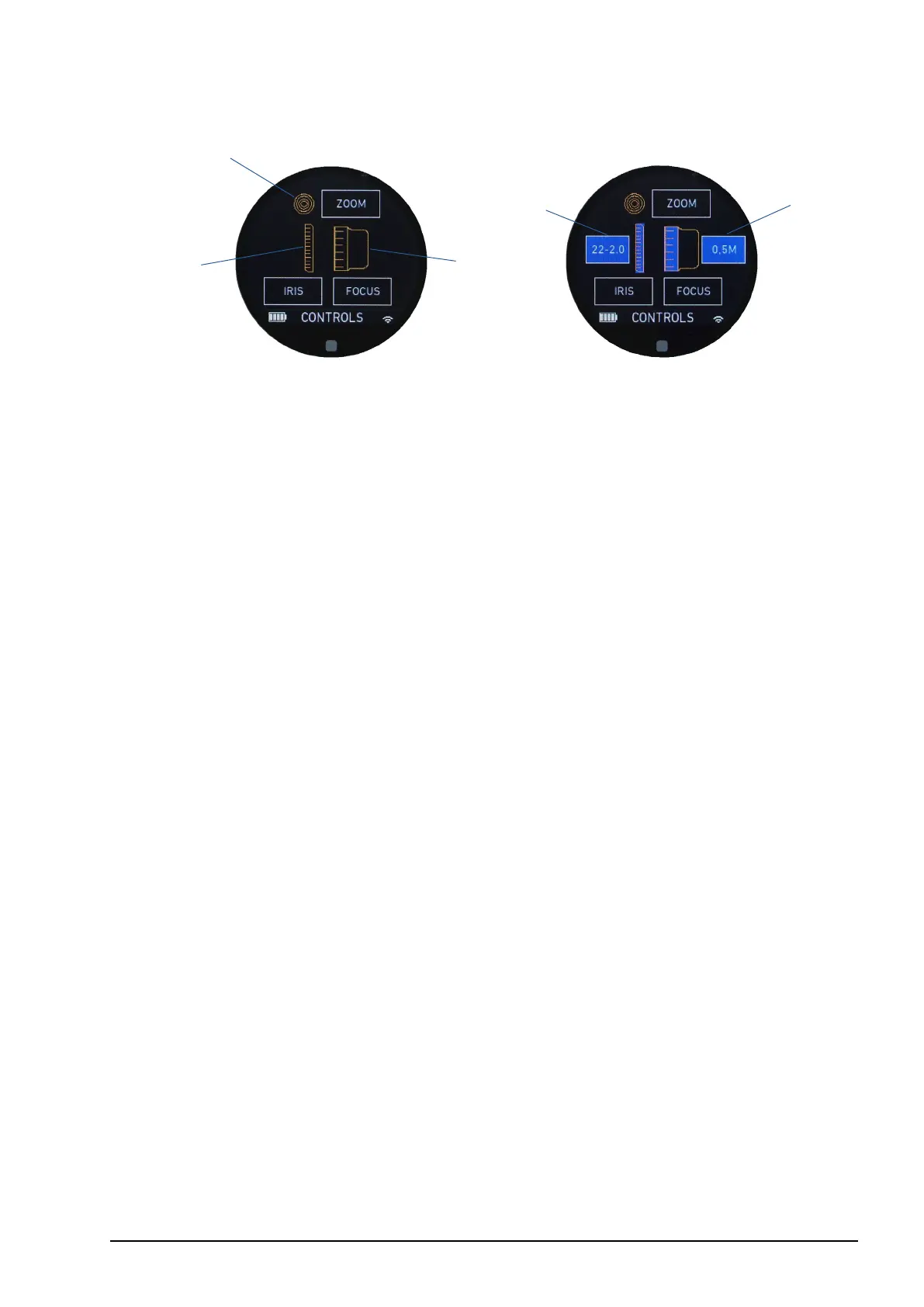
6.1.6. Controls main screen
1 Knob (assigned axis)
2 Slider (assigned axis)
3 Joystick (assigned axis)
4 Pre-marked focus ring loaded (type)
5 Pre-marked iris strip loaded (type)
The controls main screen displays information about the control interfaces; knob, slider
and joystick and their assigned axis; focus, iris and zoom. It also shows information about
loaded pre-marked focus rings and / or pre-marked iris strips.
Note: The controls adjustment menu can be accessed quickly from both controls main
screens by tapping and holding the touch display or by pressing and holding menu button
2 (MB2).
3
1
2
4
5
Controls main screen
Controls main screen with loaded
pre-marked focus ring / iris strip



 To Next Page