All content © 2020, cmotion GmbH. All specications are subject to change without further notice.
http://www.cmotion.eu
page 74 of 120
6.2.3.3.16.2. Feed metadata to selected cameras
Feeding FIZ metadata from the cPRO LCS to the camera is possible for ARRI Alexa Mini
/ Mini LF and Amira, for all RED cameras and for SONY Venice.
The metadata feed will start automatically as soon as at least one cPRO / cPRO PLUS or
cPRO ONE hand unit with a valid DATA license key is detected in the network and sync
cam is set to “on”. The data feed will stop once the hand unit with the valid DATA license
key is turned o.
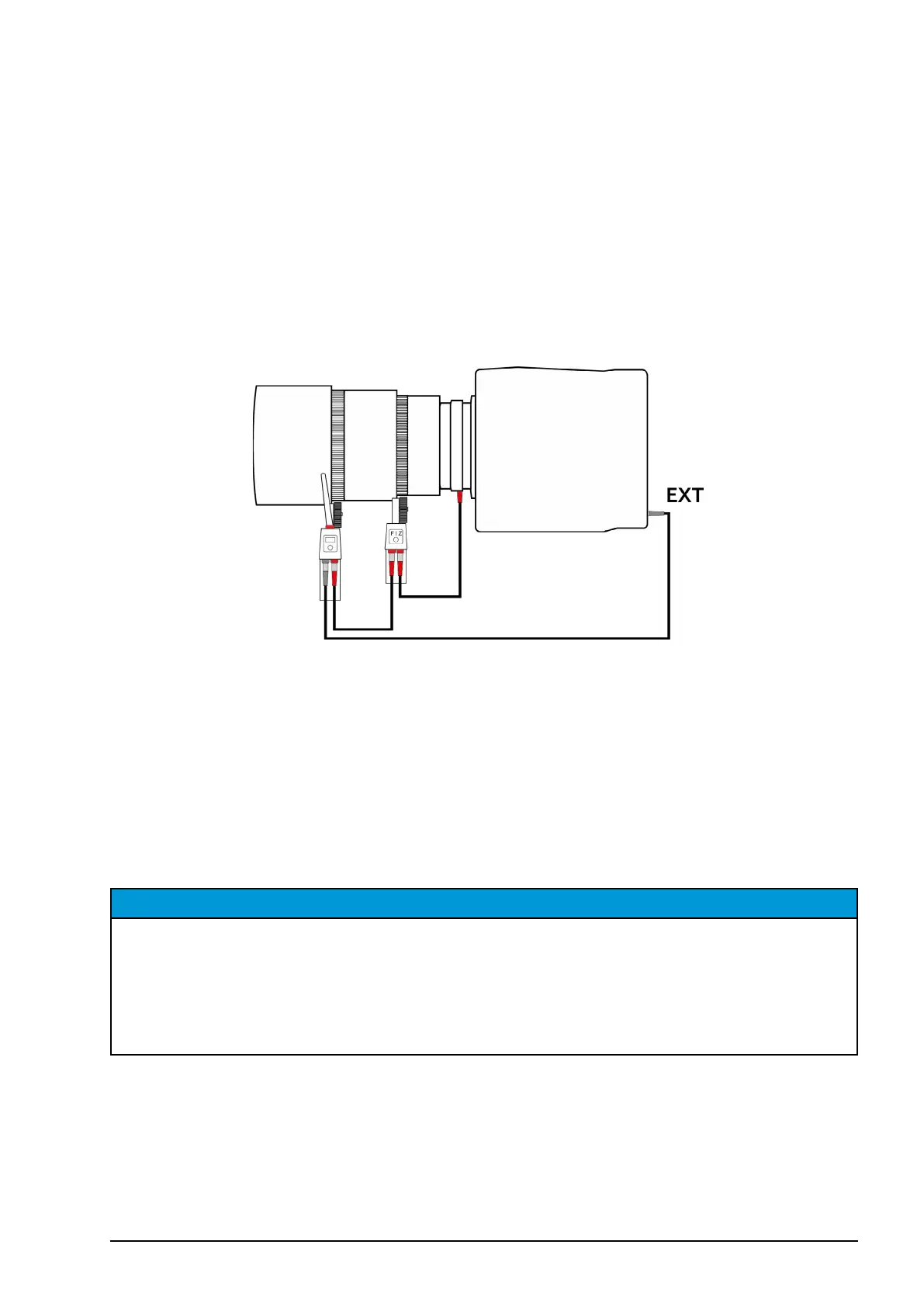
Set-up overview:
ARRI Alexa Mini / Mini LF:
Cables required: [K2.0015756] Cable CAM (7p) - EXT (6p) (camera control)
LBUS cable to loop into the LBUS lens mount
e.g. [K2.0006750] cable LCB-4 (data feed)
Power splitter cable recommended: [K2.0023823] Cable LBUS Star (0.2m/8in)
[C0JE-K79] Cable LBUS Star-2 (0.4m/16in)
Note: LBUS Star is a splitter cable that can be positioned anywhere within the LBUS daisy
chain to supply extra power from an additional power source.
NOTICE
To ensure lens metadata is recorded correctly, the motor direction (for ALL motors) must be
assigned to LEFT in the camera menu; (Electronic Control System (ECS) / LBUS lens motor
conguration). The motor teeth count for each axis must also be set to auto, or entered
manually. Motor “ramp” will be reset to SHORT when the cPRO motor is initialized. For
example, after rebooting the camera, rebooting the cPRO motor / camin or disconnecting
and reconnecting the cPRO motor / camin to the camera.



 To Next Page