All content © 2020, cmotion GmbH. All specications are subject to change without further notice.
http://www.cmotion.eu
page 45 of 120
The cPRO hand unit can save up to 5 user proles within its internal memory. However,
additional proles can be saved to and loaded from a USB when connected to the hand
unit.
Note: User proles will be deleted from the internal memory when performing a factory reset.
It is therefore recommended to save user proles to a USB before performing this process.
6.2.3.1.8.1. Load
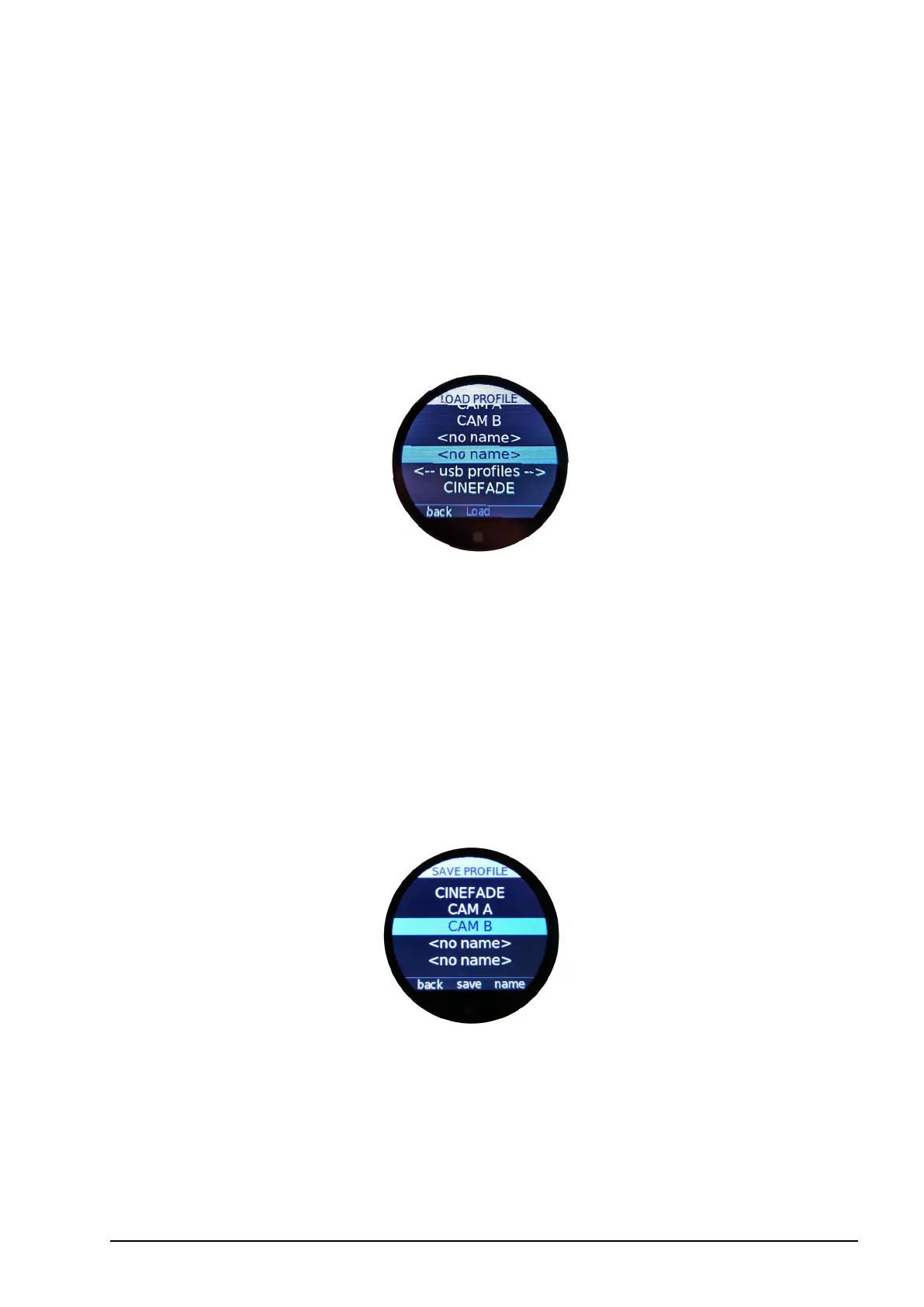
To load a user prole from either the cPRO hand unit´s internal memory or a USB drive, go
to “Load”, select the user prole you want to load, and conrm by pressing “load” (MB2).
User proles stored on a USB drive will be listed below “<-- USB proles -->”.
After conrming your chosen user prole (pressing MB2 “load”) the cPRO hand unit will
automatically restart.
6.2.3.1.8.2. Save
In order to save a user prole to the cPRO hand unit´s internal memory, go to “Save” and
select one of the 5 slots using the thumb wheel. If you want to overwrite an existing slot,
press MB2 “save”. A pop up menu will ask you to conrm “Do you really want to overwrite
existing prole?”. Press MB3 “save” if you do want to overwrite the existing user prole,
or press MB1 “back” if you want to select a dierent slot.
Empty slots are marked by <no name>. Both empty slots and existing user proles can be
named by pressing MB3 “name”. To create a prole name, scroll through the alphanumeric
characters using the thumb wheel or touch screen. A minimum of two characters are
required to save a user prole’s name.
Once the desired letter (or number) is highlighted in blue, press “select” (MB2) to set that
character. As an alternative, you can also tap the touch screen to conrm your selection.



 To Next Page