All content © 2020, cmotion GmbH. All specications are subject to change without further notice.
http://www.cmotion.eu
page 77 of 120
6.2.3.4. MOTORS
The motors menu contains all settings related to motor functions. These consist of:
Calibration all
Motor settings
Stealth mode
6.2.3.4.1. Calibration all
The calibration all menu allows you to calibrate all motors at once. Selecting calibration all
will calibrate all connected motors without further conrmation required.
NOTICE
The lens motors must be recalibrated under the following conditions:
- When a motor is detached from the lens
- After changing motors
- After changing lenses
- After a change in a motor position while powered down
NOTICE
Omitting motor calibration might lead to damage of the lens due to the high level of motor
torque!
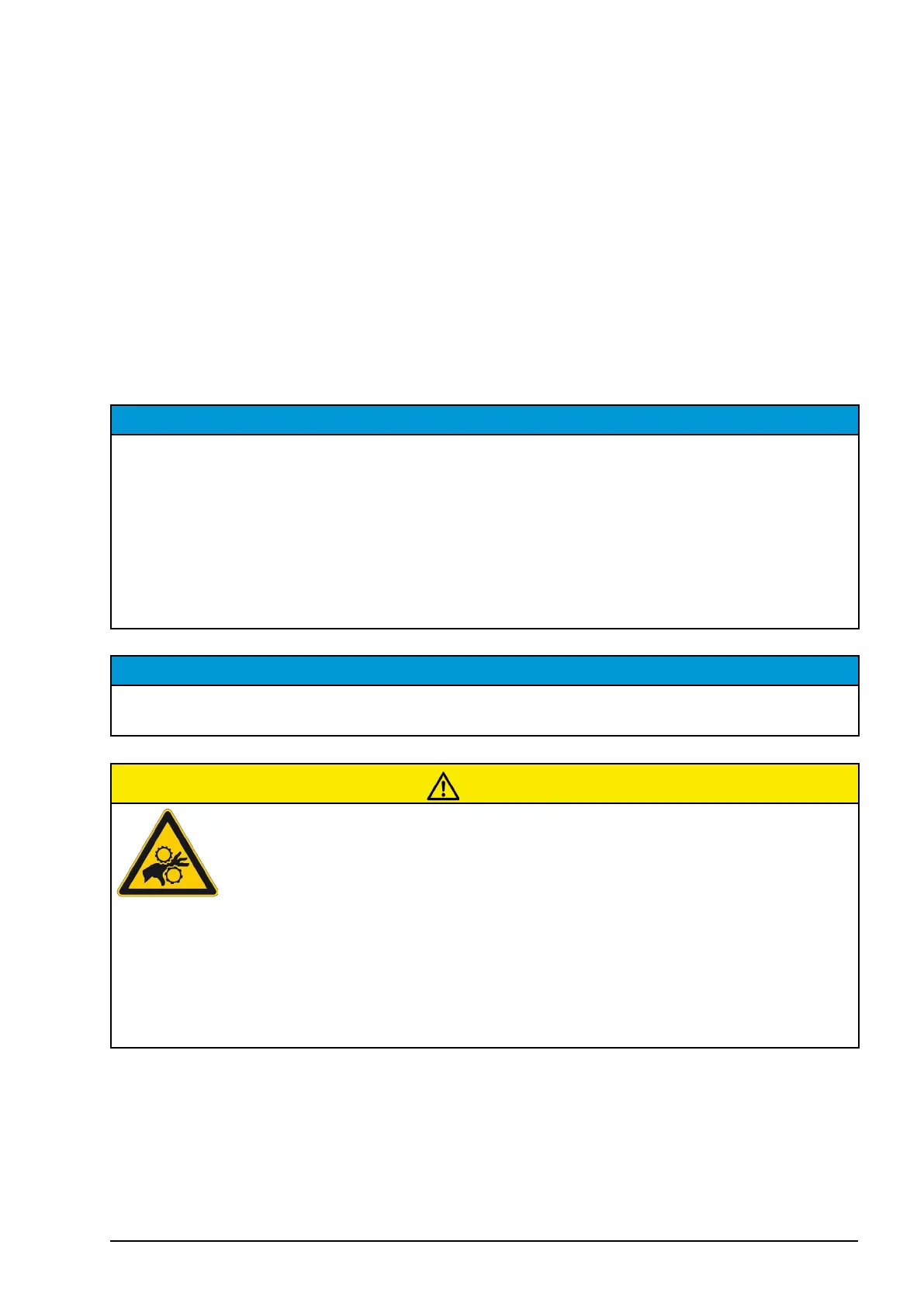
CAUTION!
Risk of injury! Do not touch the motor gear while motor is moving!
This device is not intended for use by children. Keep body parts out of the motion path.
Disconnect the plug if the device is not used for a longer period of time.
IEC 60417-6056 (2011-05) for other moving parts
6.2.3.4.2. Motor settings
The motor settings menu contains all settings related to motor behaviour. Once you have
entered the motor settings menu, please select the motor you want to adjust from the
dynamic motor list.



 To Next Page