All content © 2020, cmotion GmbH. All specications are subject to change without further notice.
http://www.cmotion.eu
page 65 of 120
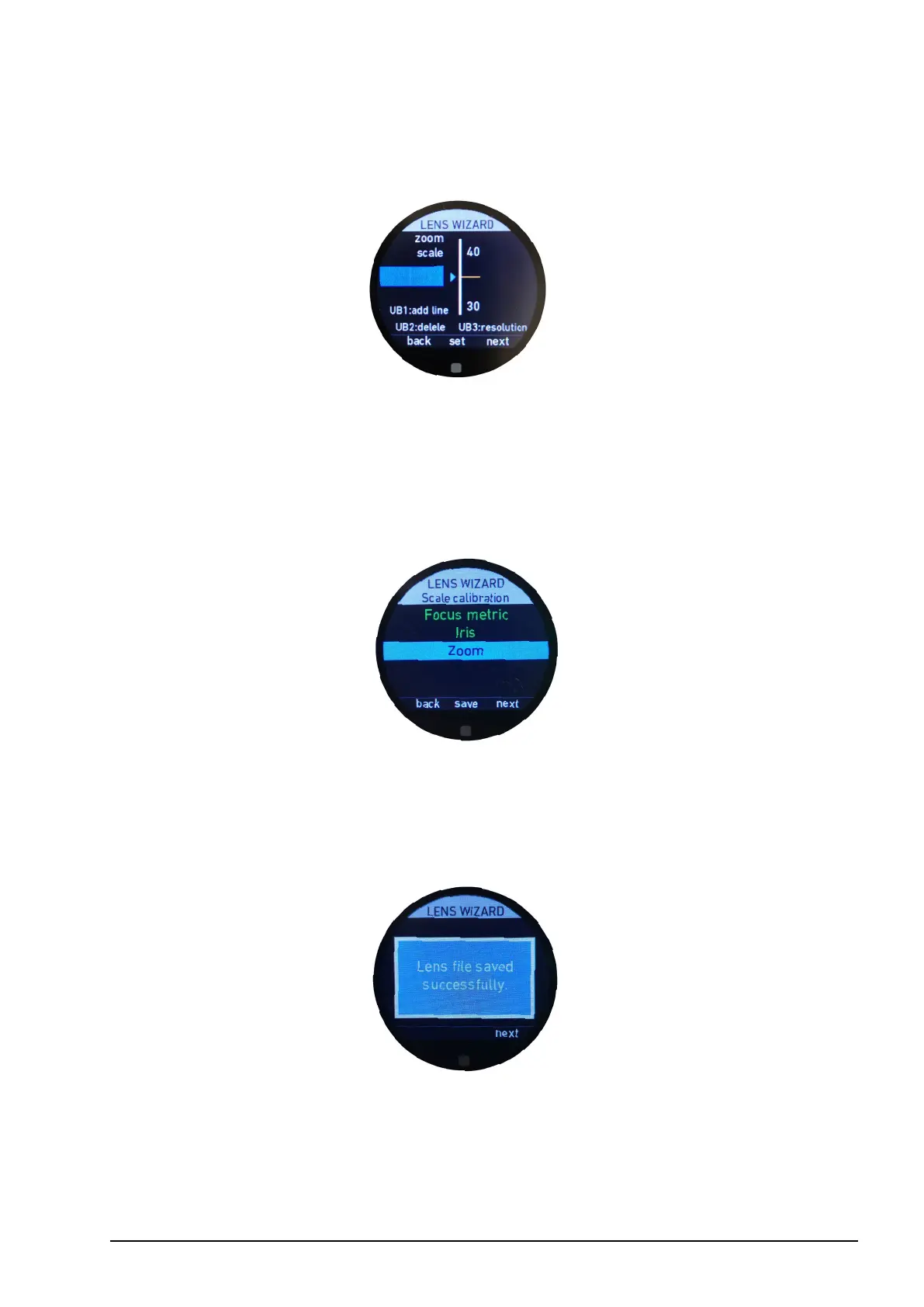
As long as a value is highlighted in yellow, you can delete it by pressing UB2. But you can
also reposition the mark by moving the lens to the new position and pressing “set” (MB2),
tapping the touch screen or pressing the back button (BB1).
UB1 allows you to set lines (without a value) in order to create a perfect animated depiction
of your lens. Lines can either be added between values or added separately after all the
values have been created.
6.2.3.3.4.10. Save
As soon as at least one value is set per scale (2 for focus), the “save” icon will illuminate
white. Press MB2 to save the lens le to the internal memory of the cPRO / cPRO PLUS or
cPRO ONE hand unit. With the present rmware release, up to 30 lens les can be saved.
Please close the lens wizard by pressing “next” (MB3) and return to the main menu.



 To Next Page