All content © 2020, cmotion GmbH. All specications are subject to change without further notice.
http://www.cmotion.eu
page 47 of 120
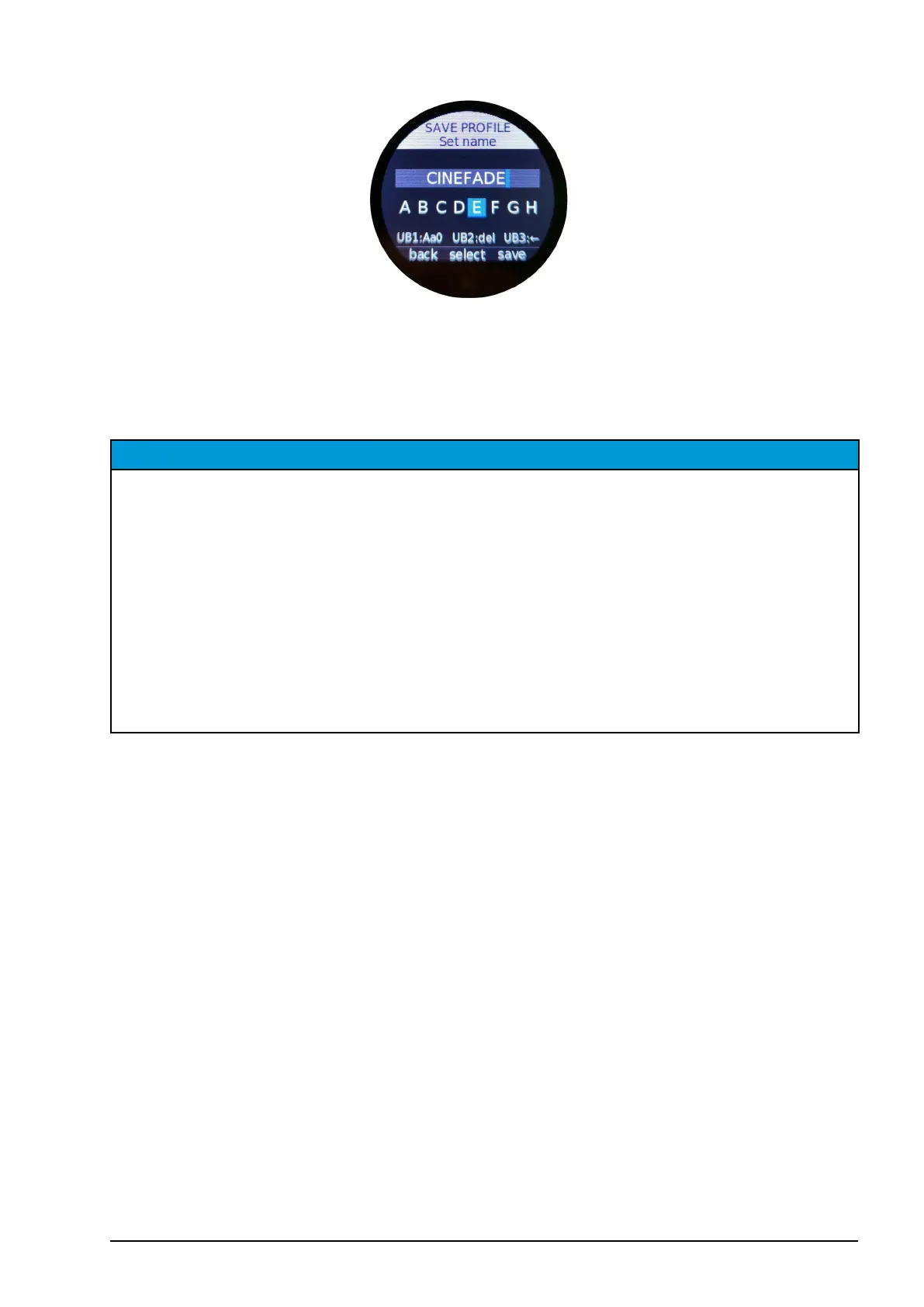
Note: You can use a maximum of 18 characters to name a user prole.
Once you have completed the name of the user prole, press “save” (MB3) to save the
user prole.
NOTICE
If you want to transfer a user prole from a USB drive to the hand unit, go to “Load”, select
the user prole from the USB drive list below “<-- USB proles -->” then conrm and load
by pressing MB2 “load”. The cPRO hand unit will restart automatically to load the selected
user prole. Then, go to “Save” and select one of the 5 slots available in the cPRO hand unit’s
internal memory. To save the user prole, press “save” (MB2). Please also refer to section
“6.2.3.1.8.1. Load” on page 45“ and section “6.2.3.1.8.2. Save” on page 45“ in this
manual.
If you want to transfer an existing user prole from the hand unit to a USB drive, rst load the
corresponding user prole from the hand unit´s internal memory and then save it to the USB
drive by selecting “save to USB”. Please also refer to section “6.2.3.1.8.1. Load” on page
45“ and section “6.2.3.1.8.3. Save to USB” on page 46 in this manual.
6.2.3.1.9. Language
The language menu allows you to change the user interface between English and Chinese.



 To Next Page