All content © 2020, cmotion GmbH. All specications are subject to change without further notice.
http://www.cmotion.eu
page 58 of 120
If you are not sure press “cal” (MB3) to start motor calibration. Once the motors have
been calibrated properly, press “next” (MB2).
CAUTION!
Risk of injury! Do not touch the motor gear while motor is moving!
This device is not intended for use by children. Keep body parts out of the motion path.
Disconnect the plug if the device is not used for a longer period of time.
IEC 60417-6056 (2011-05) for other moving parts
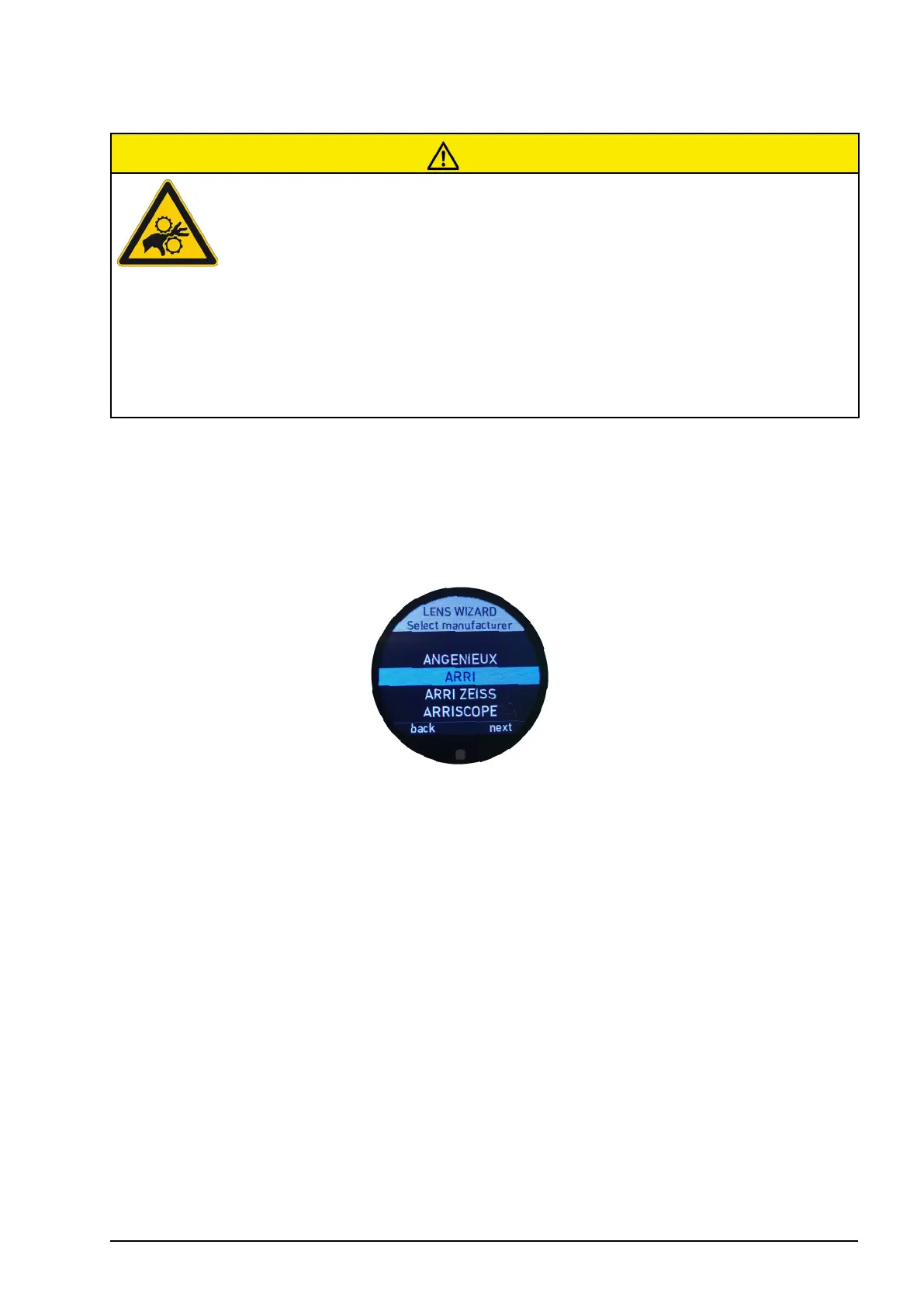
6.2.3.3.4.2. Select manufacturer
Select the name of the lens manufacturer from the list of brands. Scroll through the list
using the thumb wheel or swipe up or down using the touch screen.
Conrm your selection by pressing “next” (MB3) or swipe left on the touch screen.
6.2.3.3.4.3. Set lens name
To create the lens name, scroll through the alphabetic characters using the thumb wheel
or swipe up or down on the touch screen. A minimum of two characters are required to
create and save a lens name.
Once the desired letter is highlighted in blue, press “select” (MB2) to set the character. As
an alternative, you can also tap the touch screen to conrm your selection.
UB1 allows you to change between UPER CASE, lower case and numbers.
UB2 allows you to delete the last set character.
UB3 allows you to select a previous set character. Once it is highlighted in blue, you can
change it using the thumb wheel or touch screen or delete it by pressing UB2.



 To Next Page