All content © 2020, cmotion GmbH. All specications are subject to change without further notice.
http://www.cmotion.eu
page 66 of 120
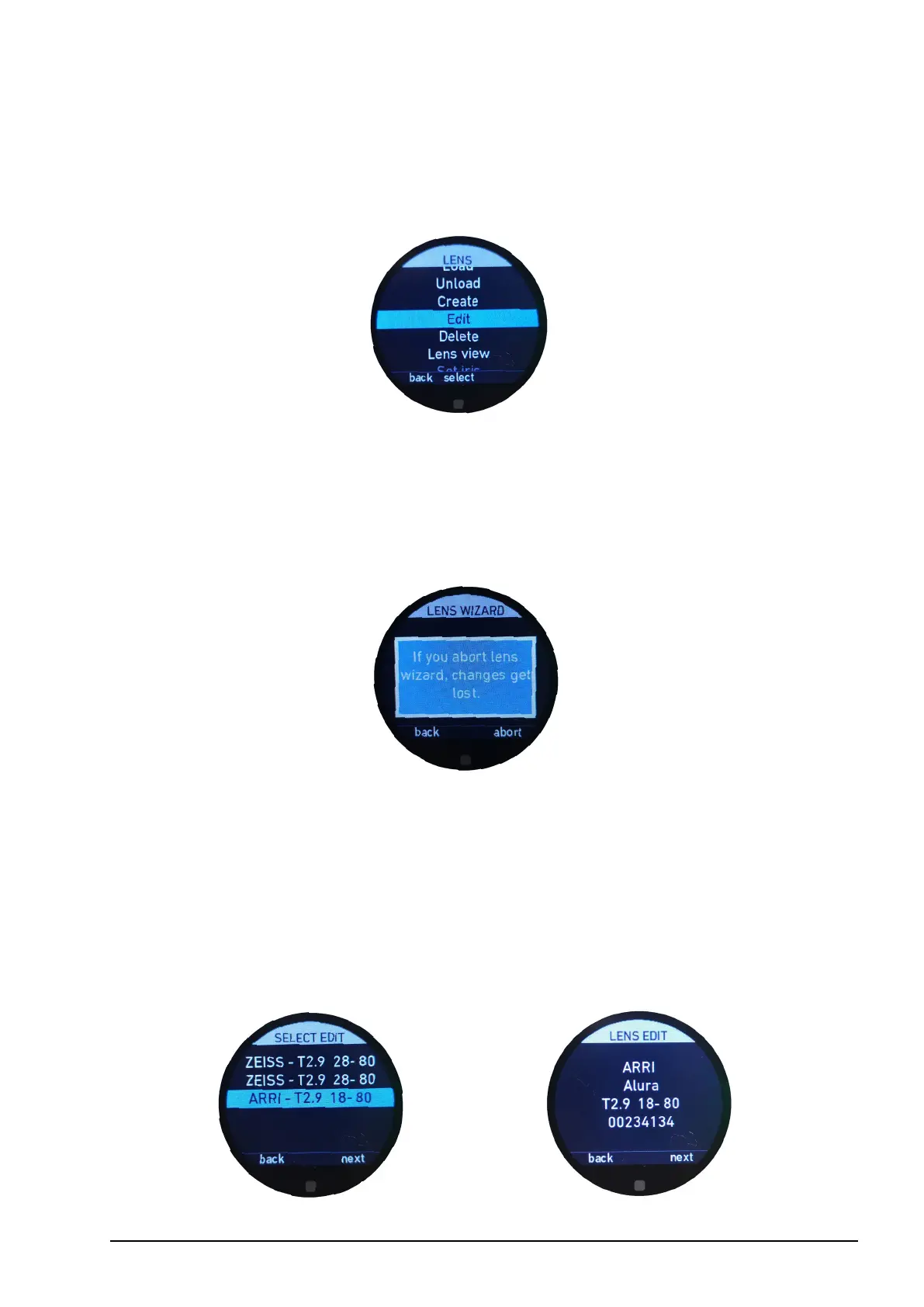
6.2.3.3.5. Edit
The edit menu allows you to edit existing lens les on the cPRO / cPRO PLUS or cPRO
ONE hand unit using the lens wizard.
Note: If you are editing a lens le and you leave the lens wizard by pressing the back function
(MB1) or the HOME button, changes will not be saved. The following warning message will
be displayed.
You can then conrm whether you do want to leave the lens wizard by pressing “abort”
(MB3), or return to the lens wizard by pressing “back” (MB1).
The “edit lens” feature follows the exact same procedure as the “create lens” function
with the exeption, that you have to select the lens le you want to edit from the dynamic
list. Please also refer to section “6.2.3.3.4. Create” on page 57 in this manual.


 To Next Page