All content © 2020, cmotion GmbH. All specications are subject to change without further notice.
http://www.cmotion.eu
page 59 of 120
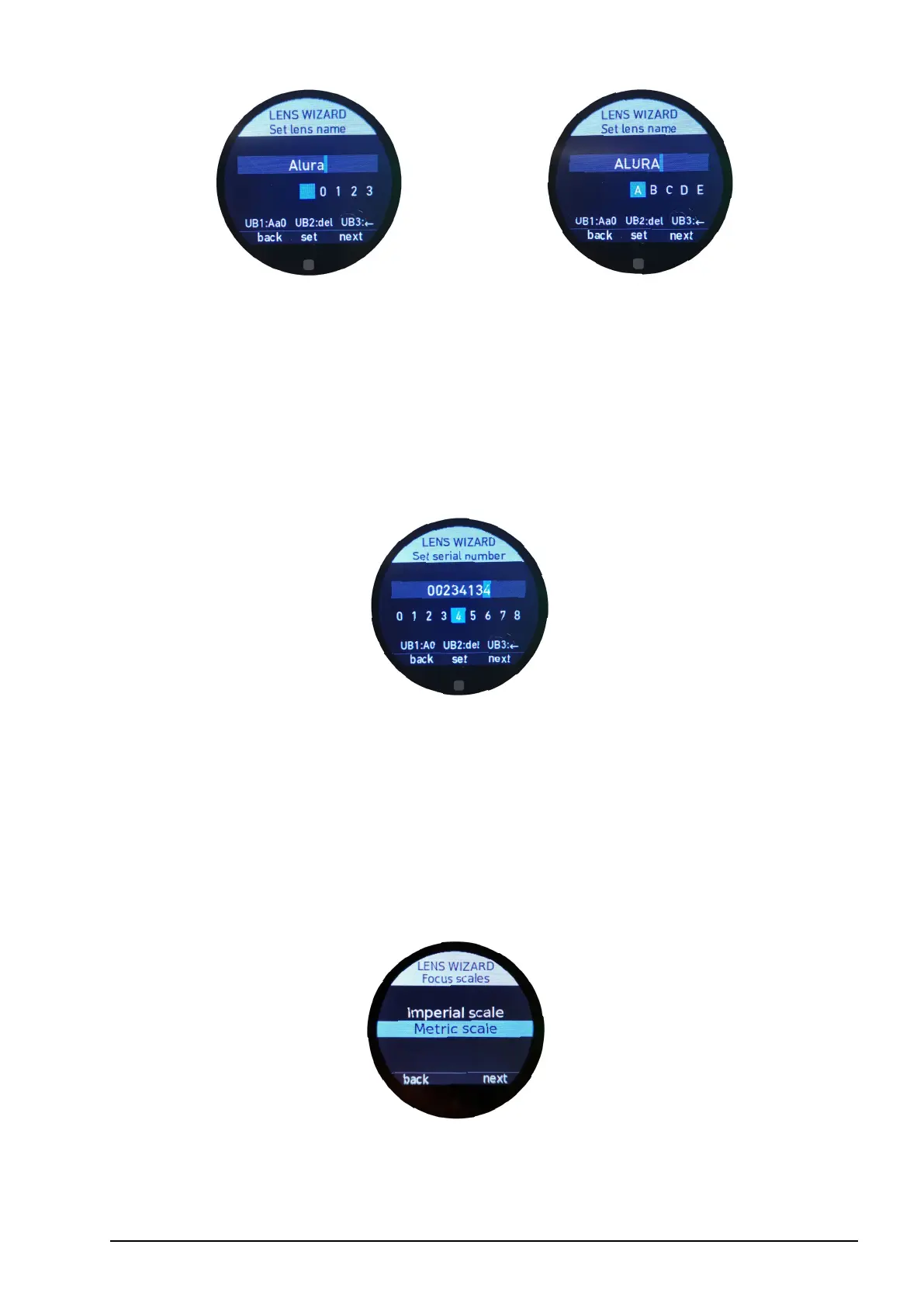
Note: You can use a maximum of 18 characters to create a lens name.
Once you have completed the lens name, press “next” (MB3) to continue or swipe left on
the touch screen.
6.2.3.3.4.4. Set serial number
To help identify individual lens les, please enter the unique lens serial number. A minimum
of two characters are required to set and save a serial number.
Note: You are allowed to enter a maximum of 16 characters.
Conrm your selection by pressing “next” (MB3) or swipe left on the touch screen.
6.2.3.3.4.5. Focus imperial / metric selection
Lenses are usually engraved with either a metric or imperial focus scale. Please select
here if you want to create a metric scale or an imperial scale.
Note: In the following example, a metric scale is being created. However, please follow the
same procedure for creating an imperial scale.
Conrm your selection by pressing “next” (MB3) or swipe left on the touch screen.



 To Next Page