All content © 2020, cmotion GmbH. All specications are subject to change without further notice.
http://www.cmotion.eu
page 85 of 120
NOTICE
ARRI and RED cameras allow custom lists for frame rate, shutter, ISO and white balance.
Only values listed on the camera can be selected in the corresponding cPRO camera menu.
If a value is not available, it must be added to the custom list on the camera rst. For detailed
instructions on how to add values to a camera settings list, please refer to the camera’s user
manual.
NOTICE
For RED cameras, the REDLINK Command Protocol needs to be enabled under Settings/
Setup/Communication/Serial. Select REDLINK Command Protocol in the drop down menu to
allow the cPRO / cPRO PLUS / cPRO ONE hand unit to control camera settings. (RED camera
control license required).
NOTICE
SONY VENICE (MPC-3610) with SW V4.0 allows advanced remote control features including
shutter speed, ISO and white balance in RCP mode only.
Enable RCP MODE on the camera:
Press and hold the menu button and select Technical/System Conguration/RM/RCP Paint
Control and select ON. Please conrm with „execute”.
Camera will reboot
Please change the FPS setting from xed to variable in order to remote control the FPS
through the cPRO hand unit.
Note: In RCP mode, ISO, shutter speed and white balance cannot be adjusted on the camera.
Disable RCP MODE / enable regular camera mode:
Press and hold the menu button and select Technical/System Conguration/RM/RCP Paint
Control and select OFF. Please conrm with „execute“.
Camera will reboot
For more detailed information, please refer to the camera’s user manual.
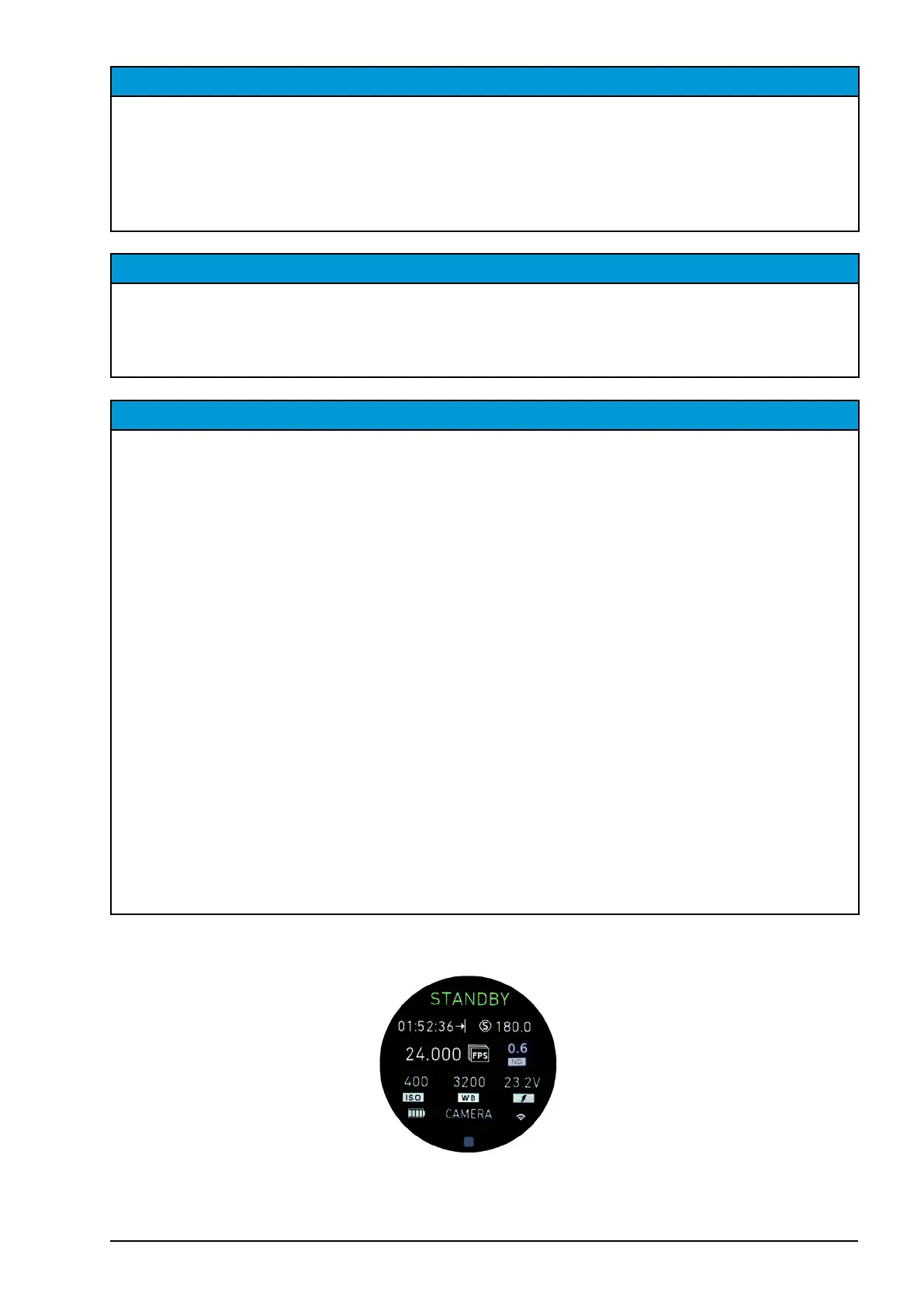
Note: All camera settings can be accessed easily from the camera main screen by tap and
holding the touch screen or by press and holding MB2.



 To Next Page