Chapter 2. System and Network Setup
The CWR-935M is an easy to carry and wireless device for business men. It can be used in conference
room, hotel, even at hotspots. CWR-935M is small and light, with various functions; use switch to
change mode between Router, AP, and Wi-Fi AP mode. CWR-935M also supports USB devices like
webcam, USB thumb drive, printer, and 3.5G adapter.
Note:Please turn off and wait 5 seconds to switch to other operation mode, then power on.
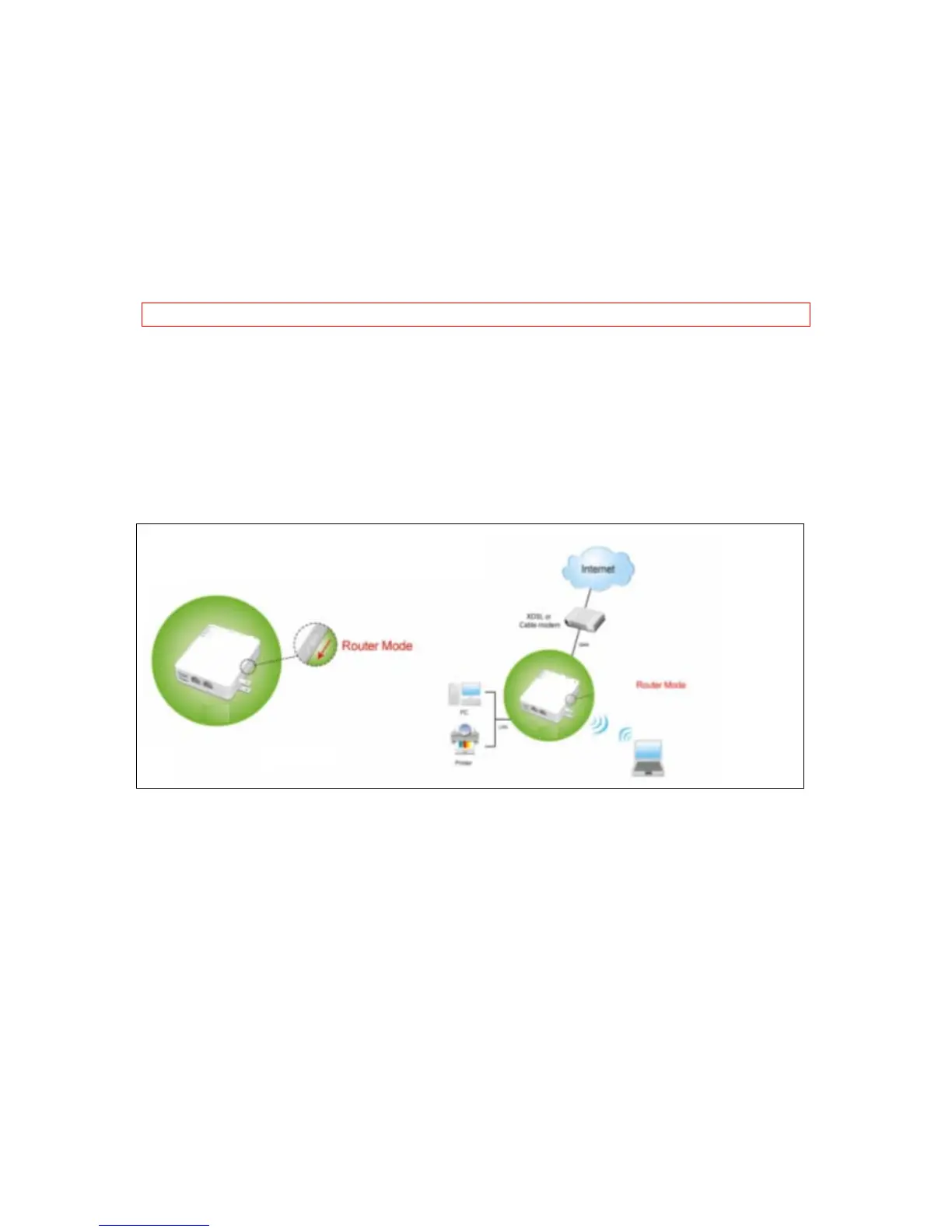
2.1 Build network connection for Router Mode
In router mode, administrator can manage the settings for WAN, LAN, Wireless network, NTP,
password, USB drives, user accounts, firewall, QoS, FTP server, webcam, printer server, and SAMBA,
etc.
2.2 Build network connection for AP Mode
In AP mode, CWR-935M becomes a bridge; users can use wired way to connect to CWR-935M.
Administrator can config LAN, Wireless network, NTP, password, USB drives, user accounts, FTP
server, webcam, printer server, and SAMBA, etc.



 To Next Page