Item Description
Enable Webcam Server
Select to “Enable” or “Disable” webcam server.
Access from WAN
Allow webcam can access from WAN side by checking on Enable for this
item
Image format The format is 320 x 240 pixels
Preview Click on this button, you can preview the image from webcam.
Record Setting
Please see the detail advance setting in “5.5.3.2 Webcam Advanced
Configuration”.
Apply & Cancel
Click on Apply button to finish setting. Click on Reset button to clean the
setting on this page.
5.5.3.2 Webcam Server Advanced Setting
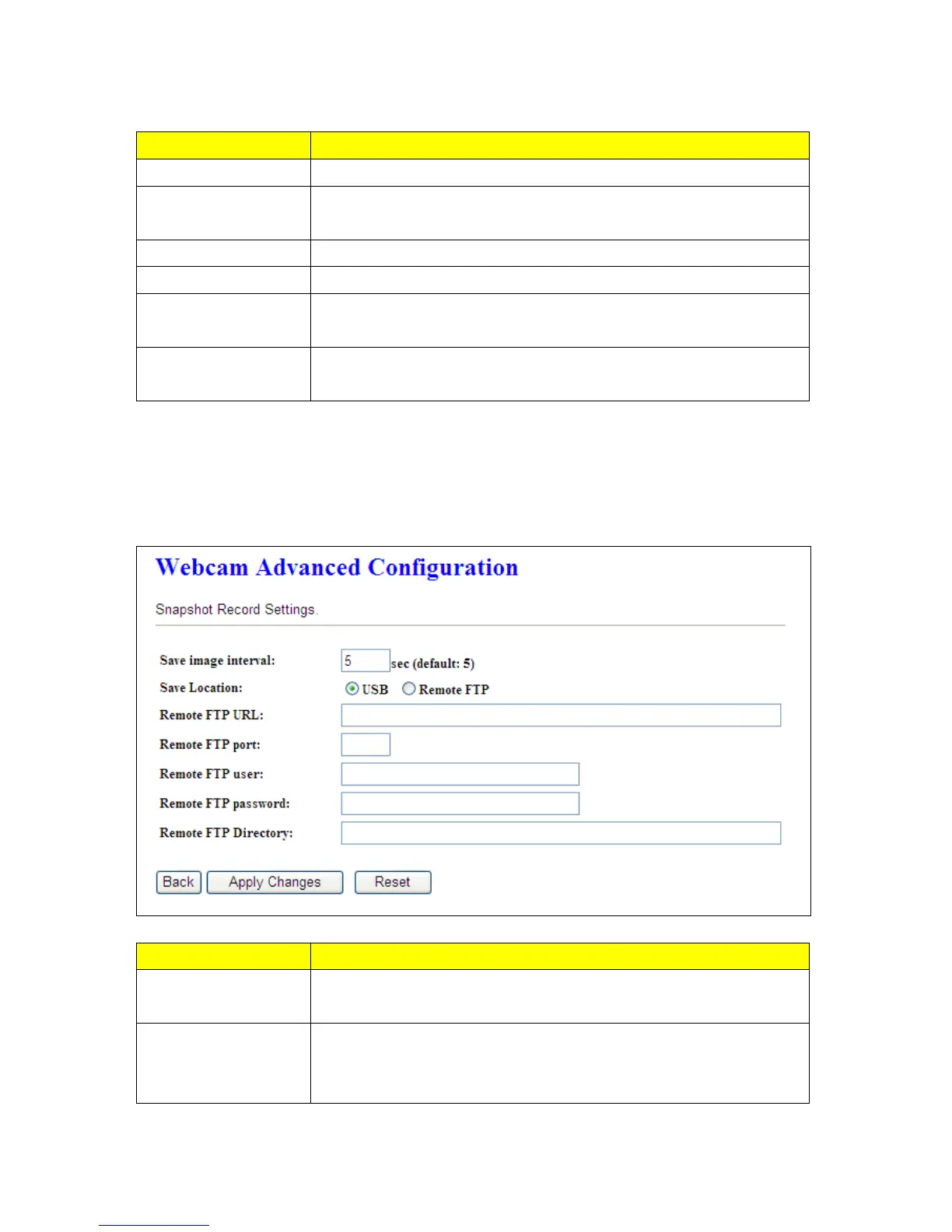
Click on “Record Setting” button, and the screen will appear as below.
Item Description
Save image interval
For saving image, you can set the save interval time, the default value is 5
seconds.
Save Location
Set the save location for webcam image, you may save into USB HDD or
Remote FTP; if select save to Remote FTP, please continue following
remote FTP setting.



 To Next Page