Item Description
Enable FTP Server
Select to “Enable” or “Disable” FTP server.
Enable Anonymous to Login Allow anonymous to login after check on Enable.
FTP Server Port
The default is 21. Define the FTP command transfer service port. If
you want to change this port number, remember to change the
service port setting of your FTP client, also.
Idle Connection Time-Out
When a specific time value is added, FTP Server will be de-activated
if it has no activity within the time limit. The default is 300 seconds;
the minimum is 60 seconds.
Apply & Changes
Click on Apply button to continue. Click on Cancel button to clean
the setting on this page.
User Account List
User Name, Status, and Opened Directory/File can be shown on the
list.
Note:FTP server is compatible with FAT32 or EXT3 format USB storage device. In case you need to
format your USB storage device. Please always make sure the device is formatted with FAT32
or EXT3 standard.
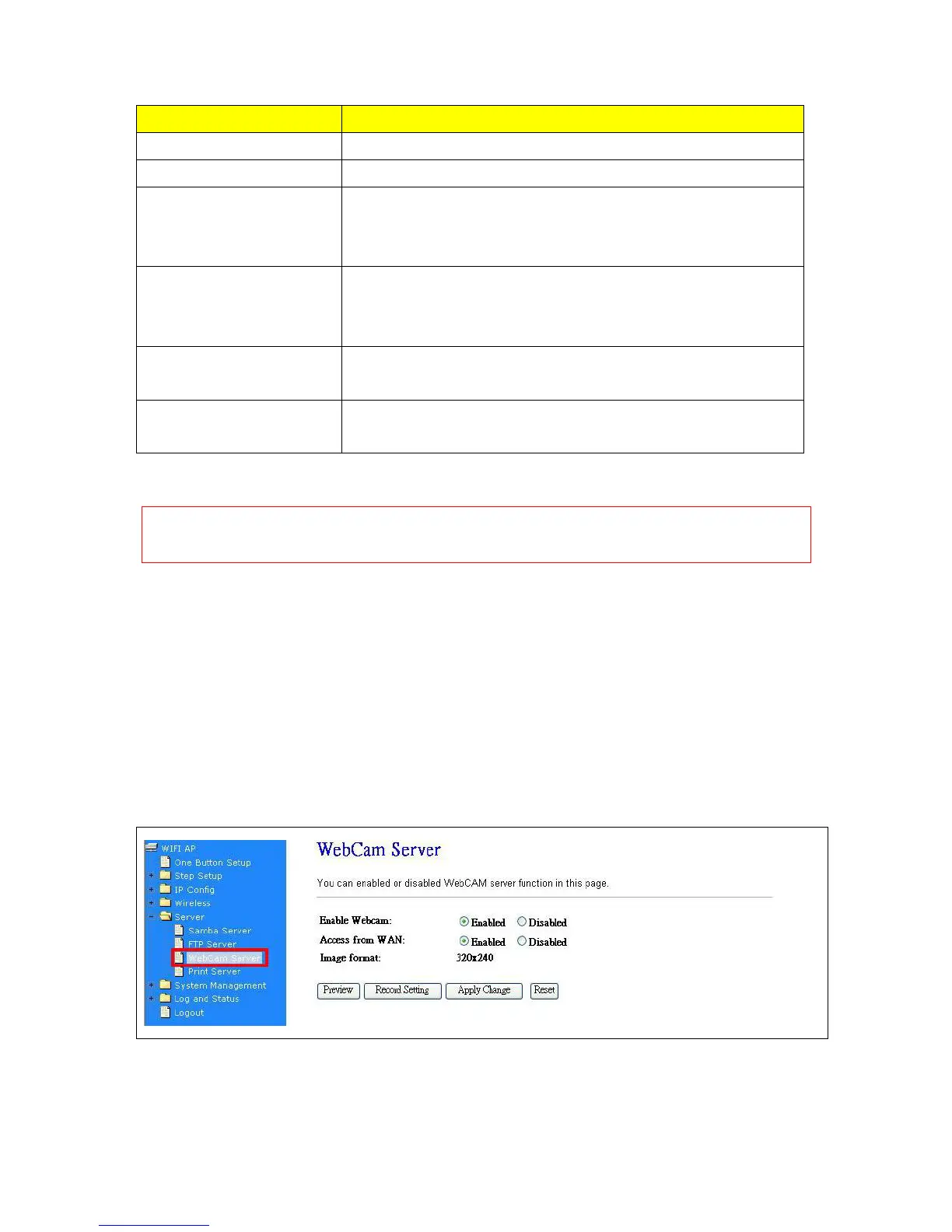
7.3.3 Webcam Server
By connecting web camera to the router, it allows user to monitor their home or office from remote
locations.
7.3.3.1 Webcam Server Basic Setting



 To Next Page