Item Description
Enable Please choose to enable it ot not
Band Please select the frequency.
SSID Please enter the SSID.
Data Rate Please select the data transmission rate.
Access
Enable this function can let clients use two access types: a. LAN+WAN: the client
can access to the Internet and connect to 3.5G server router’s GUI to setup. b.
WAN: the client can only access to the Internet.
Active Client List Display the properties of the client which is connecting successfully.
Apply Changes
Click on Apply Changes to save the setting data. Or you may click on Reset to
clear all the input data.
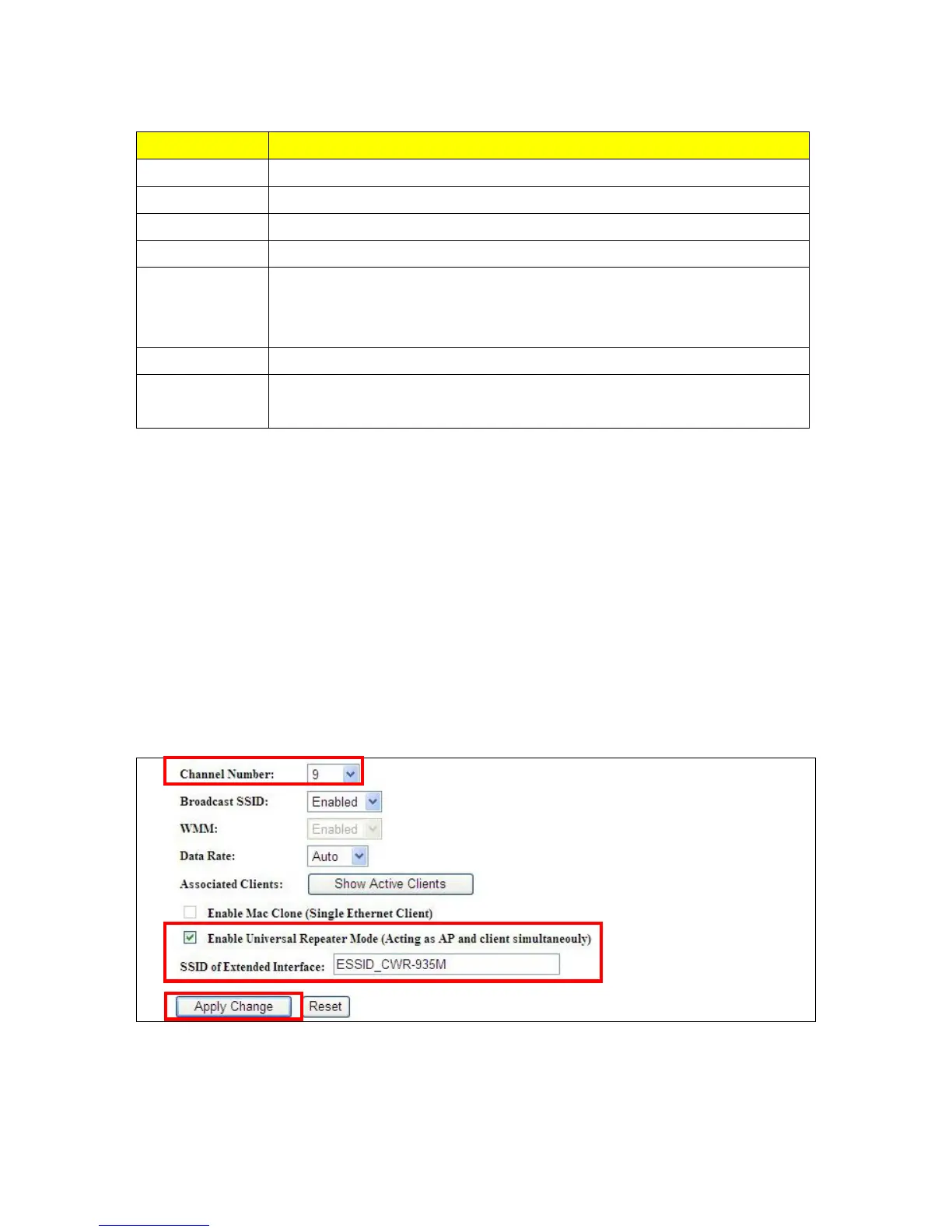
5.2.1.2 Enable Universal Repeater Mode (Acting as AP Client simultaneously)
Allow to equip with the wireless way conjunction upper level, provide the bottom layer user link in
wireless and wired way in the meantime. (The IP that bottom layer obtains is from upper level.)
Example: When users enable the Universal Repeater to connect to the upper level device, please
input the channel and SSID of the upper level device on router’s GUI. Click on Apply
Changes to save the settings. (The DHCP in IP config needs to be disabled.)



 To Next Page