Item Description
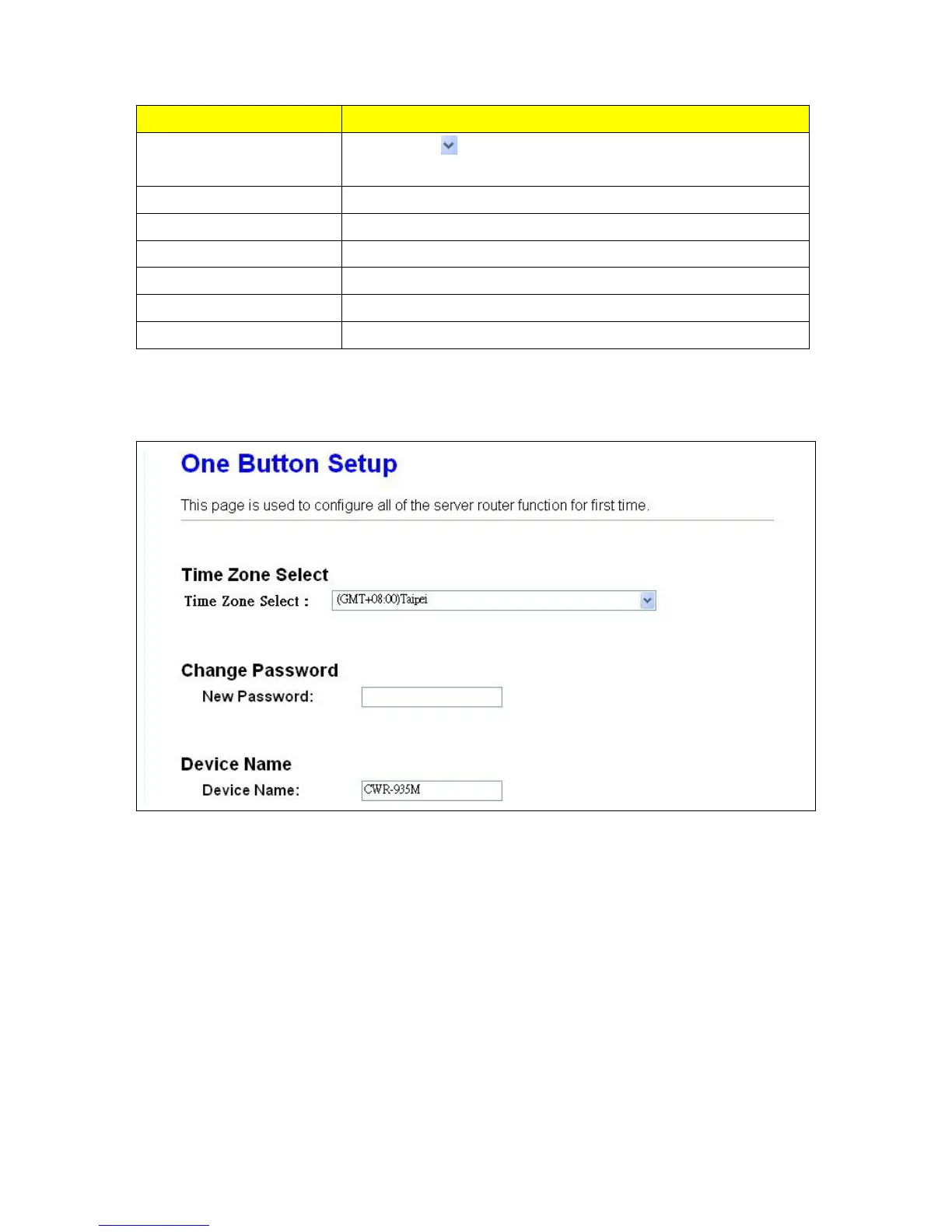
Time Zone Select
Please press
button, a drop-down list will be shown, and you can
choose a time zone of the location you live.
Change Password Please input new password here
Device Name Please input new device name here
Wireless Setup You can configure Wireless SSID and Security
Partition / Format SysDisk You can format or partition your USB Disk
User Account Management You can create user account and their privilege
Finished Please click finish button to complete the setting
3.3 One Button Setup for Wi-Fi AP Mode



 To Next Page