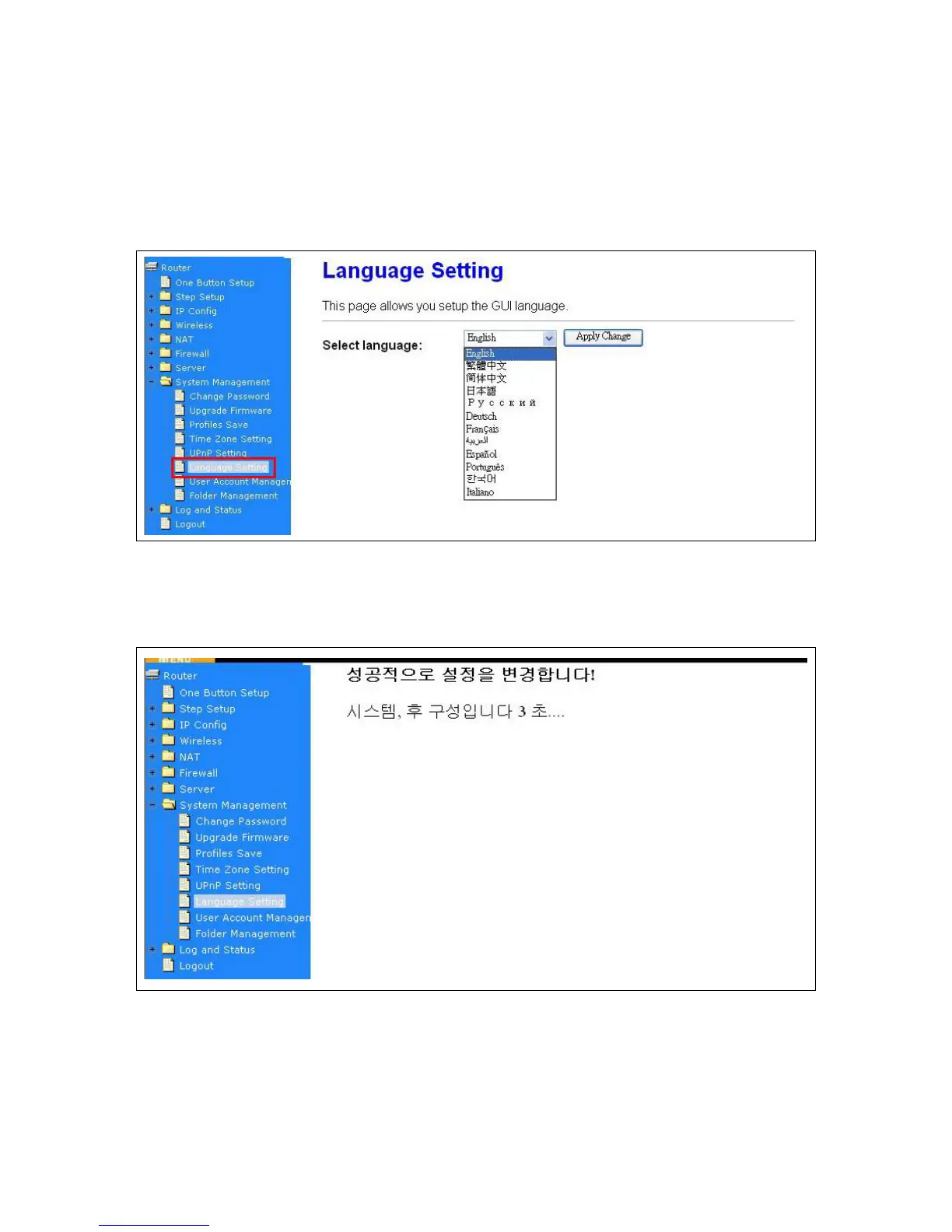
5.6.6 Language Setting
CWR-935M provides users with 12 languages to choose. Users can change the language of the
interface configuration. Please click Apply Changes after selecting a language.
Using Korean as an example, the screen will display on the chosen language after the countdown is
finished.
Caution: After countdown, you can press Ctrl+F5 forcing the page to refresh. This can avoid any
translation uncompleted situation.



 To Next Page