Note:You have to click on “Unplug” button before remove the USB devices.
6.5 Log & Status
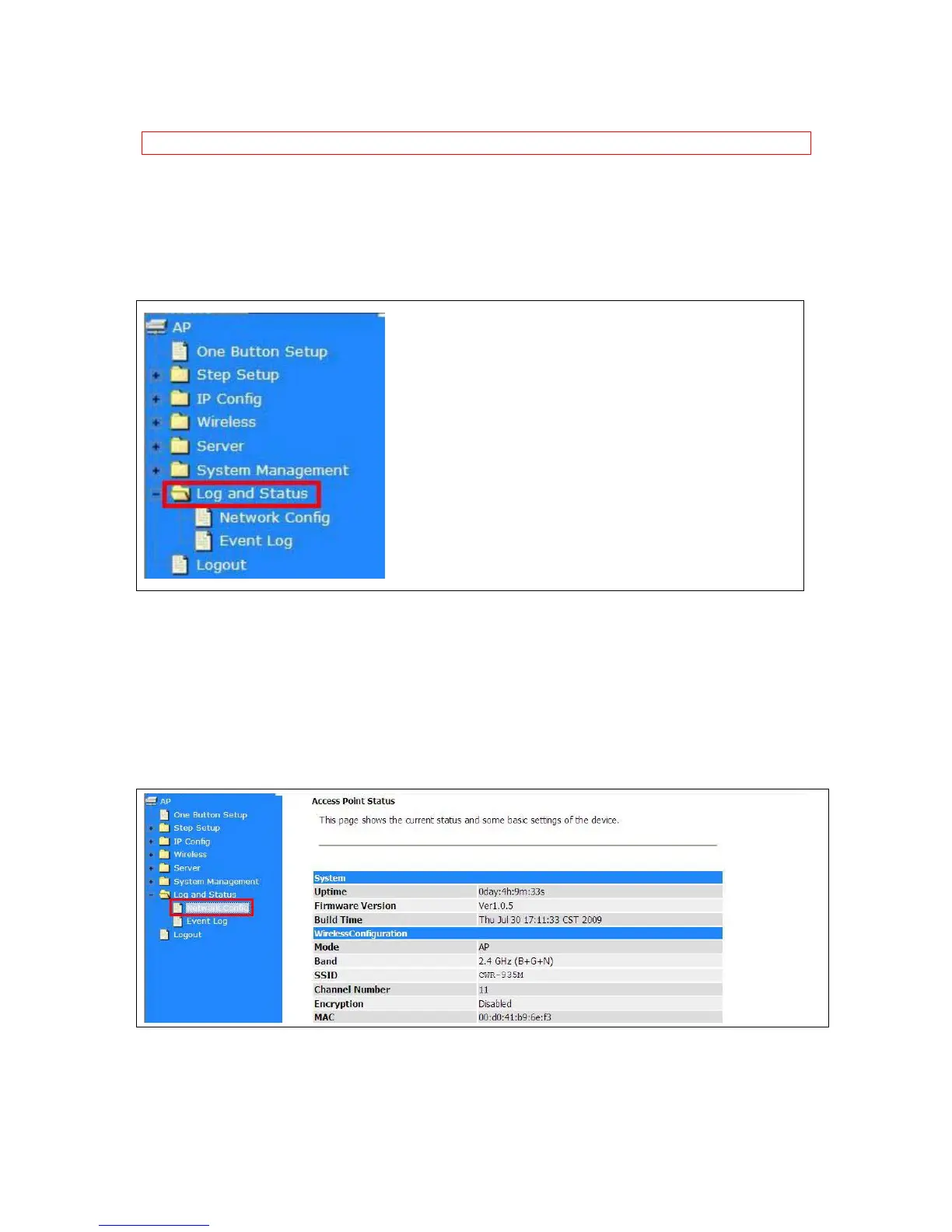
The category provides Network Config and Event Log status for users to know the operation status.
6.5.1 Network Config
Users can check the Internet status under this category, including Firmware version, Wireless setting,
Connecting Time, WAN, TCP/IP …information.



 To Next Page