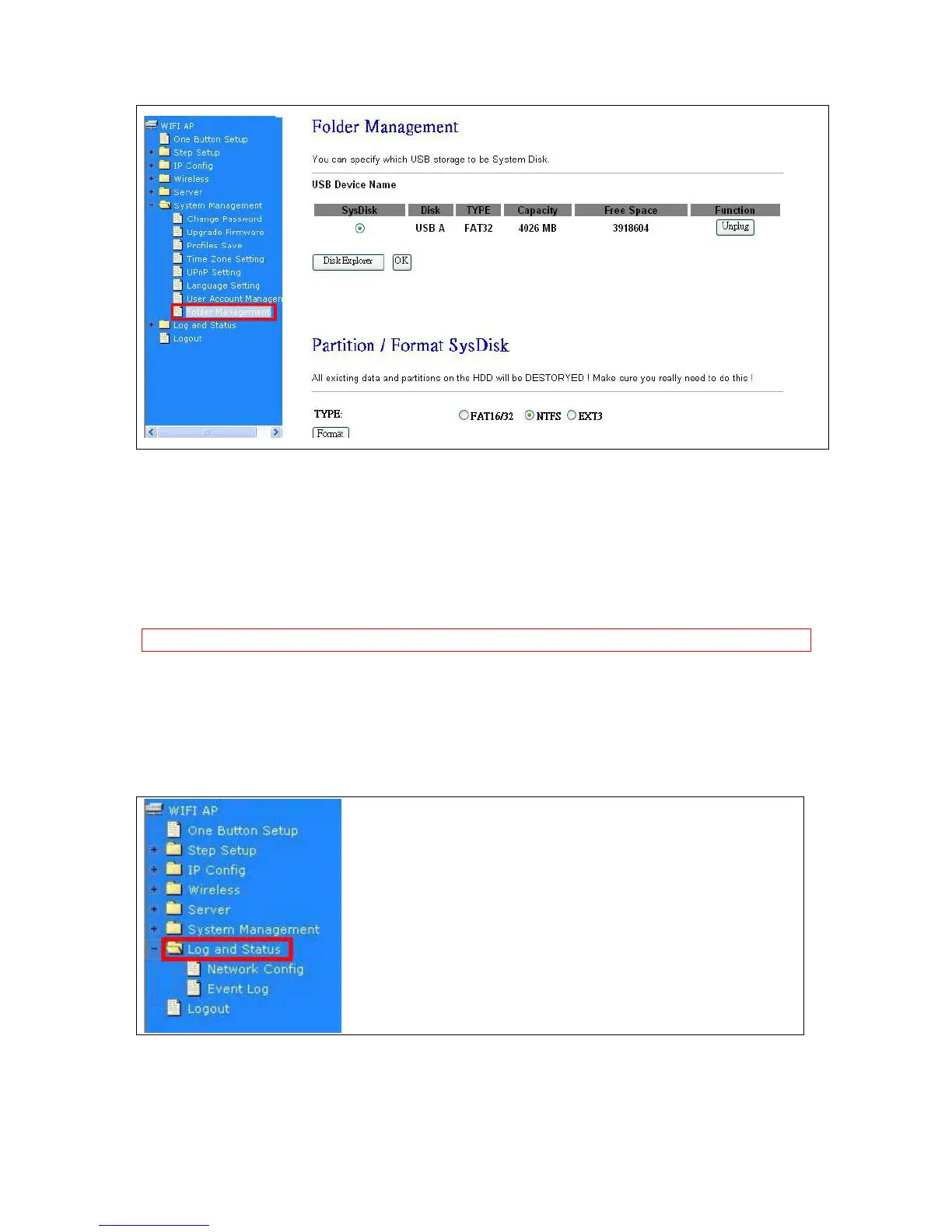
1. Select the USB Disk and click on Mount button for refresh all disks before you do disk partition,
and the Unplug button will appear.
2. To partition/format the disk, please select the disk and click on Format button.
3. If you want to view the data inside the disk, please click on “Disk Explorer” to view all the disks
folders inside the device.
Note:You have to click on “Unplug” button before remove the USB devices.
7.5 Log & Status
The category provides Network Config and Event Log status for users to know the operation status.



 To Next Page