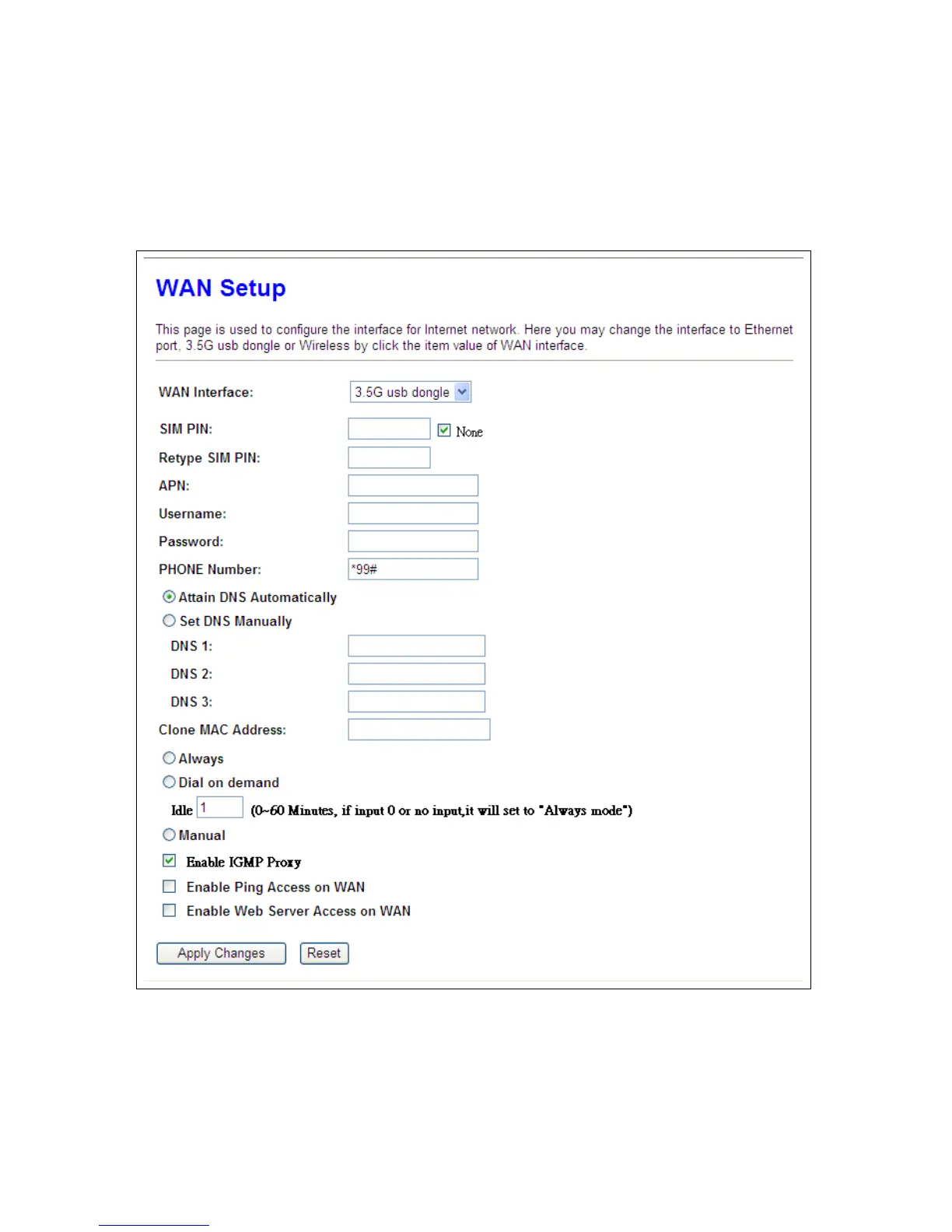
5.1.1.2 WAN Interface – 3.5G USB Dongle
If you use 3.5G connect to Internet, please choose “3.5G usb dongle”. 3.5G connection (Connection
Mode) means that users use 3.5G connect to network. The Backup of Connection is not available at
this time. If the device can not detect 3.5G signal, it will search 3 / 2.75 / 2.5G signal, until there is no
signal.



 To Next Page