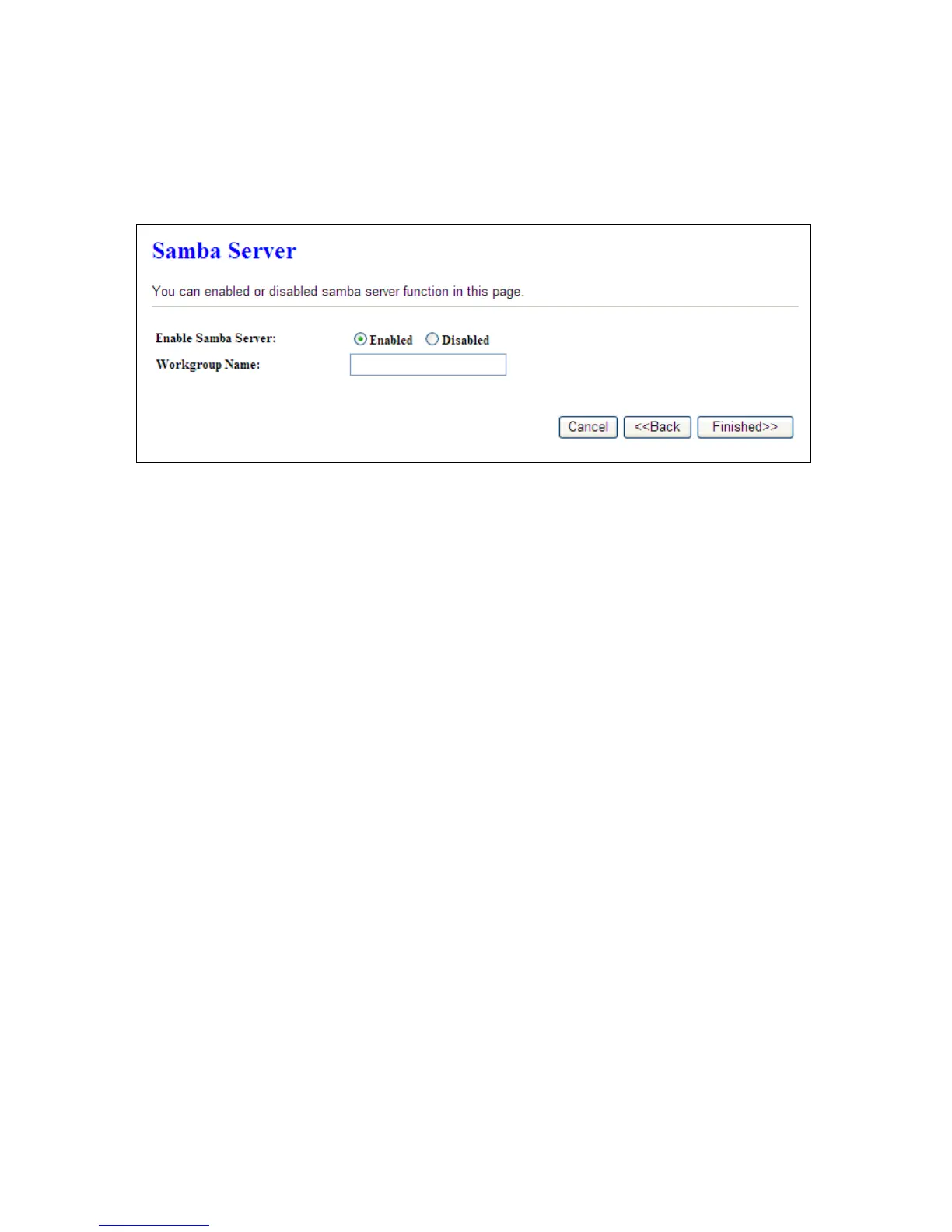
4.4.12 Samba Server
CWR-935M support file sharing, you can share your file via network neighbor.
Please click “Finished>>” to finish setup procedure.
4.5 Quick Setup for Wi-Fi AP Mode
Connect to AP or wired Internet, and then provides wired and wireless internet bridge service for you.
The AP mode doesn’t support NAT. The CWR-935M is simply using Ethernet port to connect to the
upper level device and receive the IP address from it. The CWR-935M will use the default IP address or
is defined by users if there is no DHCP server in your network.
4.5.1 Switch to Wi-Fi AP Mode
CWR-935M has an operation switch; it can let users switch between router, AP, and Wi-Fi AP mode.
Users must unplug the CWR-935M from the power outlet and make sure that the power is off.
Switch to Wi-Fi AP mode, and plug it back in power outlet.
Note:
The DHCP is disabled in AP mode. Please setup the static IP address in you PC as below.
1. Click ‘Start’ button (it should be located at lower-left corner of your computer), then click control
panel. Double-click Network and Internet Connections icon, click Network Connections, then
double-click Local Area Connection, Local Area Connection Status window will appear, and
then click ‘Properties’



 To Next Page