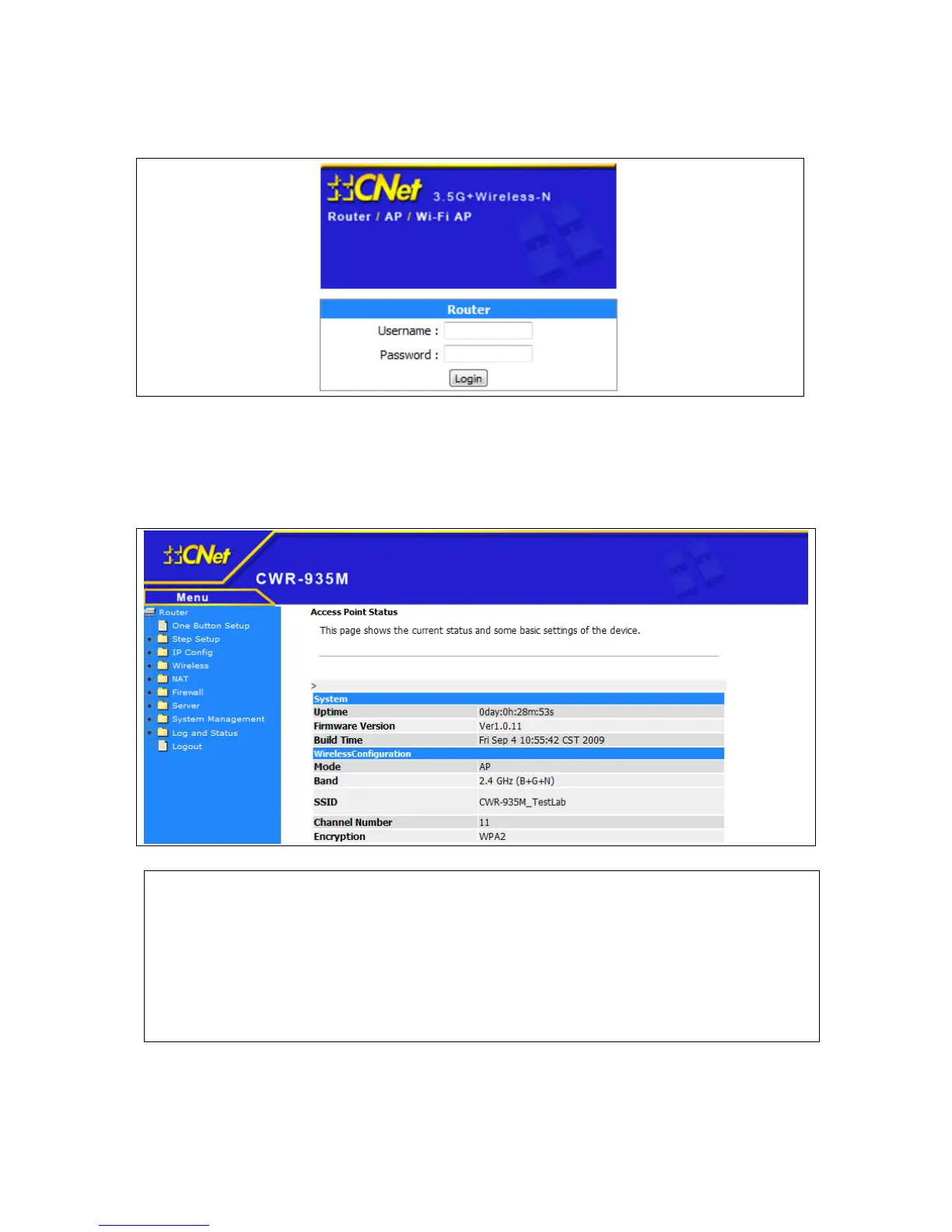
Please input user name and password in the field respectively, default user name is ‘admin’, and
default password is ‘admin’, then press ‘Login’ button, and you can see the web management
interface of this router:
NOTE: If you can’t see the web management interface, and you’re being prompted to input
user name and password again, it means you didn’t input username and password correctly.
Please retype user name and password again. If you’re certain about the user name and
password you type are correct, please go to ‘Troubleshooting’ to perform a factory reset, to
set the password back to default value.



 To Next Page