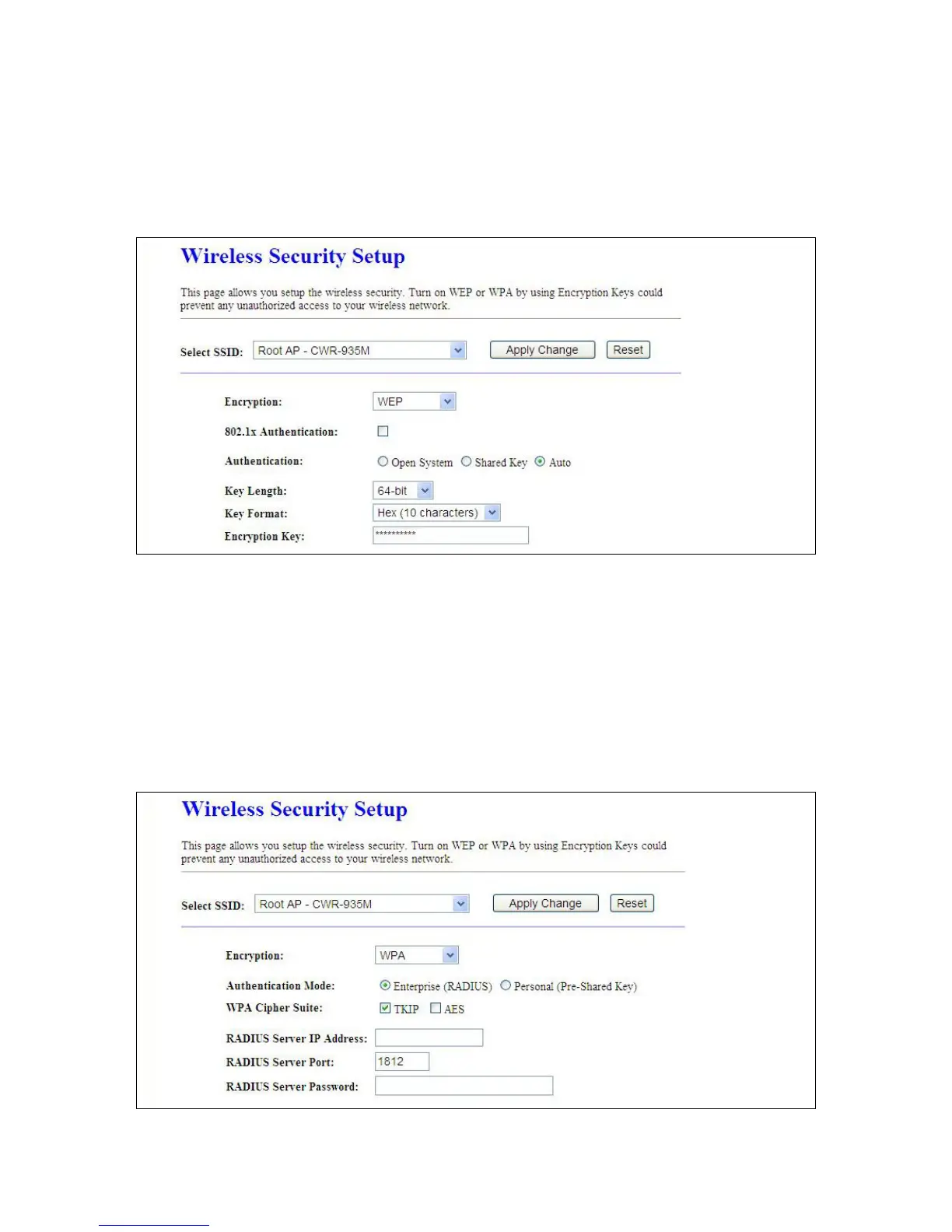
1. Encryption – WEP
1.1 Set WEP Key
This section provides 64bit and 128bit WEP encryptions for wireless network. Users can also
choose ASCII and Hex shared Key format to protect data.
1.2 802.1x Authentication
It is a safety system by using authentication to protect your wireless network.
Please choose between WEP 64bits and WEP 128bits.
2. Encryption – WPA(WPA、WPA2 & WPA2 Mixed)
WPA Authentication Mode
2.1 Enterprise (RADIUS)
Please input the Port, IP Address, and Password of Authentication RADIUS Server.



 To Next Page