Chapter 5: System operation
Use the SBU web interface 169
5555
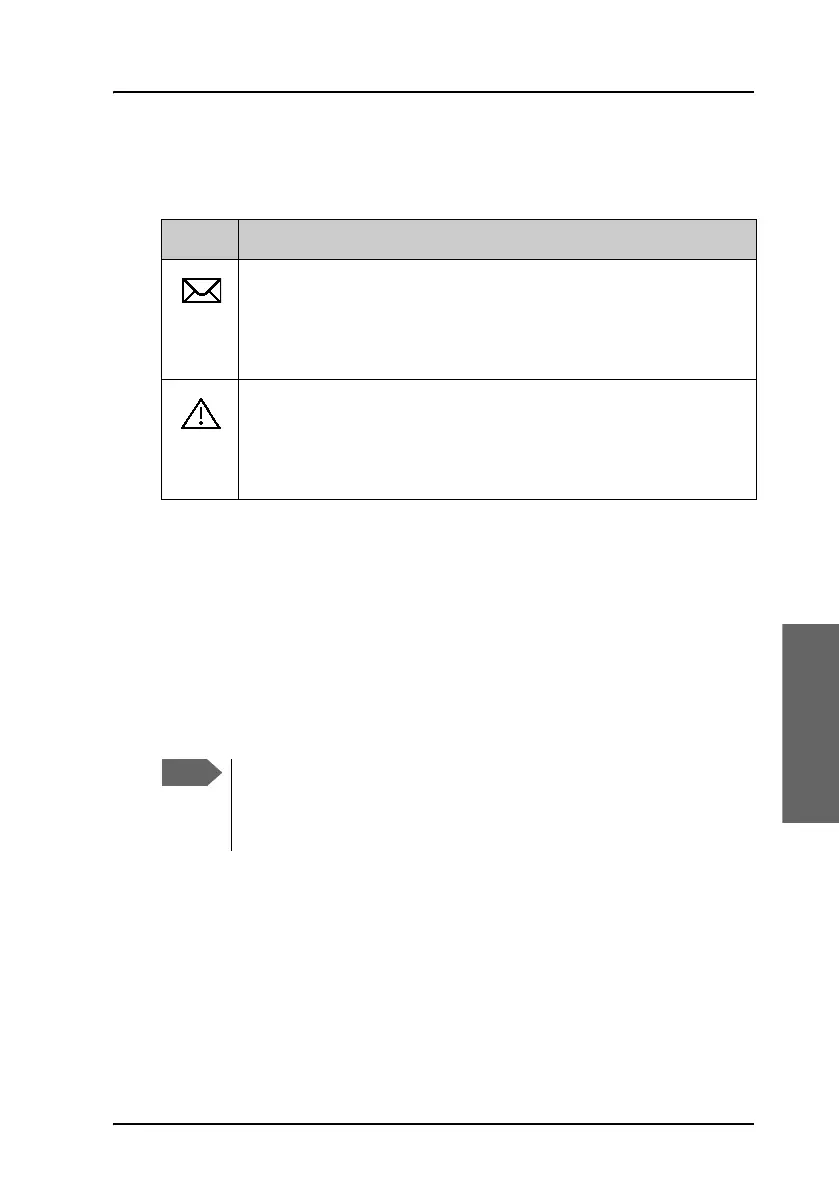
Icons in the icon bar
The following icons may appear in the icon bar in the web interface:
Navigate the web interface
• To expand a menu, click the menu in the navigation pane.
• To access status and settings, click the relevant subject in the
navigation pane or click the relevant icon in the icon bar. The status or
settings are displayed in the contents section.
• To get an overview over the submenus available use the site
map, click SITE MAP in the navigation pane. Click on items in the site
map to go directly to the relevant location.
Icon Explanation
A new SMS message, or information of Voice mail, has arrived.
Click the icon to see new messages or information of Voice
mail. For further information, see To receive a message on
page 97.
An event is active. Click the icon to see a list of active events.
For explanations of the event messages, see the AVIATOR 700
Installation and maintenance manual. Note that this icon will
remain in the icon bar as long as the event is still active.
Some parts of the web interface may be greyed out if the user
permissions are limited. For information on how to set up user
permissions, see the AVIATOR 700 Installation and maintenance
manual.



 To Next Page