Chapter 3: Calls, faxes and SMS
42 Use a phone or fax machine (SDU)
3. Establish a connection between phone A and B with
U.
4. The transfer can then be initiated by either phone:
• Hang up phone A or
• Press
S K K K from phone B.
Use the following procedure to make a call transfer using the Full Feature
handset:
1. When a call is already established, place the call on hold with
GT.
2. On phone A dial the number of the desired handset, e.g.
K for
Handset #2. For local numbers see Special-purpose and local numbers
on page 40.
3. Establish a connection between phone A and B with
U or I .
4. The transfer can then be initiated by either phone:
• Hang up phone A or
• Press
GS from either handset A or B
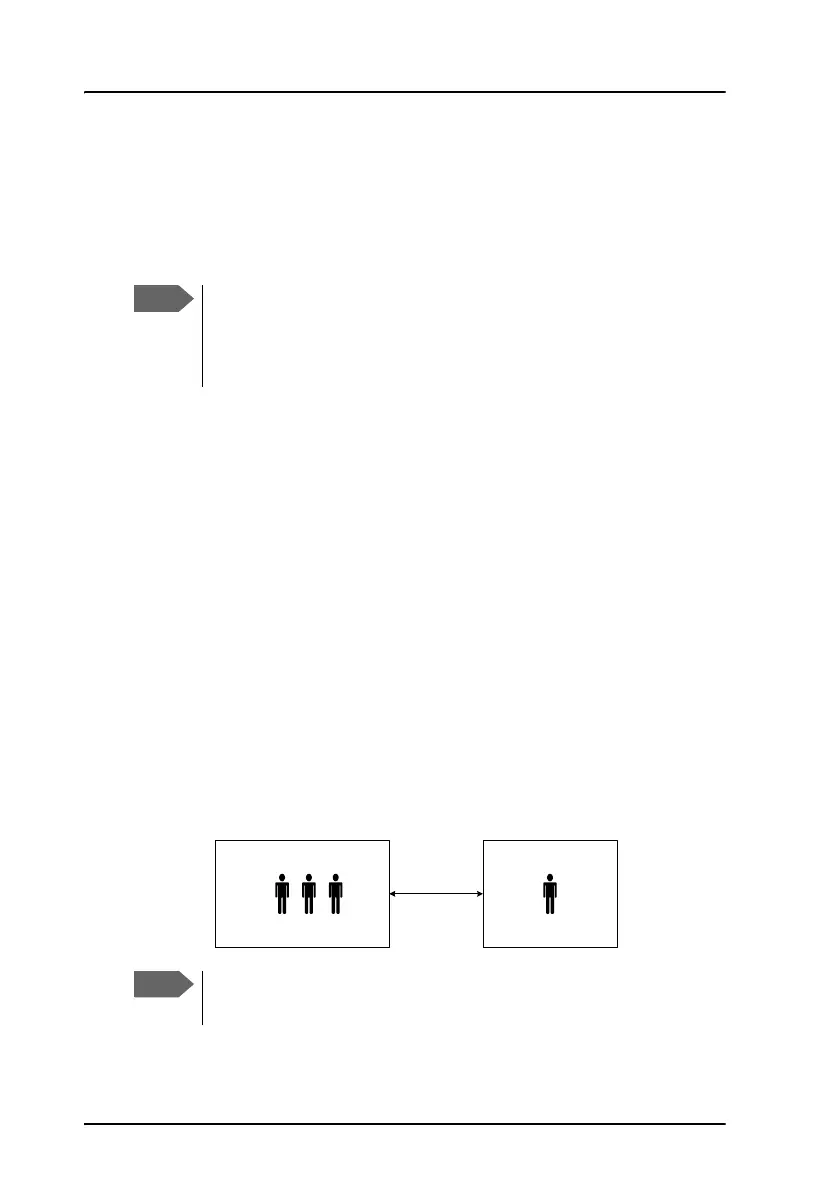
To make a conference call (SDU)
It is possible to make conference calls between three or more parties.
To transfer a call from a POTS phone, the procedure is the same as
for the Auxiliary Handset except from the method to put the call
on hold. For information how to put a call on hold from a POTS
phone see To hold a call (SDU) on page 41.
Max. 6 lines can be connected, including handsets on the aircraft
and lines to the ground.
Air
Conference (up to 6)
Conference call (SDU)
Ground
(up to 3)
Phone call
(Classic Aero)



 To Next Page