Chapter 3: Calls, faxes and SMS
Use a phone or fax machine (SBU) 57
3333
To transfer a call (SBU)
When you receive a call, you can transfer this call to another phone
connected to the system.
To transfer the incoming call to another phone or headset, do as follows:
1. Press R 4 * <local number> #.
The phone with the local number you dialed starts to ring.
2. You now have two options.
• Hang up. The phone or headset you transferred the call to continues
to ring. When the call is answered, a connection is established
between the initial caller and the new recipient.
• Do not hang up. When the new recipient answers, you can have a
conversation before hanging up. When you hang up, the call is
handed over to the initial caller.
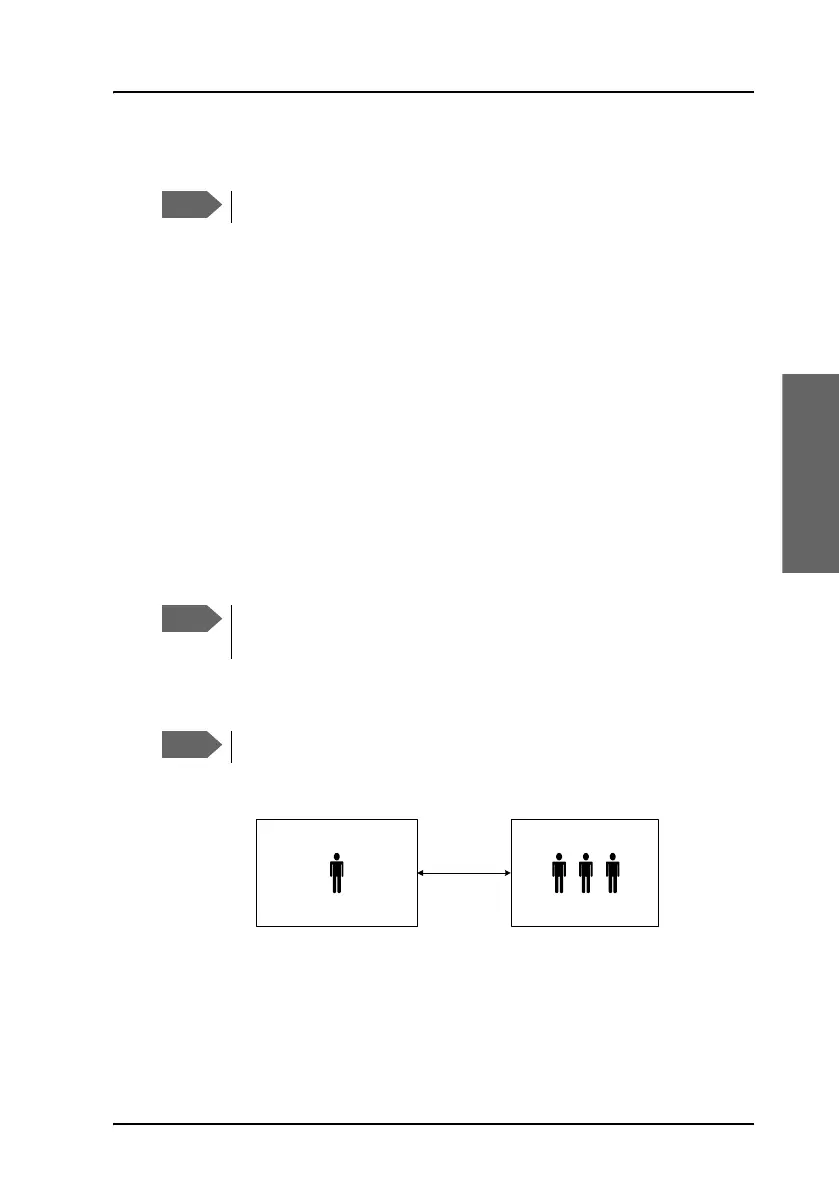
To make a multi-party call (SBU)
The phone must have an R key to be able to use these functions.
The SwiftBroadband system only supports one circuit-switched
call at a time per AVIATOR 700 system.
The phone must have an R key to be able to use these functions.
Ground
Conference
Air
Phone call
(SwiftBroadband)
Conference call (SBU)



 To Next Page