Chapter 3: Calls, faxes and SMS
Use a phone or fax machine (SBU) 59
3333
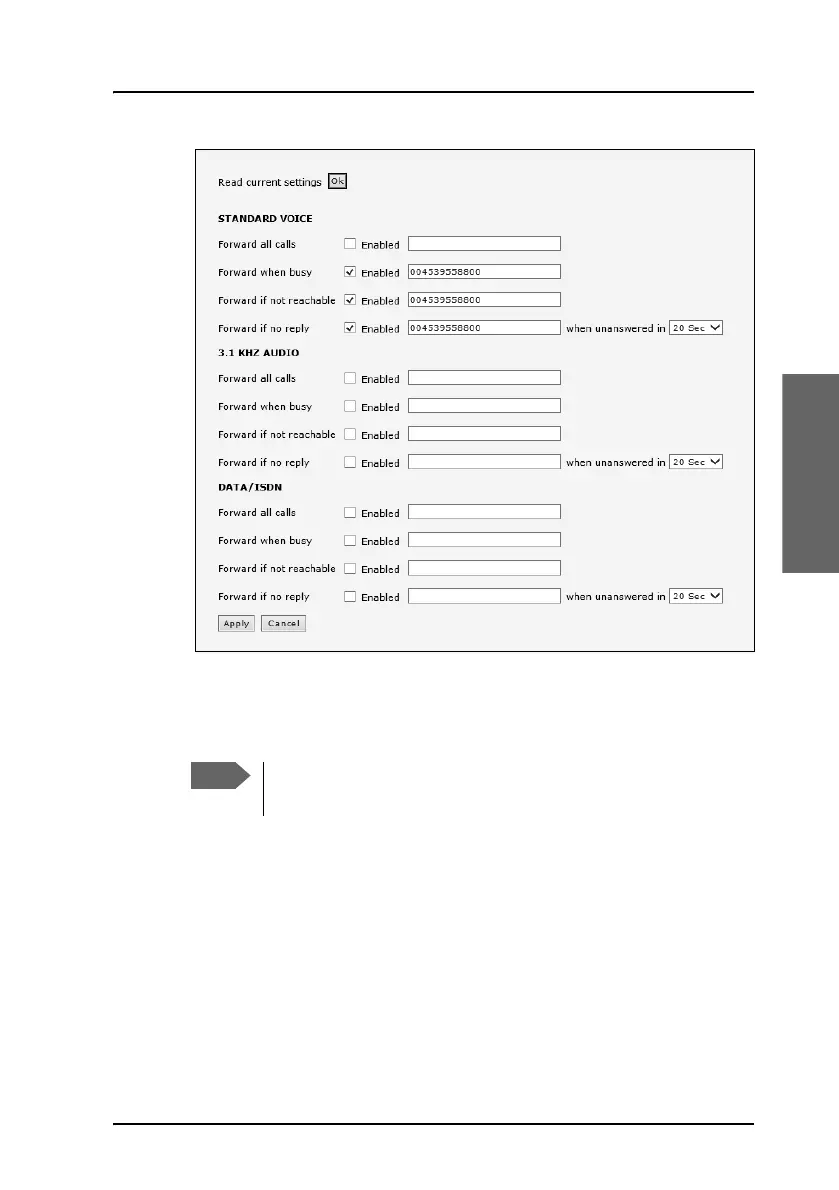
3. Click OK next to Read current settings to display the phone numbers
for call forwarding for the subscription. These numbers are operator
controlled and come with your airtime subscription (default). A message
saying Operation in progress, please wait. is displayed.
4. For each call type, select Enabled next to the situation(s) in which you
want to forward incoming calls.
5. Next to the enabled items, type in the phone number to forward the call
to.
6. If you have selected Forward if no reply, select from the drop-down
list the period of time to wait before forwarding the call.
7. Click Apply.
Allow sufficient time for the system to read the current
settings over the satellite connection.



 To Next Page