Chapter 3: Calls, faxes and SMS
84 Use the MCDU
Navigation: Display text and symbols
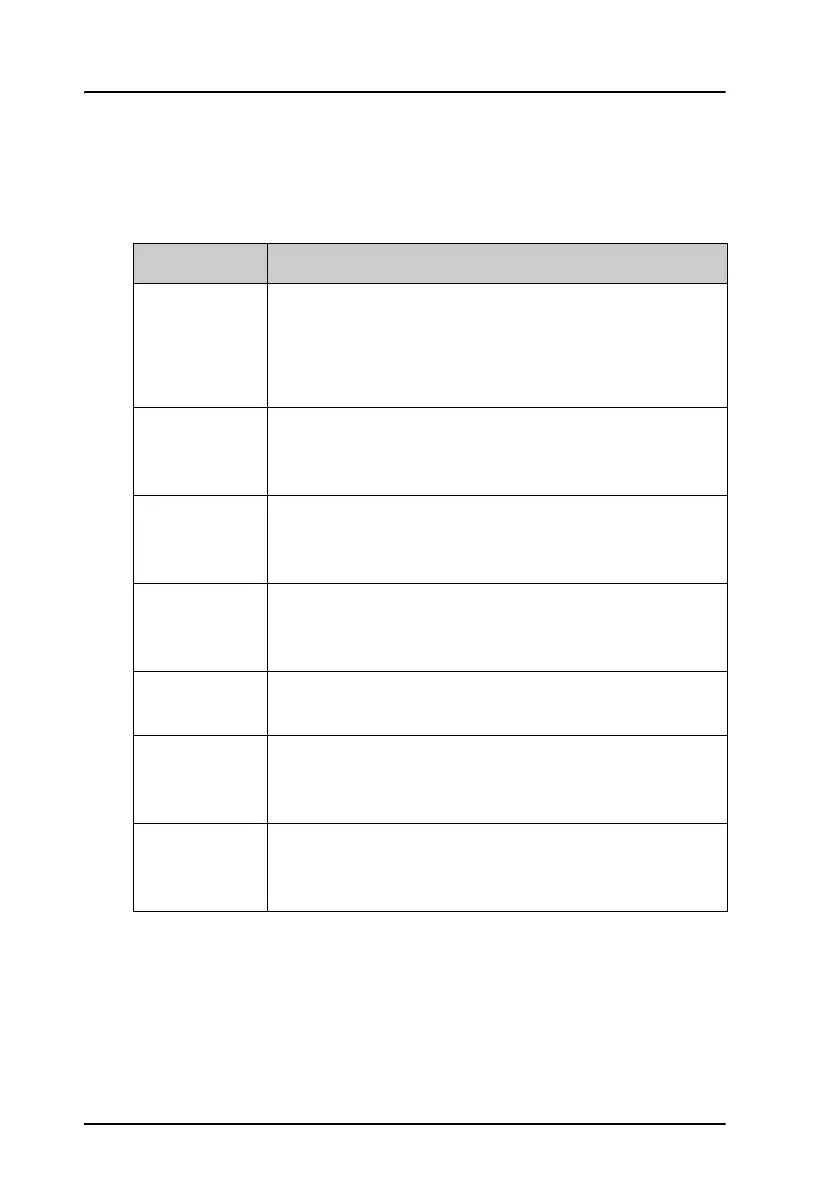
The below list shows the meaning of most of the various symbols and texts
that may appear in the display.
Symbol/Text Meaning
<
or
>
These symbols appear next to the arrow keys ( ).
The name next to this symbol indicates a new page.
Pressing the arrow key next to this symbol opens the
new page, e.g. a submenu.
*
This symbol (star or asterisk) appears next to a key if
pressing that key causes the activation of a function.
The displayed page may also change as a result.
Z
This symbol indicates the currently selected parameter
in a list. Pressing the arrow key next to this symbol
toggles between the settings available.
MAIN
Pressing the arrow key next to MAIN causes the
display to exit the menu system and go to the top-level
page.
RETURN
Pressing the arrow key next to RETURN causes the
display to go up one level in the menu system.
ACTIVE
ERRORS
If an error has occurred, this text is shown. Press the key
next to ACTIVE ERRORS to see a list of currently
active errors.
INCOMING
CALL
If there is an incoming call, this text is shown. Press the
key next to REJECT to reject the call, or the key next
to ACCEPT to accept it.



 To Next Page