Chapter 3: Calls, faxes and SMS
Use the MCDU 85
3333
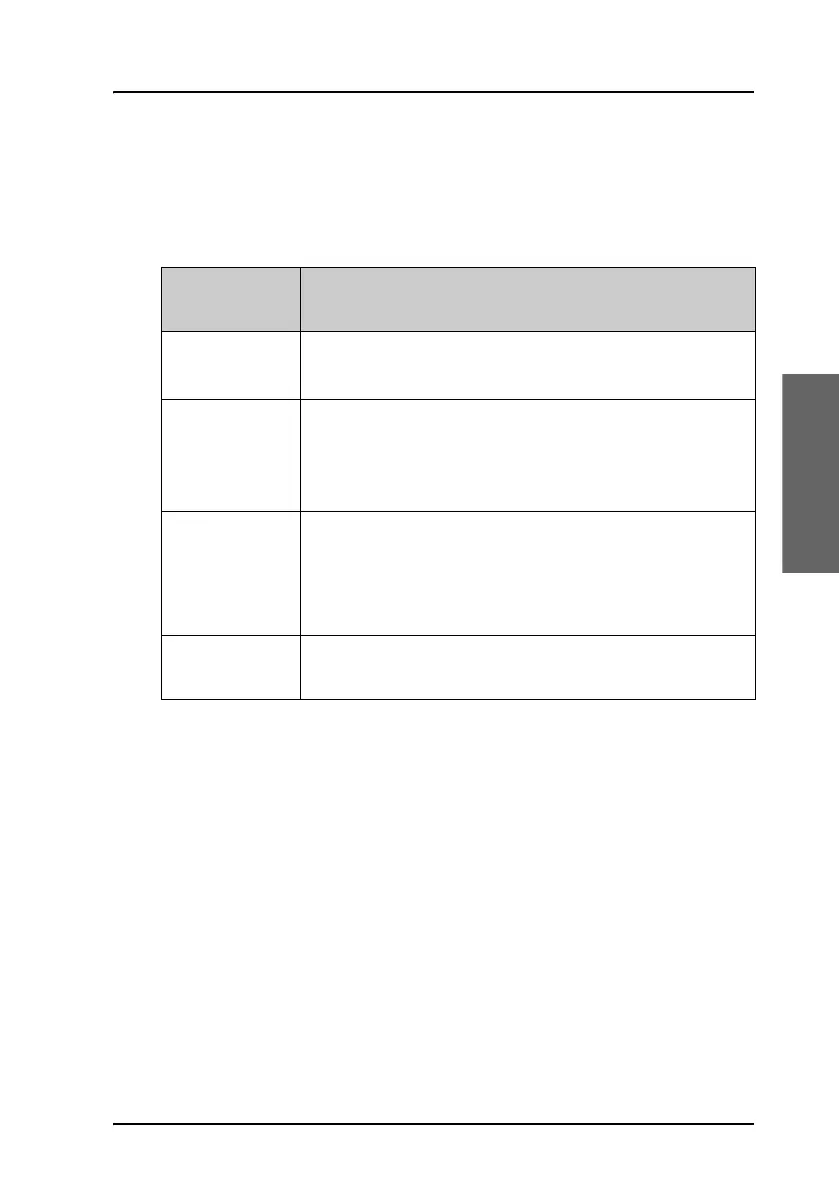
MCDU keys
The below list shows the most important key functions in the MCDU. Note
that some keys may be marked differently, depending on the type of
MCDU.
Symbol/Text
on key
Function
MENU
Enters the top-level menu. In this menu you can select
SUBMENU.
or
(arrow keys)
Opens a new page, changes parameters or activates a
function, depending on the symbol next to the key.
For further information, see Display text and
symbols on the previous page.
NEXT
Opens the next page, if the current menu or list contains
more than one page.
The top right corner of the display shows whether there
are more pages. Example: 1/3.
PREV
Opens the previous page, if the current menu contains
more than one page.



 To Next Page