14.14.1 Safety Precautions
Ensure that the power and USB cables are completely disconnected from the scanner unit.
Ensure the scanner is positioned on a stable maintenance platform.
14.14.2 Tools
Small Pozi-drive Screwdriver
14.14.3 Associated Part Numbers
10H024 : Microswitch Unit
14.14.4 Important Information
For all photos, please refer to chapter “7 Photos Information” on page 9.
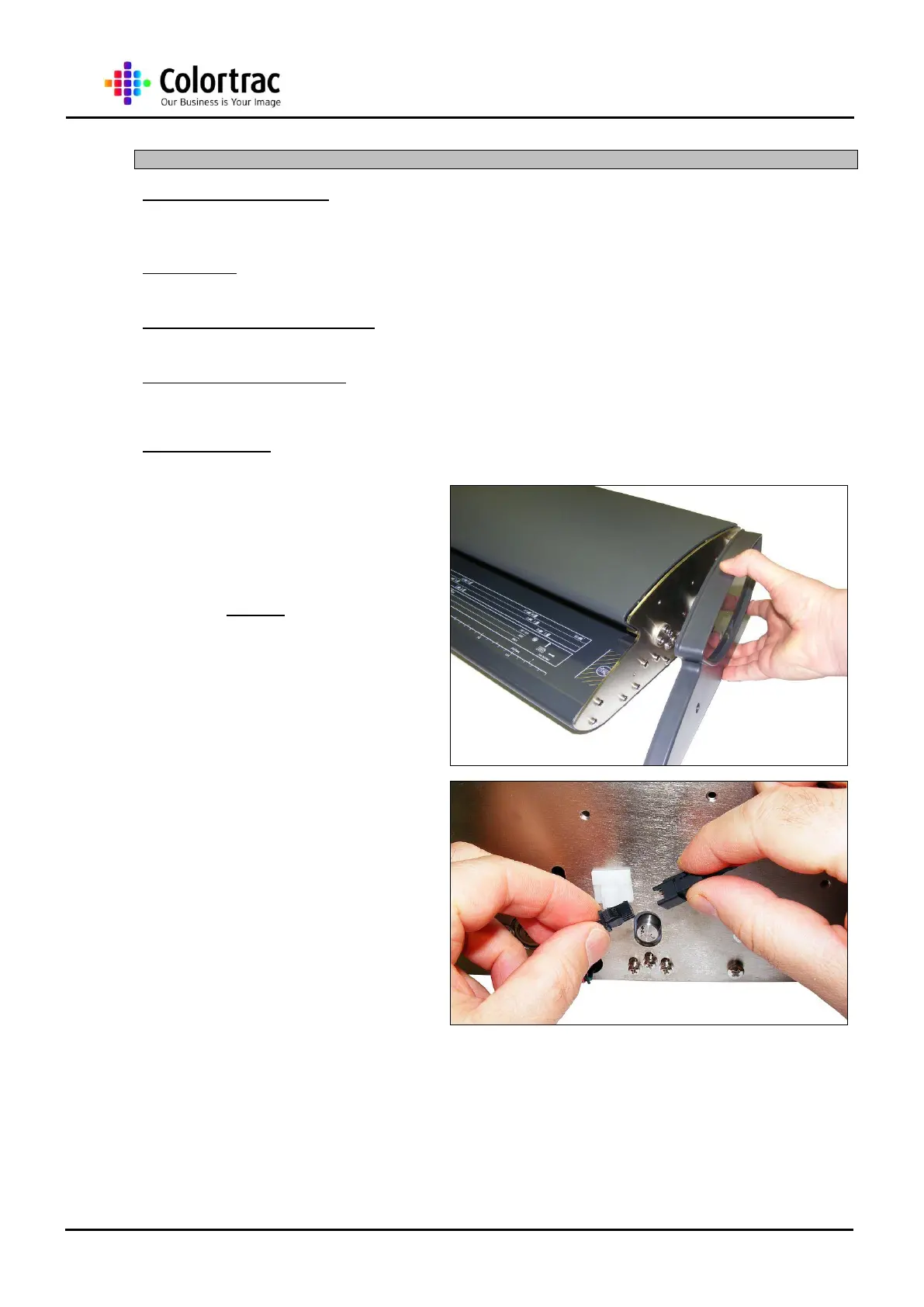
1. Remove the Right End Cover
as described in chapter “13.3
Right End Cover” page 22.
2. Disconnect the Microswitch
Cables, and release it from
the Cable Clip on the End
Plate.












 To Next Page