EasyManua.ls Logo

Colortrac M25e - Power Switch

Colortrac M25e
129 pages
Print Icon
To Next Page IconTo Next Page
To Previous Page IconTo Previous Page
Loading...
M Series Service Manual
Page 97 of 129
14.12 Power Switch
14.12.1 Safety Precautions
Ensure that the power and USB cables are completely disconnected from the scanner unit.
Ensure the scanner is positioned on a stable maintenance platform.
14.12.2 Tools
Small Flat Screwdriver
Pliers
14.12.3 Associated Part Numbers
10H009 : Power Switch
14.12.4 Important Information
For all photos, please refer to chapter “7 Photos Information” on page 9.
14.12.5 Procedure
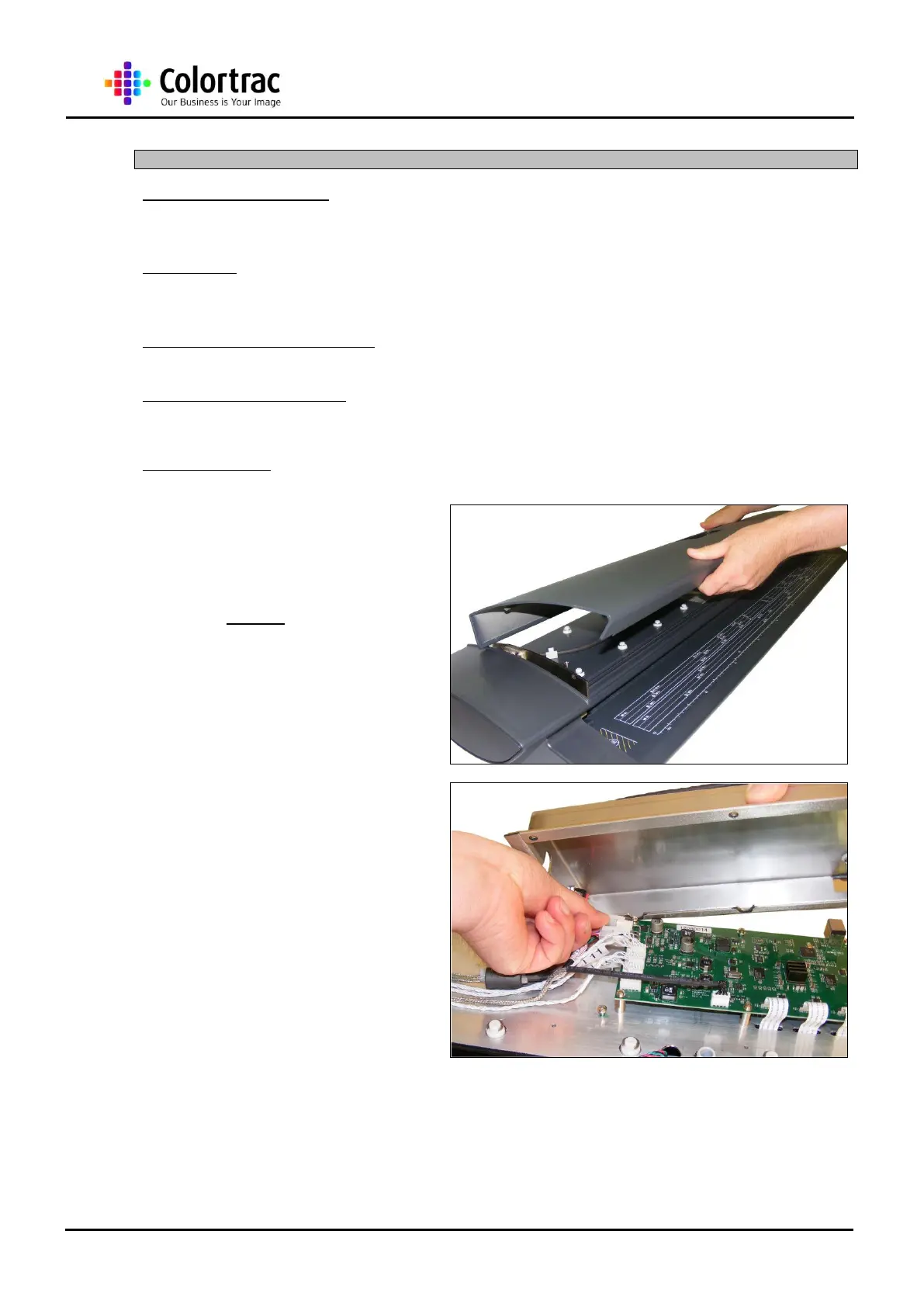
1. Remove the Top Lid Cover
as described in chapter “13.4
Top Lid Cover page 24.
2. Remove the Main Board
Cover as described in
chapter “14.1 Main Board
page 45.

Table of Contents

Related product manuals