14.5.1 Safety Precautions
Ensure that the power and USB cables are completely disconnected from the scanner unit.
Ensure the scanner is positioned on a stable maintenance platform.
14.5.2 Tools
Small Pozi-drive Screwdriver
Pliers
14.5.3 Associated Part Numbers
10H071 : M40 Drive Roller Unit
10H048 : M25 Drive Roller Unit
14.5.4 Important Information
For all photos, please refer to chapter “7 Photos Information” on page 9.
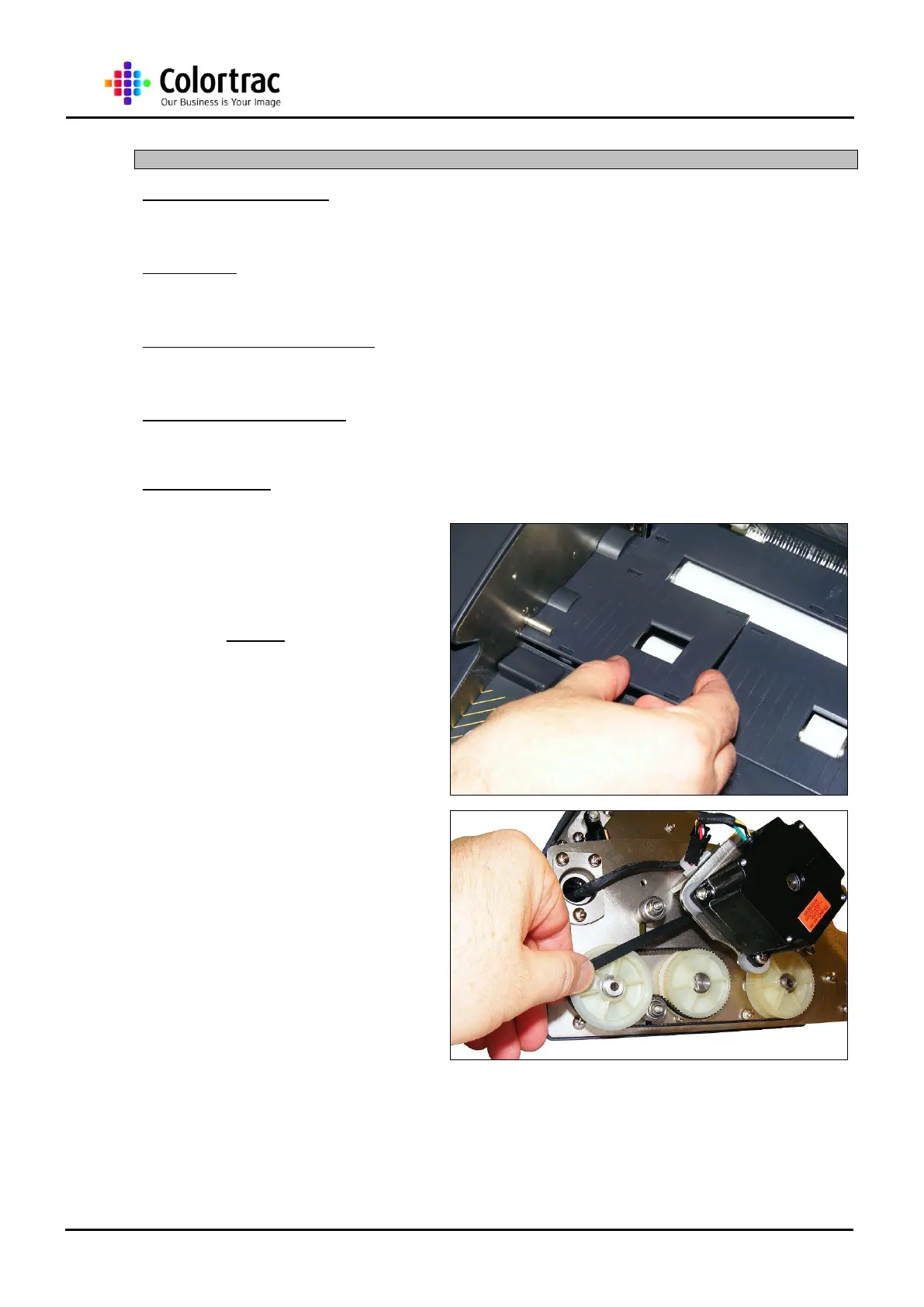
1. Remove the appropriate
Lower Covers as described in
chapter “13.6 Lower Covers”
page 31.
NOTE: Use the same method for both front
and rear rollers, but remove the Lid Assembly
as described in chaper “13.8 Lid Assembly”
page 37” for the rear roller removal.
2. Remove the Main Timing Belt
as described in chapter “14.8
Main Timing Belt” page 84.
NOTE: When removing the Rear Drive Roller
Unit, also remove the Drive Roller Timing Belt
as described in chapter “14.9 Drive Roller
Timing Belt” page 88.












 To Next Page