14.8.1 Safety Precautions
Ensure that the power and USB cables are completely disconnected from the scanner unit.
Ensure the scanner is positioned on a stable maintenance platform.
14.8.2 Tools
M7 Nutspinner
14.8.3 Associated Part Numbers
51H001 : Main Timing Belt (part of 10H030 : Timing Belts Kit)
14.8.4 Important Information
For all photos, please refer to chapter “7 Photos Information” on page 9.
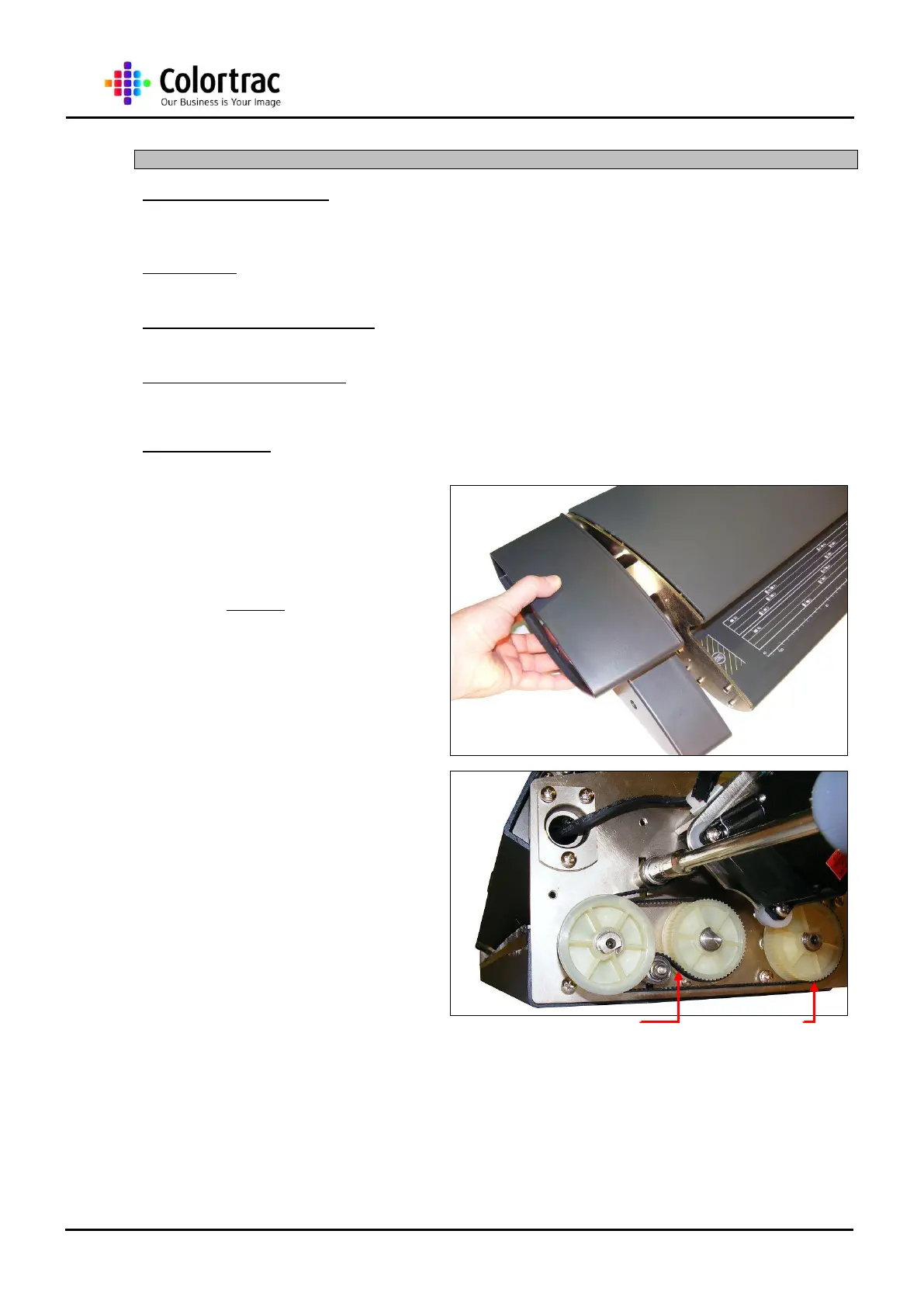
1. Remove the Left End Cover
as described in chapter “13.2
Left End Cover” page 20.
2. Loosen the Main Timing Belt
Tension Bar. Making sure not
to release the nut fully from
the bolt. Slide the Tension
Bar up and re-tighten to hold
the bar out of the way.
NOTE: The Drive Roller Timing Belt does not
need to be removed as shown in these
photos.












 To Next Page