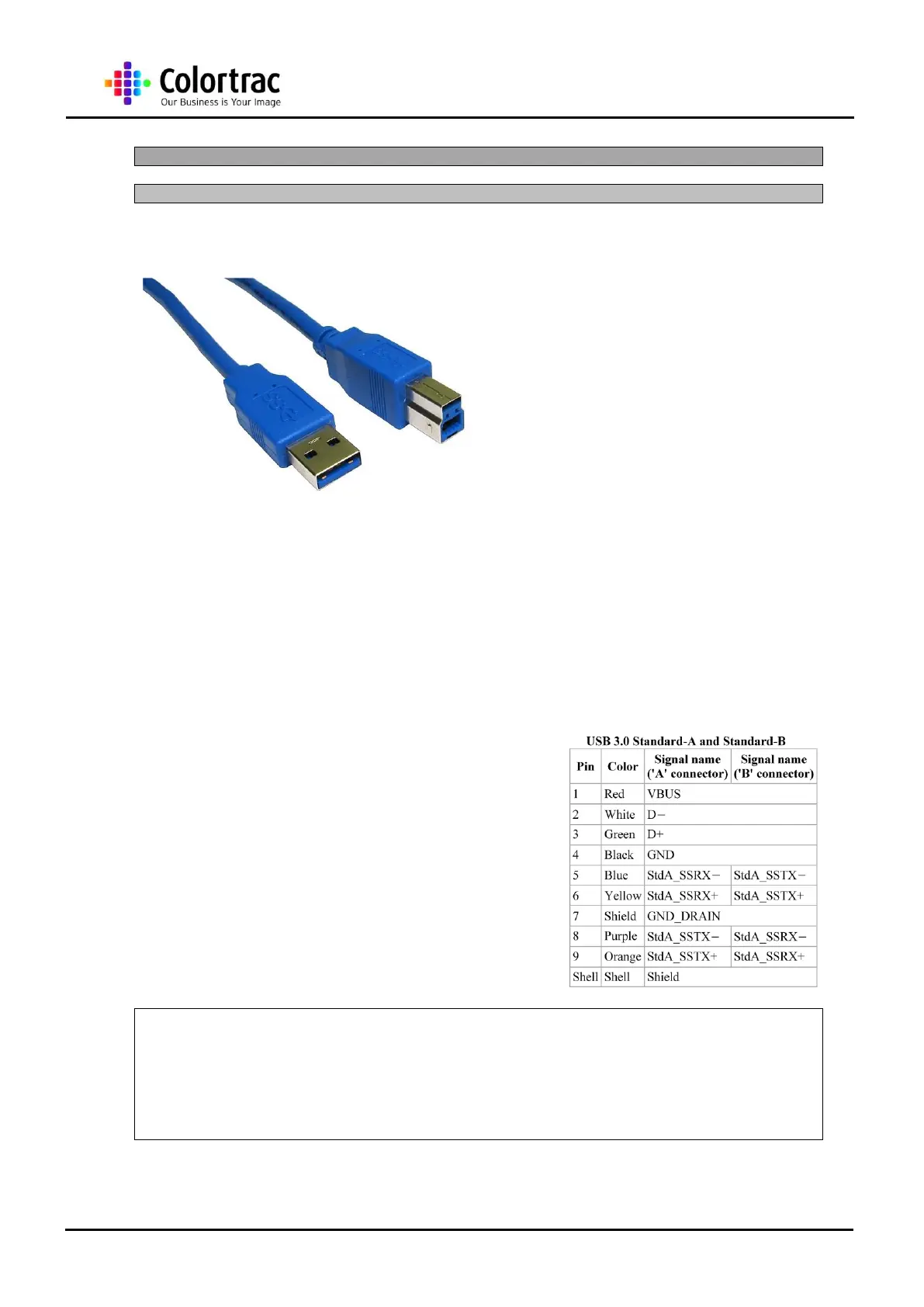
Length: 3 meter max.
Speed: 5Gbps
This high quality USB cable complies fully with
the USB 3.0 specification.
Transfer Speed ~ a new transfer type
called ‘Super Speed’ or SS – 5Gbps
More Bandwidth ~ uses 2
unidirectional data paths; one to
receive, one to transmit
Power Management ~ U0 through U3
link power management states are
defined.
Support to rotating media ~ Bulk
protocol is undated with a new feature
called Stream Protocol that allows a
large number of logical stream within
an Endpoint.
USB 3.0 has transmission speeds of up to 5 Gbps, which is 10 times faster than USB 2.0 (480
Mbps). USB 3.0 significantly reduces the time required for data transmission, reduces power
consumption, and is backwards compatible with USB 2.0.
USB 3.0 support can be added to existing laptop computers with only USB 2.0 and Expresscard
support by using an Expresscard-to-USB 3.0 adapter to supply USB 3.0 signal support. Although
the PCI Express port that the Express card connects cannot supply power of itself, the Express
card and hence the USB 3 ports nevertheless derive power from the USB 2 port that it
additionally connects to as part of the interface. If the
express card has more than one USB 3 port then only
100mA is available from each port. Additional power for
multiple ports may be derived in the following ways:
There have been some issues of USB 3.0 equipment only
transferring data at USB 2.0 speed, usually with a message
"This USB Mass Storage Device can transfer information
faster if you connect it to a Super-Speed USB 3.0 port".
This has been due to several causes, including drivers,
certain cables specified as USB 3.0 (problems disappeared
when a different cable was used), order of starting
equipment, equipment needing to be disconnected and
reconnected, and over clocked computers













 To Next Page