13.5.1 Safety Precautions
Ensure that the power and USB cables are completely disconnected from the scanner unit.
Ensure the scanner is positioned on a stable maintenance platform.
13.5.2 Tools
Medium Pozi-drive screwdriver.
13.5.3 Associated Part Numbers
10H132 : M40 Paper Tray Unit
10H080 : M25 Paper Tray Unit
13.5.4 Important Information
For all photos, please refer to chapter “7 Photos Information” on page 9.
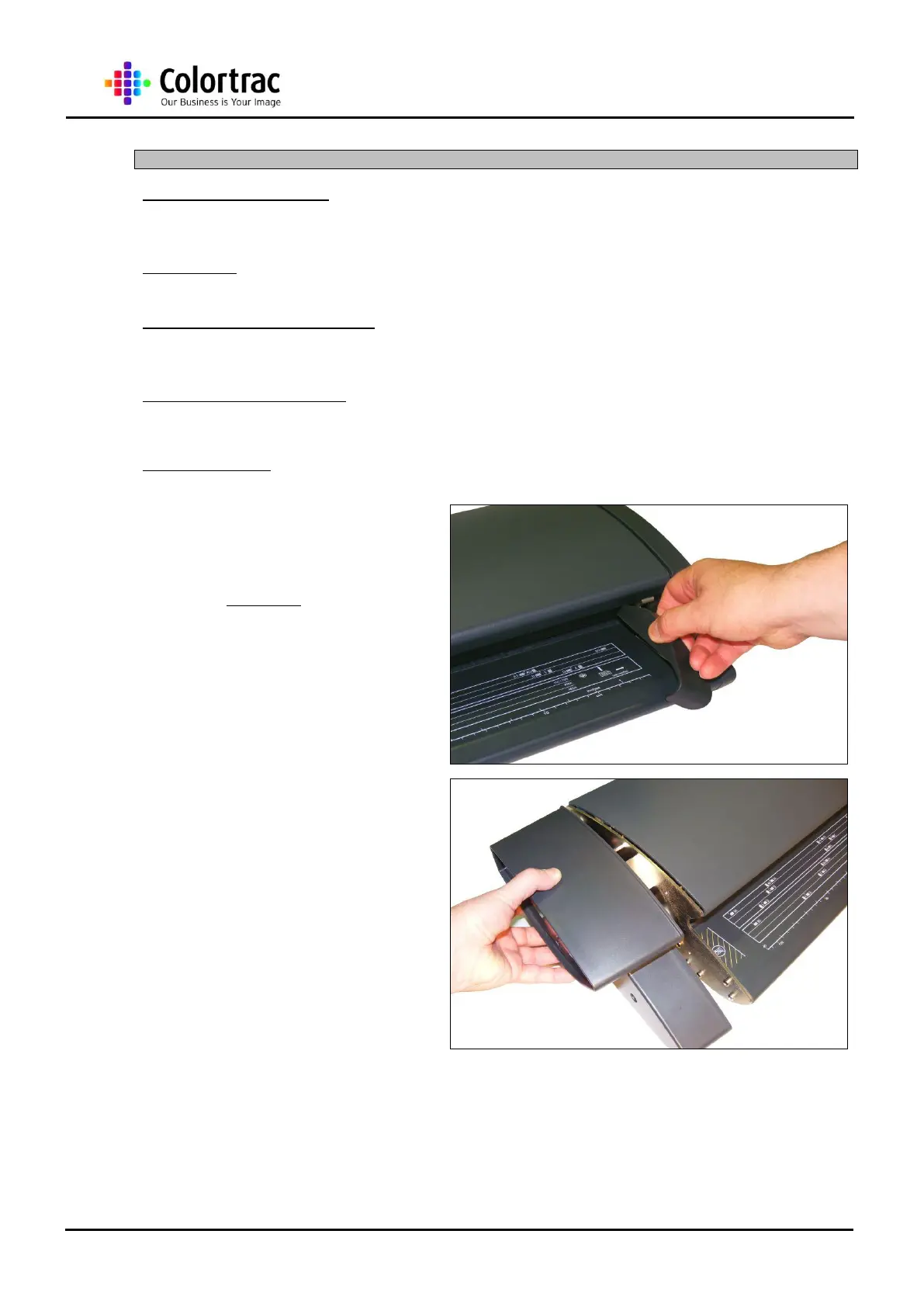
1. To remove the Paper Tray
Unit , first remove the
Magnetic Paper Guide from
the Paper Tray Unit and store
in a safe place.
2. Remove the Left End Cover
as described in chapter “13.2
Left End Cover” on page 20.












 To Next Page