4 How to Contact Technical Support
Support Direct Line: +44 (0) 1480 409997
Company Tel No: +44 (0) 1480 464618
Company Fax No: +44 (0) 1480 464620
www.colortrac-helpdesk.com
Technical Downloads
(software, firmware, drivers)
http://www.colortrac.com/support/software-downloads/
Technical Support Website
(manuals, catalogues, price
lists)
www.mseries.colortrac.com
User name: colortrac
Password: available on request.
5.1.1 Electrical
Do NOT remove any covers from the scanner while the power is on or allow an end user
to operate the scanner with ANY covers removed. Engineers must exercise extreme
caution while working on any scanner.
It is advisable to allow the scanner 5 minutes to discharge before removing covers and
any of the boards. The boards may hold a charge and may give a shock if touched.
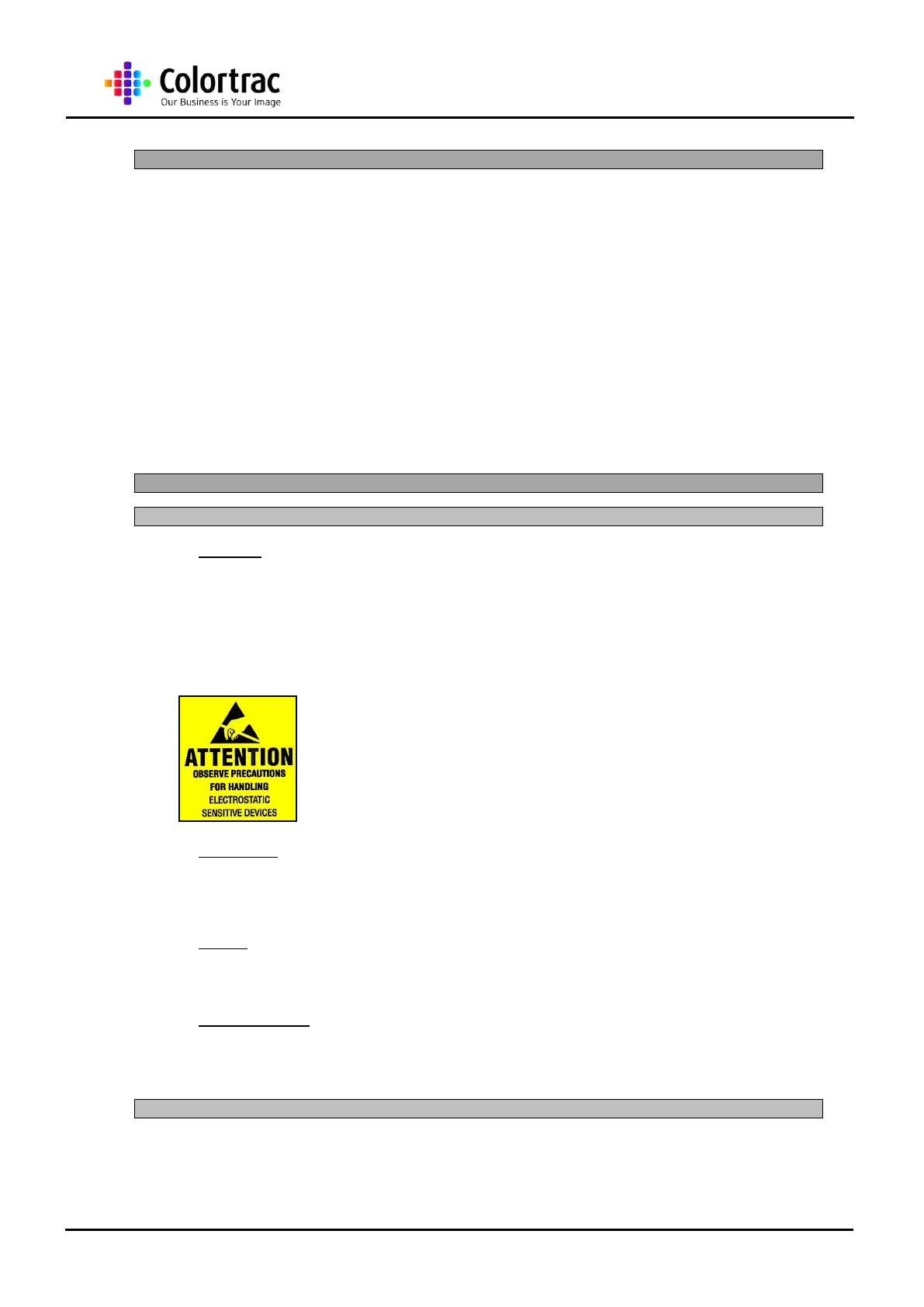
Please observe anti-static precaution when handling any
electrical boards from the scanner.
5.1.2 Mechanical
The mechanism that operates the lid and the paper handling assembly can trap fingers
when closing. Please handle with care.
5.1.3 Weight
Because the weight of the scanner is approximately 27Kg, 2 people are required to lift the
scanner.
5.1.4 Rotating Rollers
The scanner operates a roller to move the image across the scanner. These rollers may
grip ties and any other similar articles of clothing, as well as long hair if put near the
rollers during operation.
The SmartLF model conforms to EMC and FCC (Part B). EMC testing is carried out to
ensure the M Series does not emit signals that can interfere with other devices, and that
no external interference signals will interfere with it.












 To Next Page