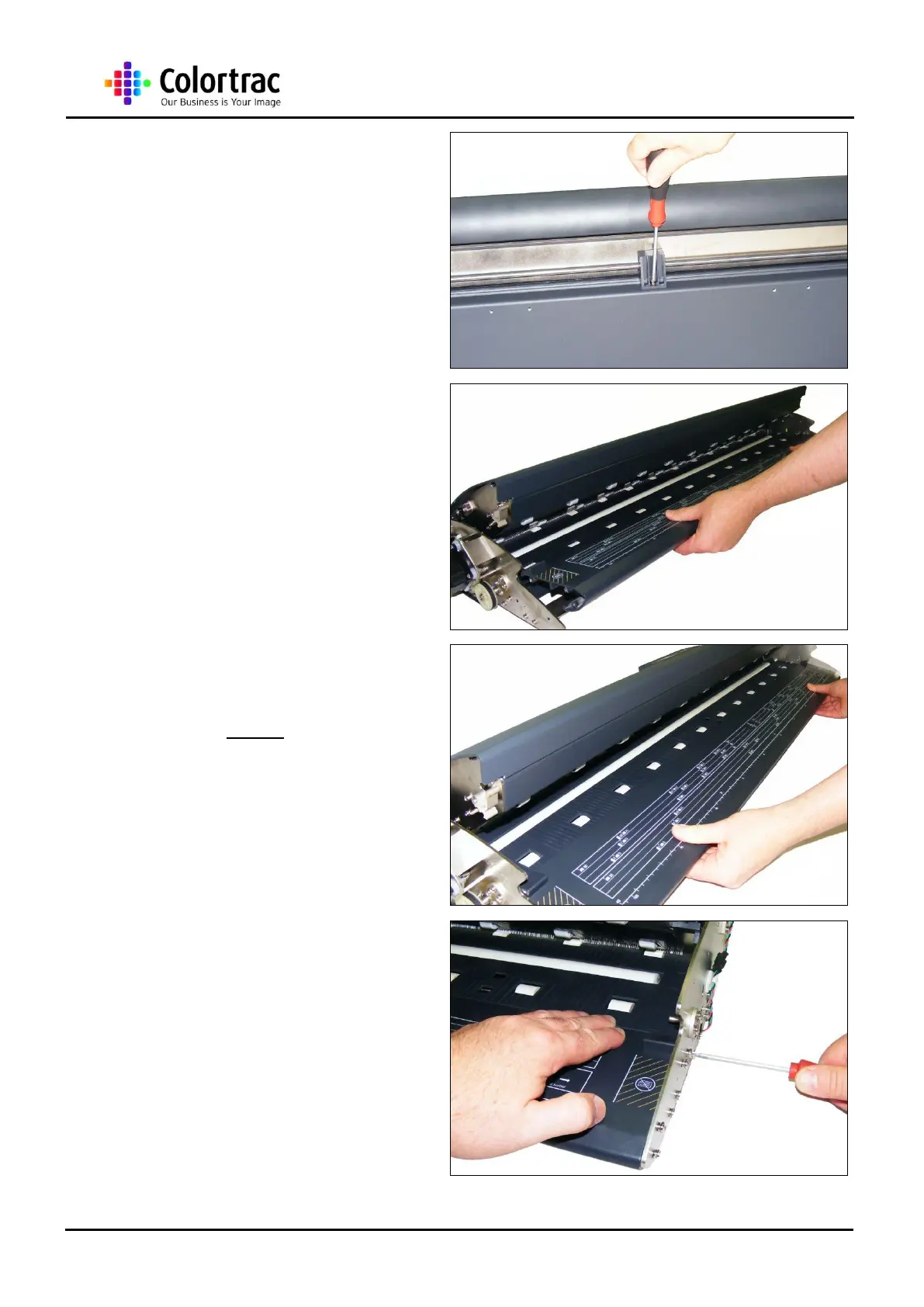
6. Remove the M4 screws from
the 3 x support brackets
underneath the Paper Tray
Unit.
7. Gently lift the Paper Tray Unit
up and away from the
scanner.
8. Replace the Paper Tray Unit
in the reverse order, making
sure the Paper Tray Unit is
located at the back of the
Paper Tray Unit area before
lowering into place.
9. When tightening the rear
screws at either end of the
Paper Tray Unit, make sure
the rear of the Paper Tray
Unit is level with the Lower
Covers.












 To Next Page