15Appendix D Installation & Commissioning Manual
94
5100607_CFD5000 T - CM2.2_Installation & Commissioning Manual_T_EN_2023_F
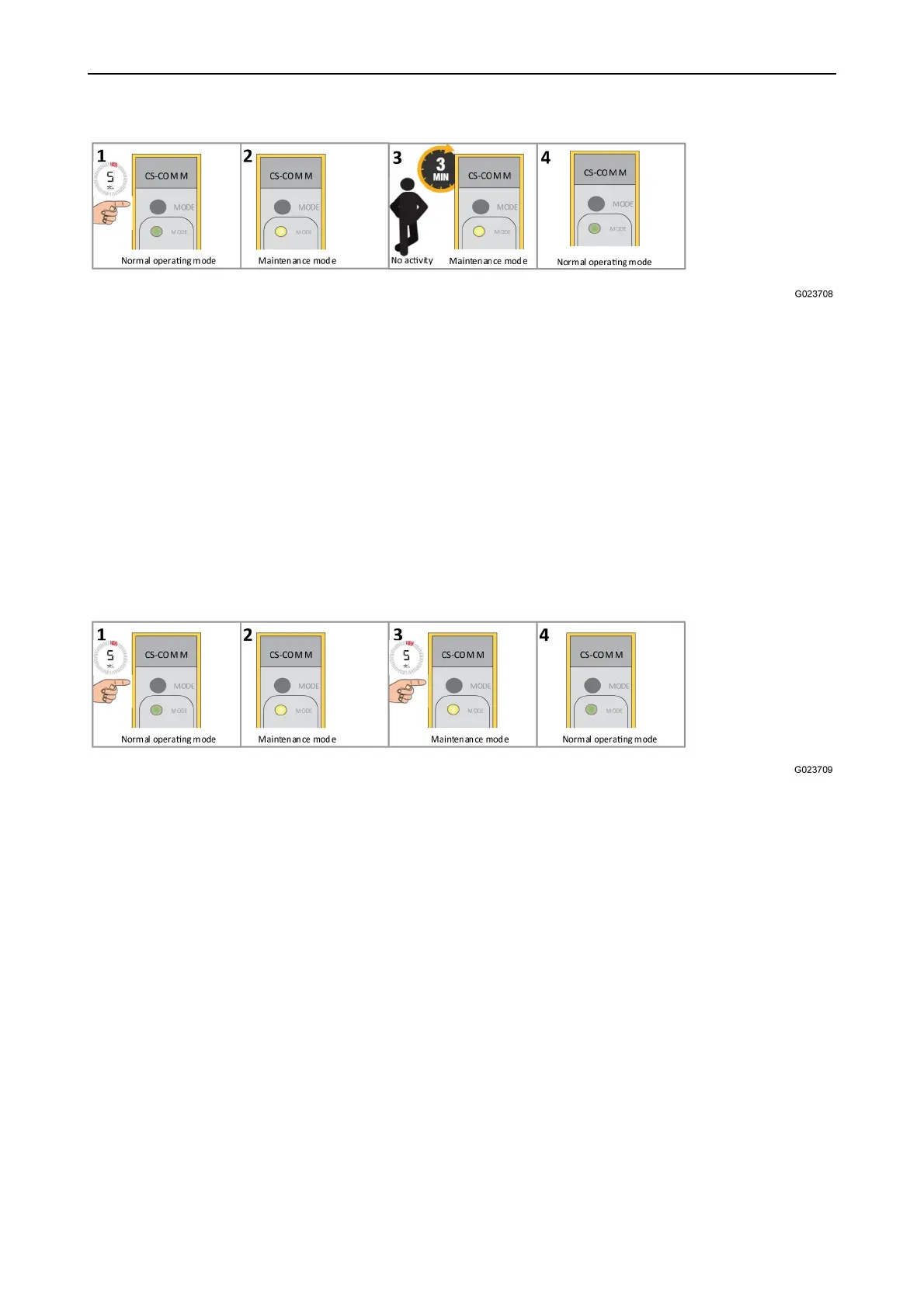
1. Press the Mode key for 5 seconds.
2. This puts the CS-Com M into maintenance mode, yellow indication.
3. No user activity for 3 minutes
4. The CS-Com M returns to normal operating mode, green indication.
The SDTv2 channel will be active again using the previous stored Consist ID. In
case of flashing green indication, there is no Consist ID.
Mode toggling
Maintenance mode can be manually exited as well as entered.
1. Press the Mode key for 5 seconds.
2. This puts the CS-Com M into maintenance mode, yellow indication.
3. Press the Mode key for 5 seconds.
4. The CS-Com M returns to normal operating, green indication.
SDTv2 channel unaffected, active again with earlier stored Consist ID
Mode Indications
The mode LED indicates the operating mode of the CS-Com M.


 To Next Page
 Loading...