112 • 4-Series™ Control Systems Product Manual — Doc. 8559B
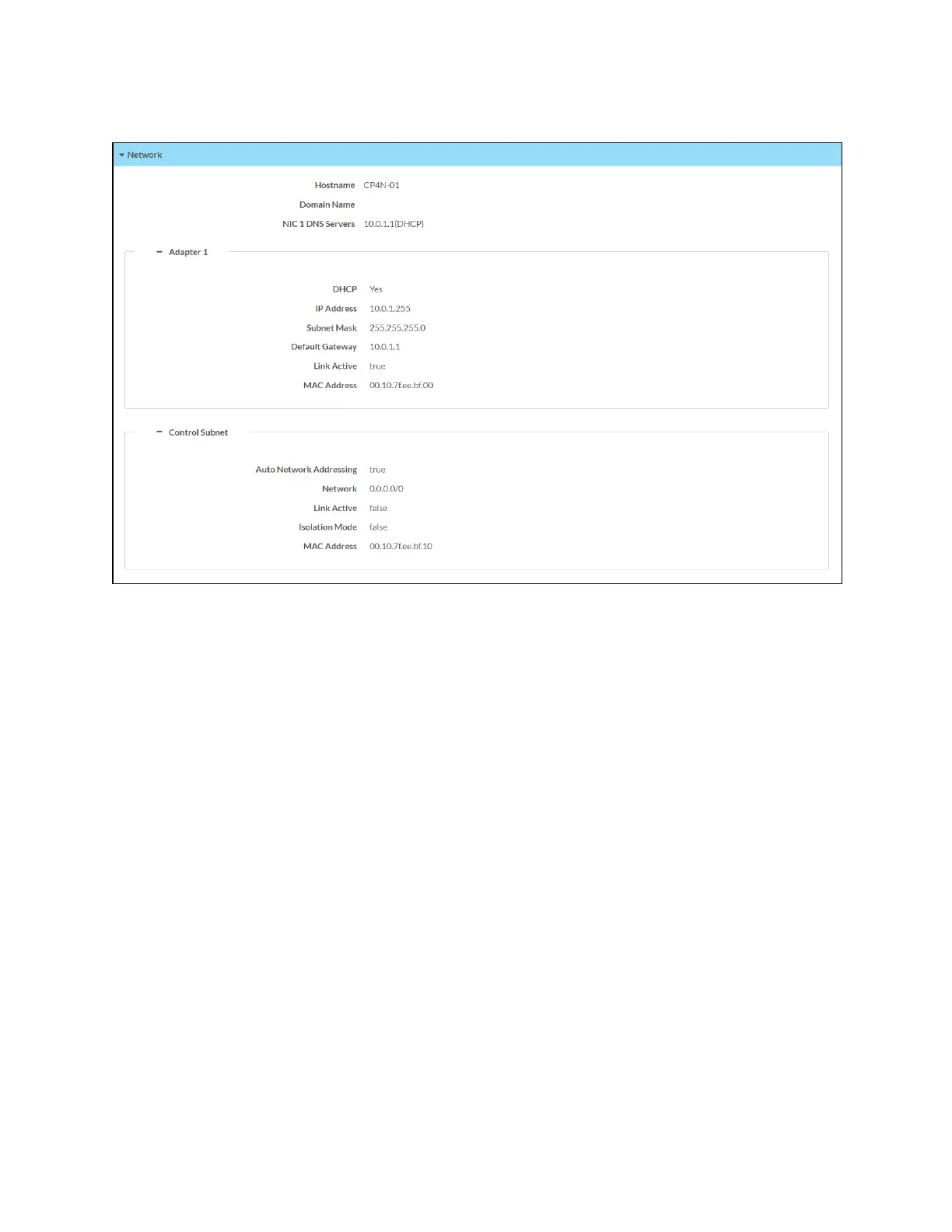
Status Tab - Network
The following Network information is displayed:
l
Hostname: The control system host name
l
Domain Name:The control system domain name
l
NIC 1 DNS Servers: The DNS (domain name server) addresses used to resolve the control
system domain to an IP address
Select the + (plus)icon next to Adapter 1 to display the following Ethernet settings:
l
DHCP: Reports whether the IP address is dynamic (Yes) or static (No)
l
IP Address: The control system IP address, shown only if an Ethernet connection is active
l
Subnet Mask: The control system subnet mask address, shown only if an Ethernet
connection is active
l
Default Gateway: The gateway router address, shown only if an Ethernet connection is
active



 To Next Page