Product Manual — Doc. 8559B 4-Series™ Control Systems • 131
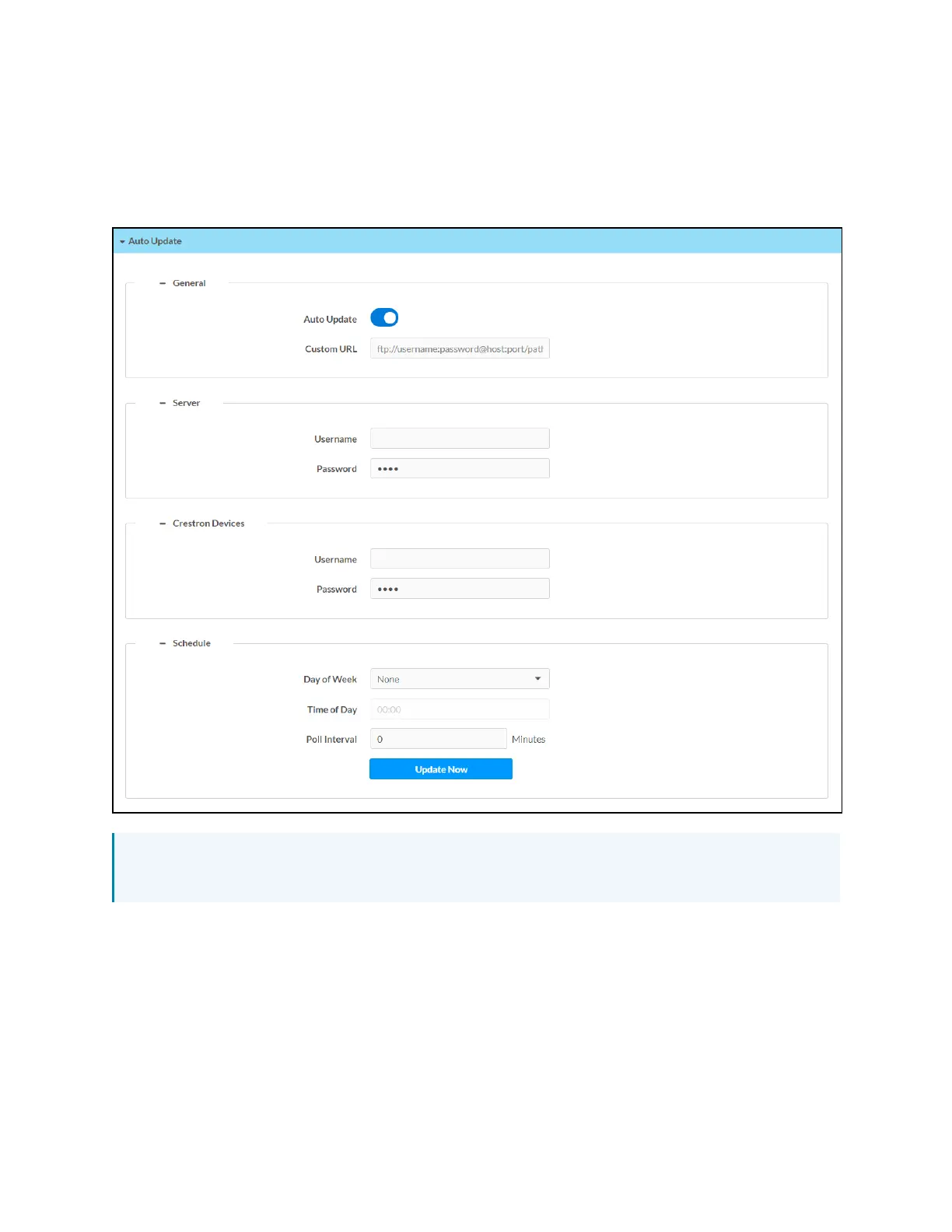
Auto Update
Select Auto Update to configure automatic firmware updates for the control system and
connected devices.
Settings Tab - Auto Update
NOTE:For more information on configuring automatic updates for the control system, refer
to Auto Update Mechanism (on page198).
General
l
Turn on the Auto Update toggle to use automatic updates for the control system and
connected devices.
l
If Auto Update is turned on, enter a custom update server FTPaddress in the Custom URL
text field.



 To Next Page