Section 9F
Layers Panel - Weld Tool
Section 9F Page 1
Weld
The Weld tool allows you to join shapes to create a single customized image by removing any
overlapping cut lines. This can be a great way to simplify a design, keep the letters of a word
connected, or combine shapes to create new designs.
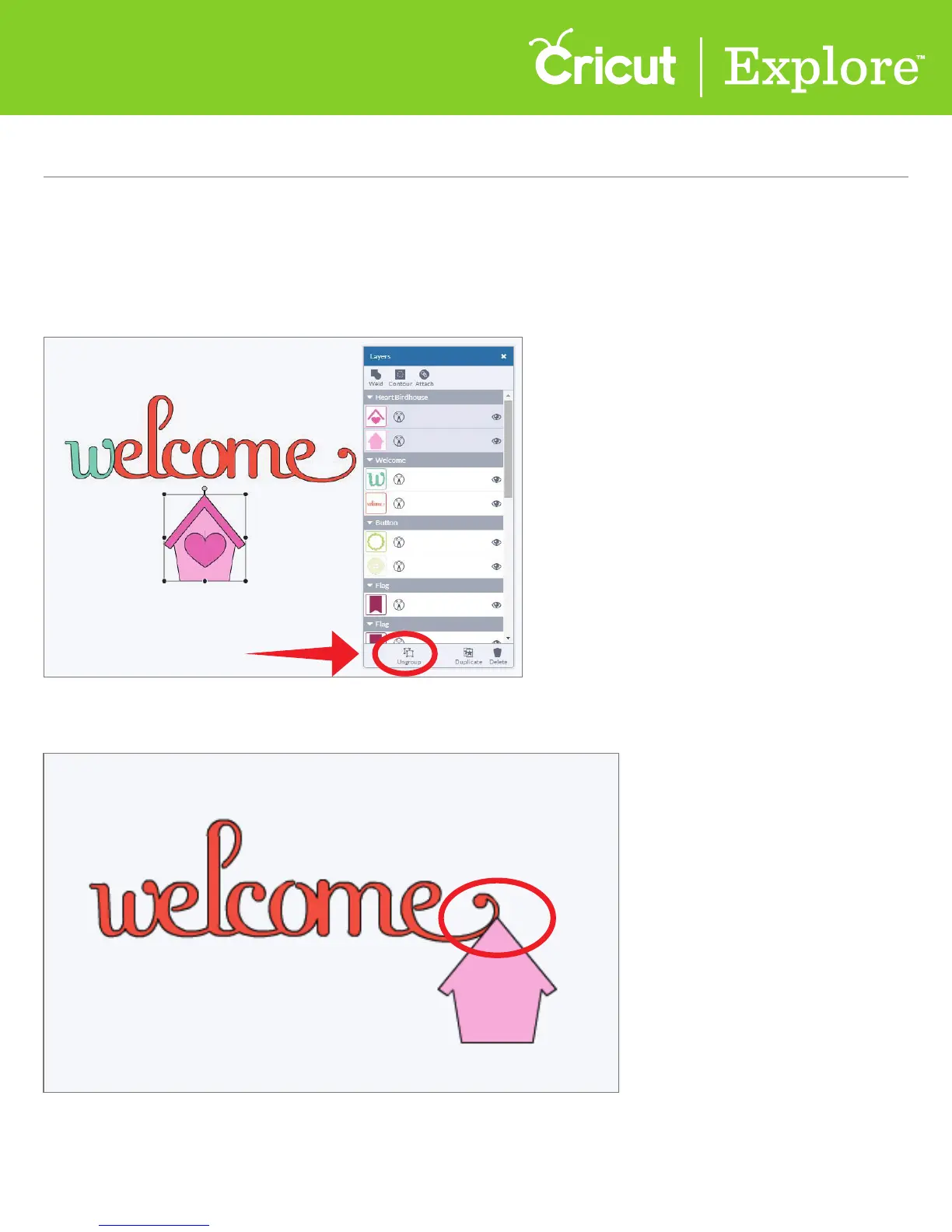
Step 1 Ungroup your image if it has multiple layers.
Step 2 Make sure the images you would like to weld overlap each other.















 To Next Page