Section 12
Mat Preview
Section 12 Page 1
Mat Preview
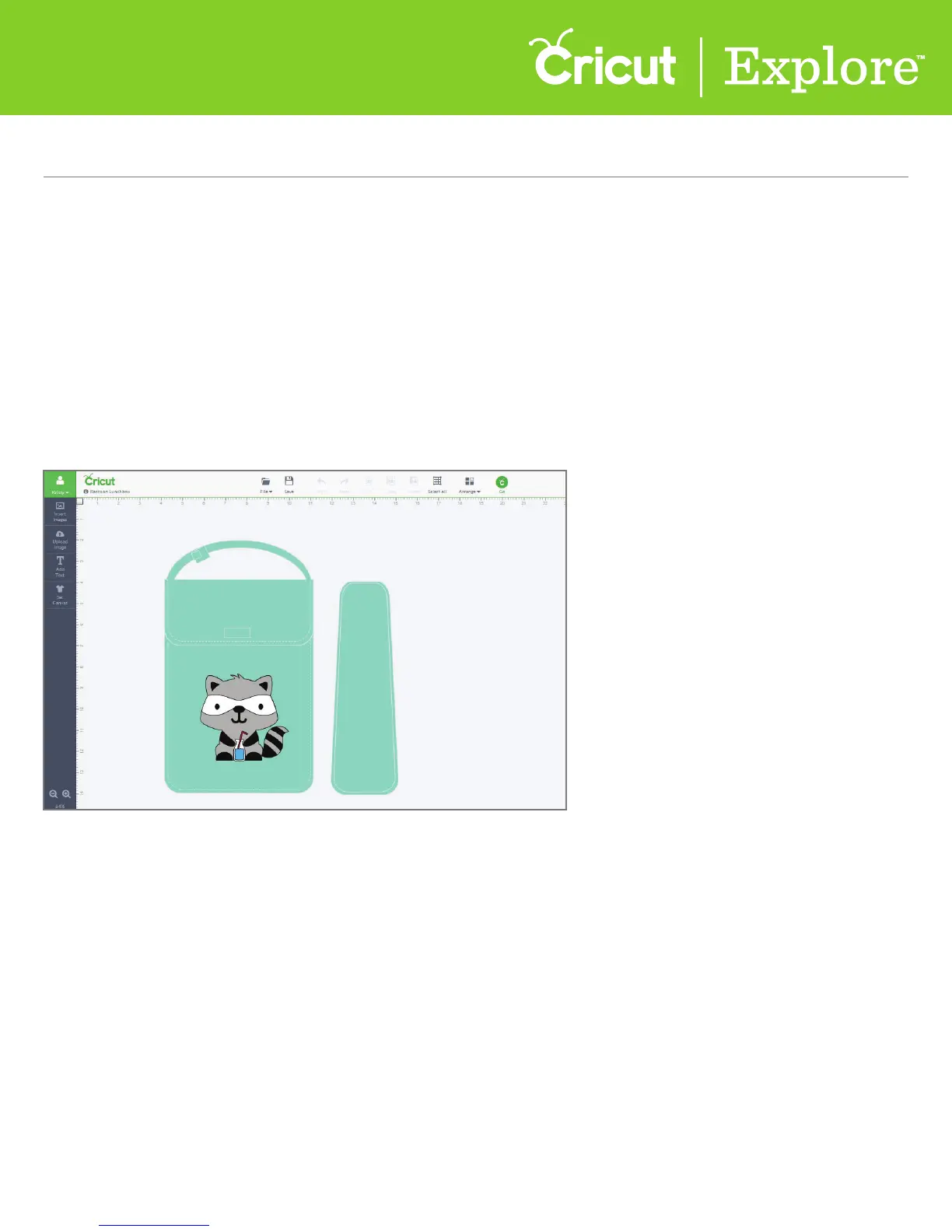
Once your project is ready to cut, click “Go.” Cricut Design Space™ will take your project and automat-
ically separate the color layers onto dierent mats for you. The Mat Preview screens give you multiple
options to adjust your mats prior to cutting.
• Select/edit dierent mats based on color
• Move/rotate images on the mat
• Make copies of your project
• Mirror the images on the mat (for use with materials like iron-on)
• Select the material size
Use the Mat Preview screens to perform a variety of tasks.















 To Next Page