Working with images/Edit panel (cont.)
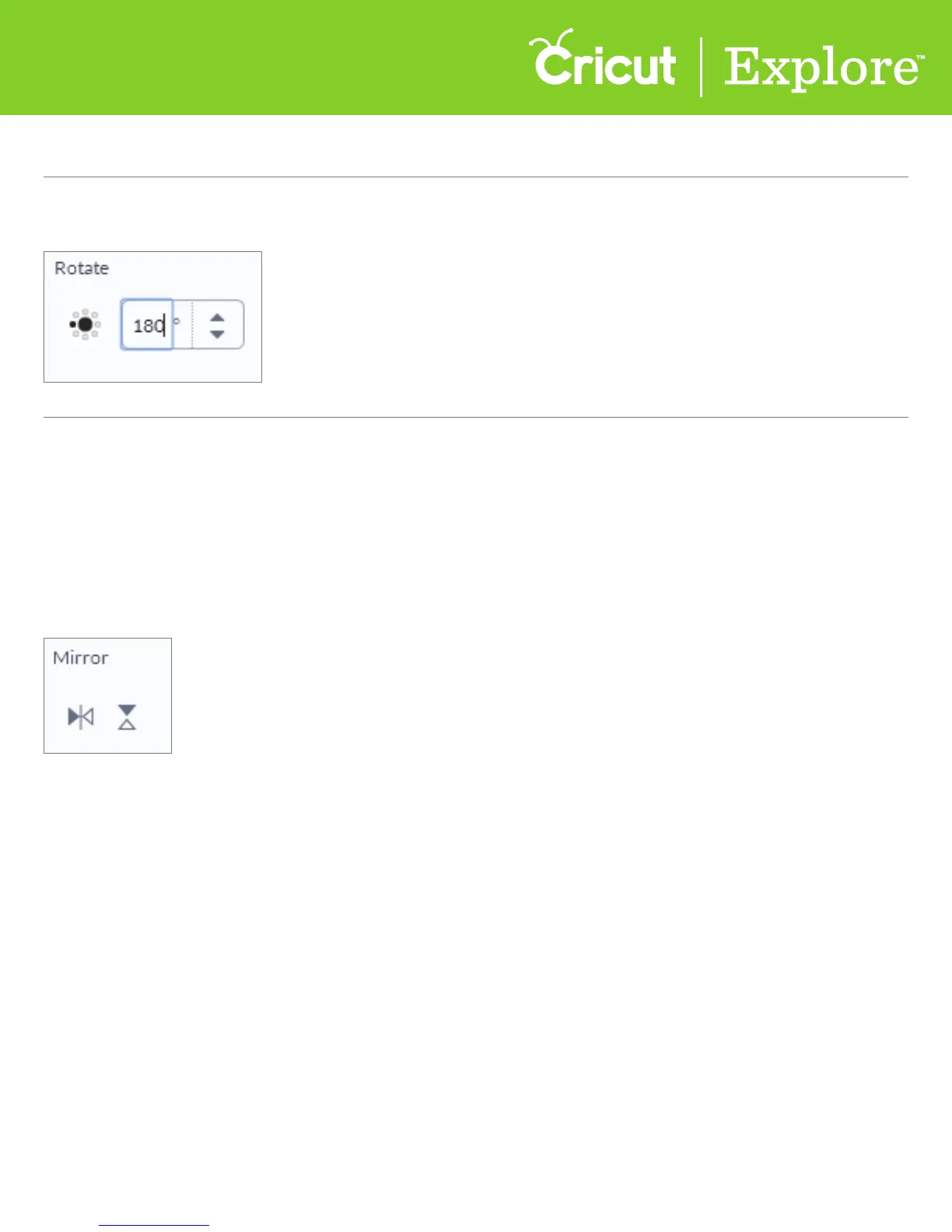
Option 3 In the edit panel, enter a specific rotation up to 360° or use the arrow buttons to
adjust rotation.
Section 7C
Working with images/Edit panel - Rotate/Mirror/Position
Section 7C Page 2
Mirror images
Click on the mirror buttons in the edit panel to flip your image either vertically or horizontally
Tip: If you are working with iron-on, we recommend you wait until you’re in the Mat Preview screen
to mirror for cutting.















 To Next Page