Section 6A
Cutting Your Own Images - Basic Upload
Section 6A Page 1
Cutting Your Own Images
Cricut Design Space™ gives you the ability to cut what you want by uploading and converting most
.jpg, .bmp, .png, .gif, .svg and .dxf images into cuttable shapes for free. There are two dierent types of
uploads: Basic and Vector. Basic uploads are for raster files which are composed of pixels. Unwanted
pixels or unwanted parts of the image must be removed so Cricut Design Space
™
can tell Cricut
Explore
®
where it should cut or draw. Vector uploads are for files which are composed of paths or
lines. Cricut Design Space
™
converts these paths to tell the Cricut Explore
®
machine where it will
cut or draw.
Basic Upload (.jpg, .gif, .png, or .bmp files)
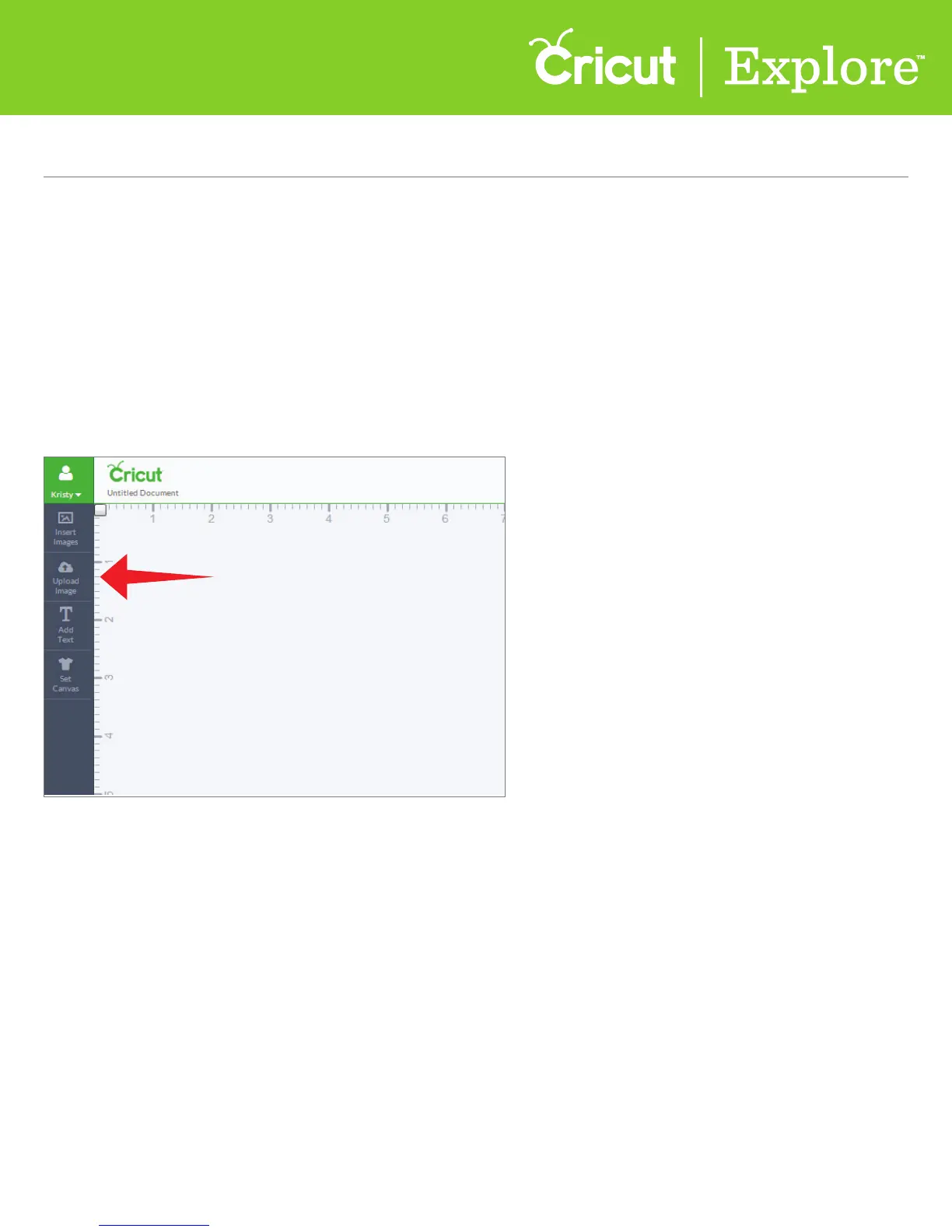
Step 1 To begin a basic upload, click “Upload Image” on the left side of the design screen.















 To Next Page