Section 9H
Layers Panel - Attach Tool
Layers Panel (cont.)
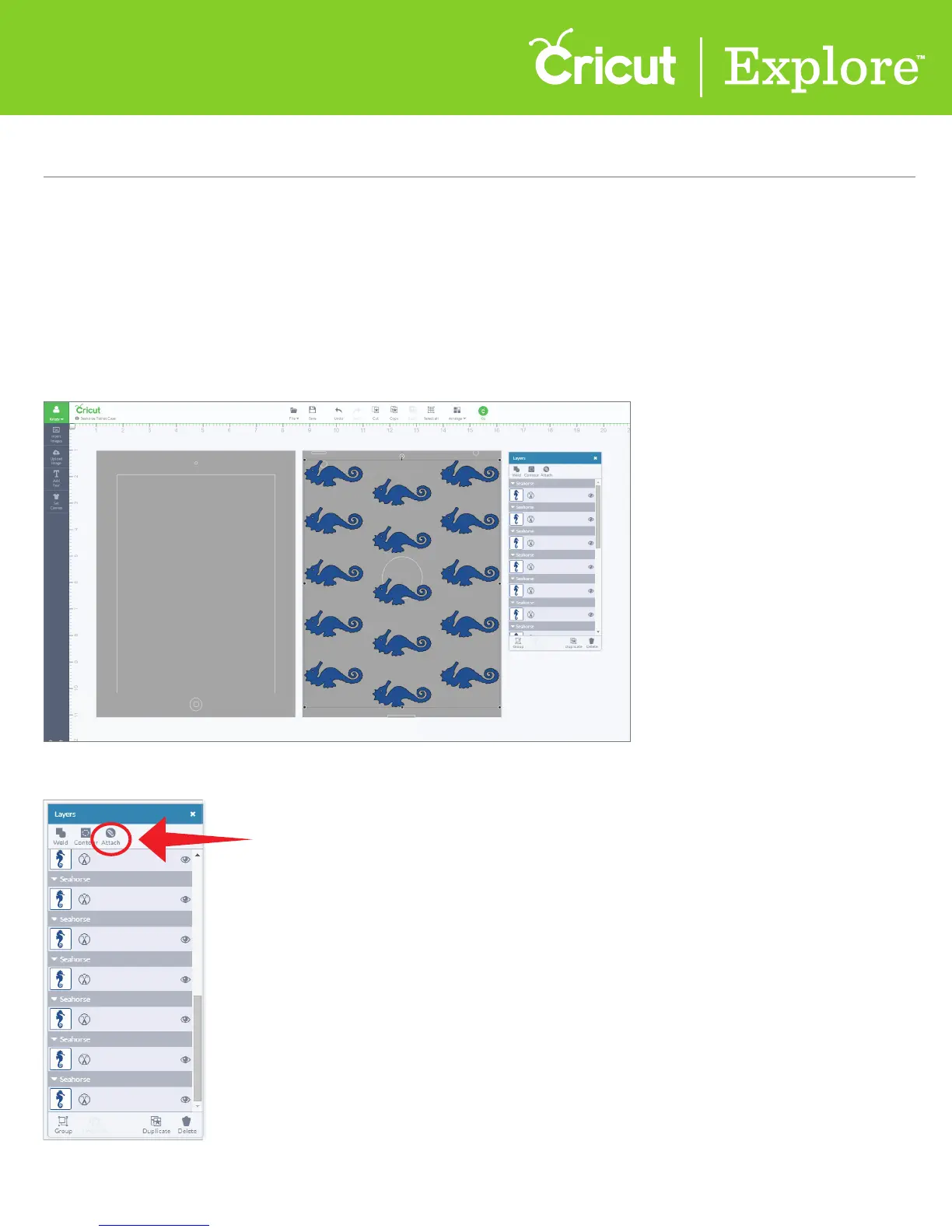
The Attach tool has two functions. Attach holds your cuts in position so that images on the cutting mat
will appear exactly as they show up on your design screen. Attach can also fasten a write or score line
to a cut layer.
Using Attach to Hold Position
Step 1 Select the images you would like to cut in a specific position. They will all be cutting from the
same mat, so it’s a good idea to attach images that share a color. You will want to attach by layer or color.
Step 2 Once your images have been selected, open the Layers panel and click “Attach.”
Section 9H Page 1















 To Next Page