Section 9A
Layers Panel - Determine the Line Type (Cut, Write, Score)
Section 9A Page 1
Layers Panel
Use the layer panel to perform a variety of tasks.
• Determine the line type (cut, write, score)
• Change color of image layers
• Group/ungroup images and layers
• Duplicate/delete an image
• Hide/unhide an image layer
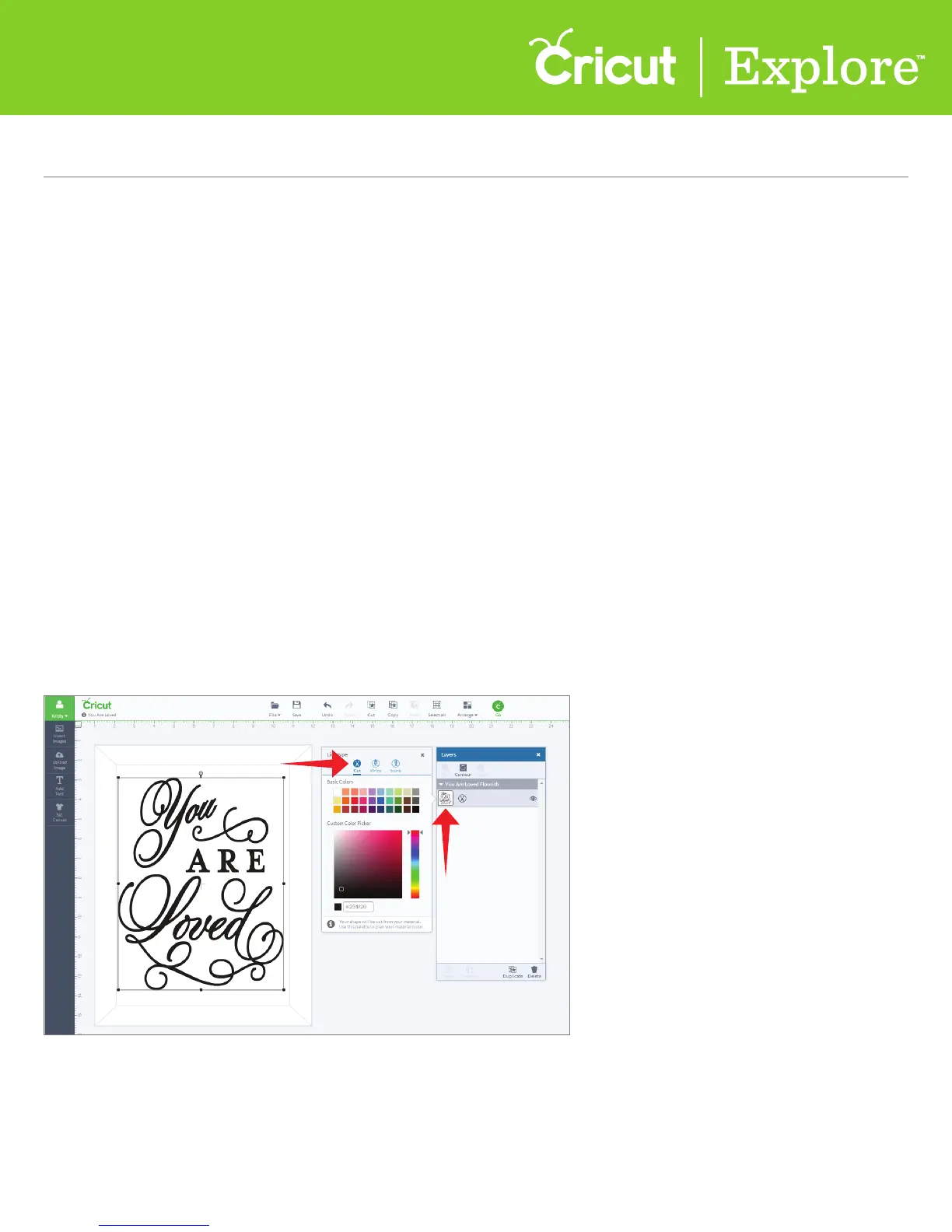
Step 1 To change the line type of a layer, click the thumbnail image in the Layers panel. The current
line type will be bold.
Tip: Each layer must be changed separately.
Determine the line type (cut, write, score)
Line type determines if your image will be cut, drawn or scored in your final project. The line type is
shown next to the image layer thumbnail and is represented by a symbol.
Cut: the image will be cut from your material
Score: the image will be scored and will require the use of the Cricut
®
Scoring Stylus
Write: the image will be drawn and will require a Cricut
®
Color Pen















 To Next Page