Layers Panel (cont.)
Section 9A
Layers Panel - Determine the Line Type (Cut, Write, Score)
Section 9A Page 2
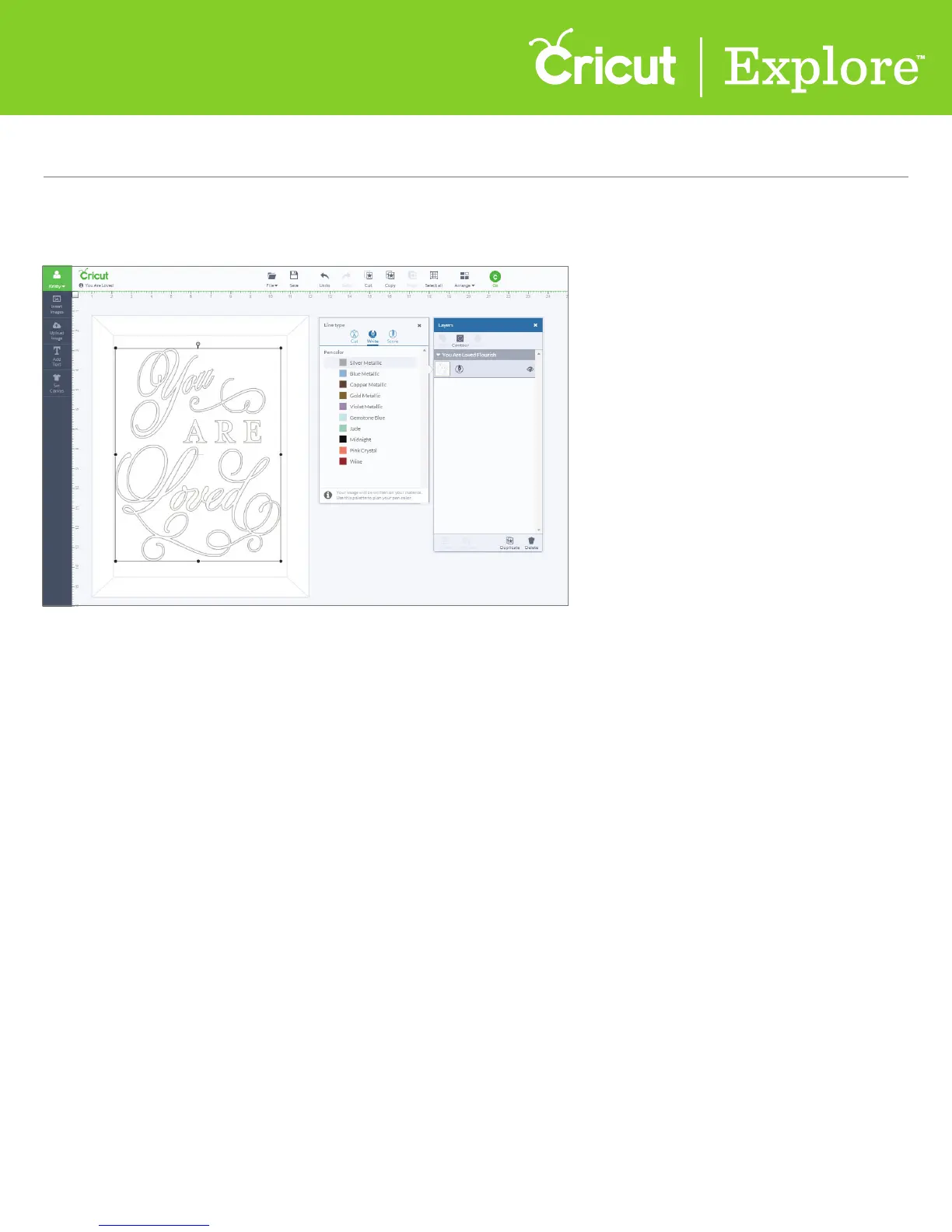
Step 2 Click the line type icon to make a change. The image in the Design Space
™
will change to reflect
your choice.
Tip: If there are multiple layers to your project and the line type is a write or a score, the image will
need to be attached to another layer. (See section 9H, “Attach Tool,” for more details.)















 To Next Page