Group/Ungroup images and layers (cont.)
Section 9C
Layers panel - Group/Ungroup images and layers
Section 9C Page 3
Grouping images
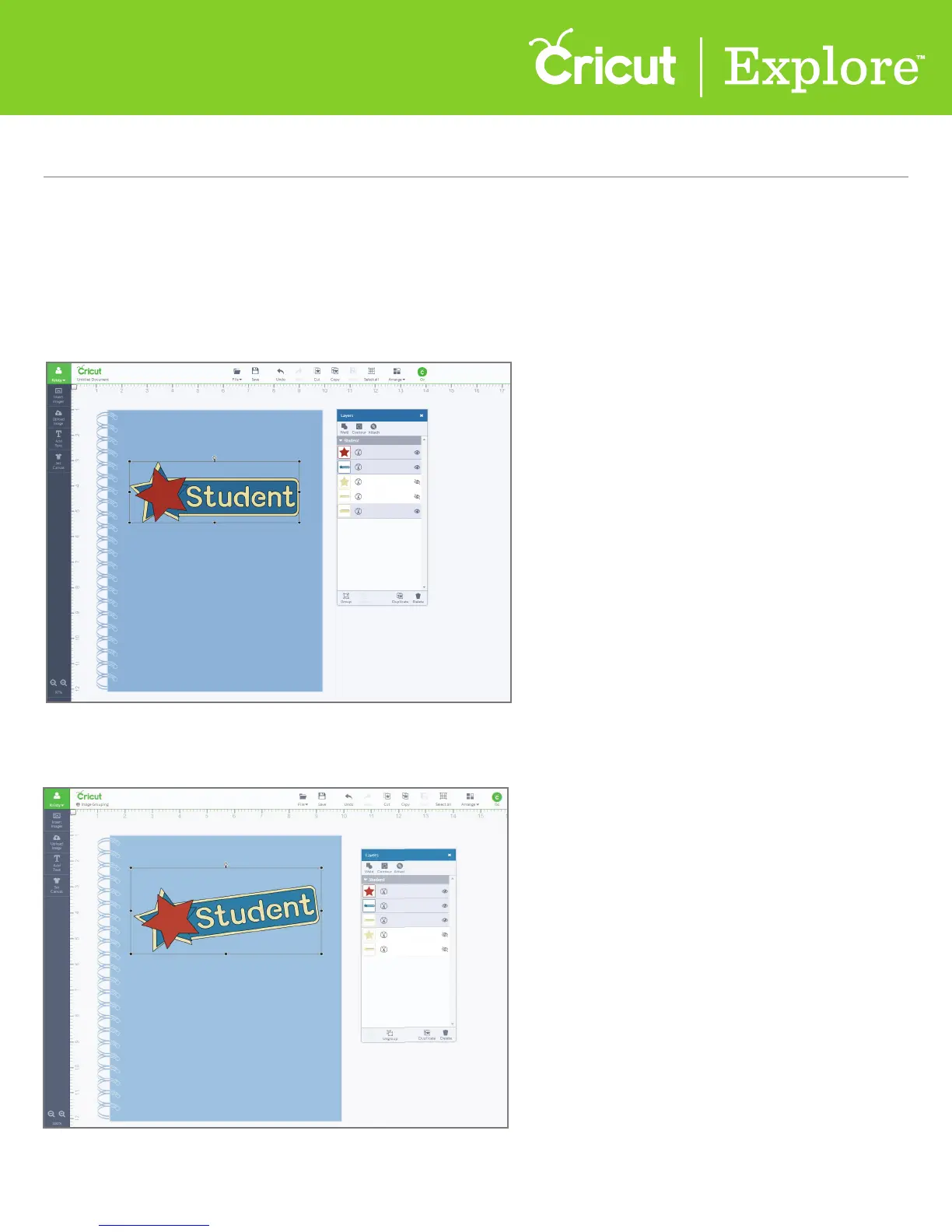
Step 1 Select the images you would like to group together. (For more information on how to select
layers, see section 7A “Working with images/Image panel.”) At the bottom of the Layers panel click
“Group.”
Step 2 The image group can now be sized and moved as one image.















 To Next Page