Section 7A
Working with images/Edit panel - Selecting images
Section 7A Page 1
Working with images/Edit panel
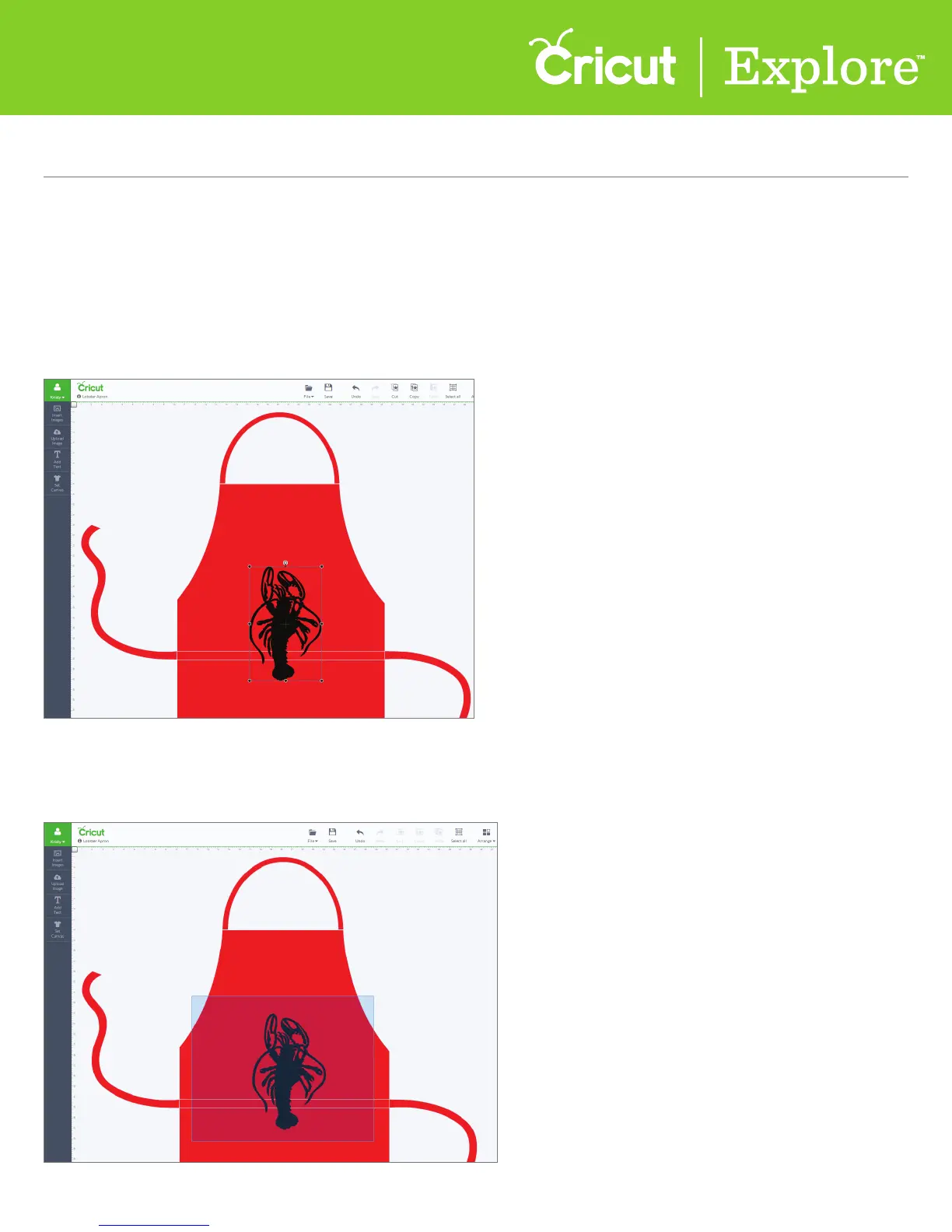
There are several dierent ways to select an image.
Option 1 Click on the image to select it. You’ll know the image is selected when the bounding box
appears around the edges.
Option 2 Drag the cursor over the images you would like to select. The images must be completely
within the blue box in order for it to be selected.
Selecting an image















 To Next Page